mariadb-secure-installation
Secures a fresh MariaDB installation interactively: root login, anonymous users, remote root access and the test database.
Syntax
mariadb-secure-installation
Options
| Question | Recommended answer |
|---|---|
| Switch to unix_socket authentication | n if root already uses the socket |
| Change the root password | n with socket login, otherwise y |
| Remove anonymous users | y |
| Disallow root login remotely | y |
| Remove test database and access to it | y |
| Reload privilege tables now | y |
mysql_secure_installation is the old name. The script only needs to run once, right after the installation.
Examples
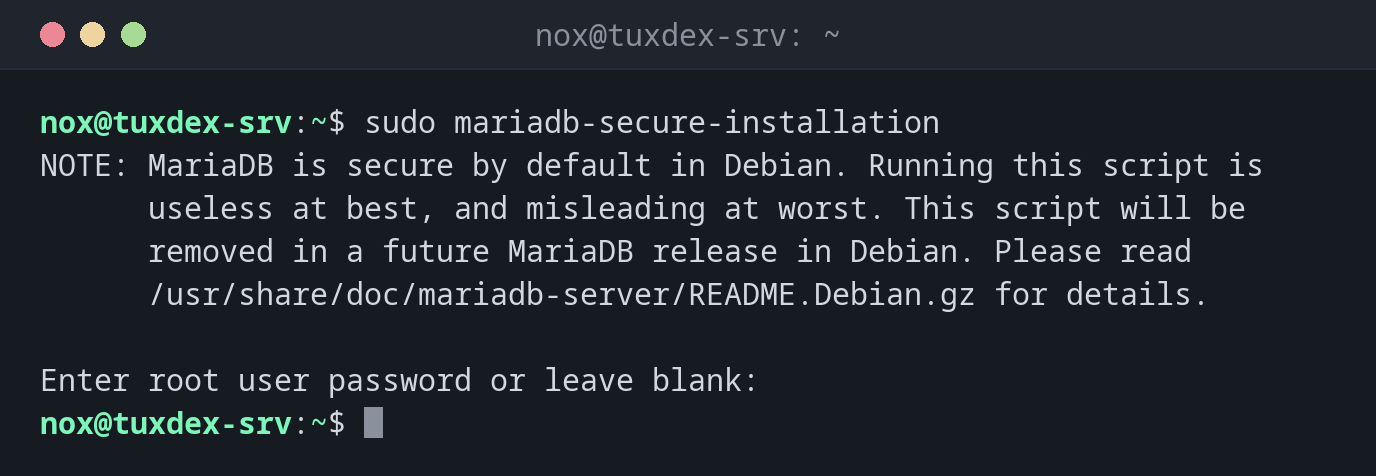
The note on Debian:
sudo mariadb-secure-installation
NOTE: MariaDB is secure by default in Debian. Running this script is
      useless at best, and misleading at worst. This script will be
      removed in a future MariaDB release in Debian. Please read
      /usr/share/doc/mariadb-server/README.Debian.gz for details.

Enter root user password or leave blank:
A run on RHEL or Arch:
sudo mariadb-secure-installation
Enter current password for root (enter for none):
OK, successfully used password, moving on...

Switch to unix_socket authentication [Y/n] n
 ... skipping.

Change the root password? [Y/n] n
 ... skipping.

Remove anonymous users? [Y/n] y
 ... Success!

Disallow root login remotely? [Y/n] y
 ... Success!

Remove test database and access to it? [Y/n] y
 - Dropping test database...
 ... Success!
 - Removing privileges on test database...
 ... Success!

Reload privilege tables now? [Y/n] y
 ... Success!

Cleaning up...

All done!  If you've completed all of the above steps, your MariaDB
installation should now be secure.

Thanks for using MariaDB!
Check the result:
sudo mariadb -e "SELECT User, Host FROM mysql.user; SHOW DATABASES LIKE 'test';"
+-------------+-----------+
| User        | Host      |
+-------------+-----------+
| mariadb.sys | localhost |
| mysql       | localhost |
| root        | localhost |
+-------------+-----------+
No user with an empty name, no root for other hosts, no database test.
When do I need it?
- Right after installing MariaDB on RHEL or Arch
- On servers that were installed long ago and never secured
Not needed on Debian and Ubuntu
The packages there are secure by default: root logs in only via the socket, and there
are no anonymous users and no test database. The script says so itself.
Don't lock yourself out
If you set a root password and switch off the socket login, sudo mariadb no longer
works without -p. Note the password in your password manager before you continue.
Distribution differences
| Debian | Ubuntu | RHEL | Arch | |
|---|---|---|---|---|
| Needed after install | no | no | yes | yes, after mariadb-install-db |
| Package | mariadb-server |
mariadb-server |
mariadb-server |
mariadb |