crontab
Shows and edits the cron jobs of a user: commands that run regularly at fixed times.
Syntax
crontab [OPTION]... [FILE]
The time syntax with its five fields is explained in the basics.
Options
| Option | Description |
|---|---|
-l |
Show the crontab |
-e |
Edit the crontab in the editor |
-r |
Delete the whole crontab |
-u USER |
The crontab of another user (root) |
FILE, - |
Install a crontab from a file or from standard input |
Examples
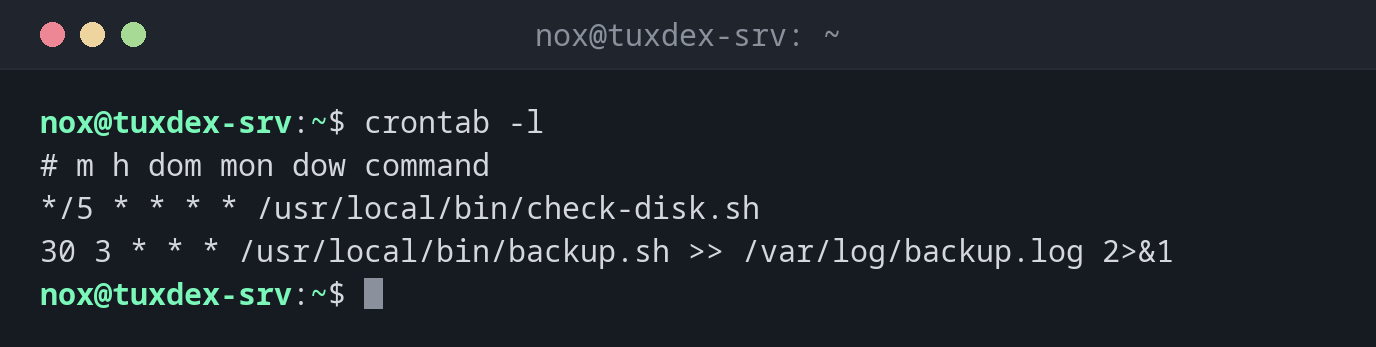
Show the own crontab:
crontab -l
# m h dom mon dow command
*/5 * * * * /usr/local/bin/check-disk.sh
30 3 * * * /usr/local/bin/backup.sh >> /var/log/backup.log 2>&1
A user without a crontab:
crontab -l -u alice
no crontab for alice
Edit the crontab:
crontab -e
crontab: installing new crontab
After saving and closing the editor, the new crontab is active immediately.
A mistake in the time fields:
crontab -e
crontab: installing new crontab
"/tmp/crontab.dIi22M/crontab":2: bad minute
errors in crontab file, can't install.
Do you want to retry the same edit? (y/n) y
61 is not a valid minute. crontab refuses to install the faulty version and lets you
correct it.
When do I need it?
- To run a script regularly, e.g. a backup every night
- To check which jobs a user has scheduled
- When a job doesn't run: is the line there, and is it correct?
Set the editor
crontab -e uses the editor from $EDITOR. With EDITOR=nano crontab -e, you choose it
for this one call.
-r deletes without asking
-r sits right next to -e on the keyboard and deletes the whole crontab immediately. Save
it regularly: crontab -l > ~/crontab.backup.