for
Repeats commands for every element of a list: servers, files, numbers.
Syntax
for NAME in LIST; do
    …
done

for (( i = 0; i < N; i++ )); do
    …
done
Options
| Form | Runs over |
|---|---|
for h in web01 web02 |
The given words |
for f in /var/log/*.log |
Matching files (glob) |
for i in {1..10} |
A range of numbers |
for (( i = 0; i < 3; i++ )) |
A counter, C style |
for a in "$@" |
All arguments of the script |
break, continue |
Leave the loop, skip to the next element |
Examples
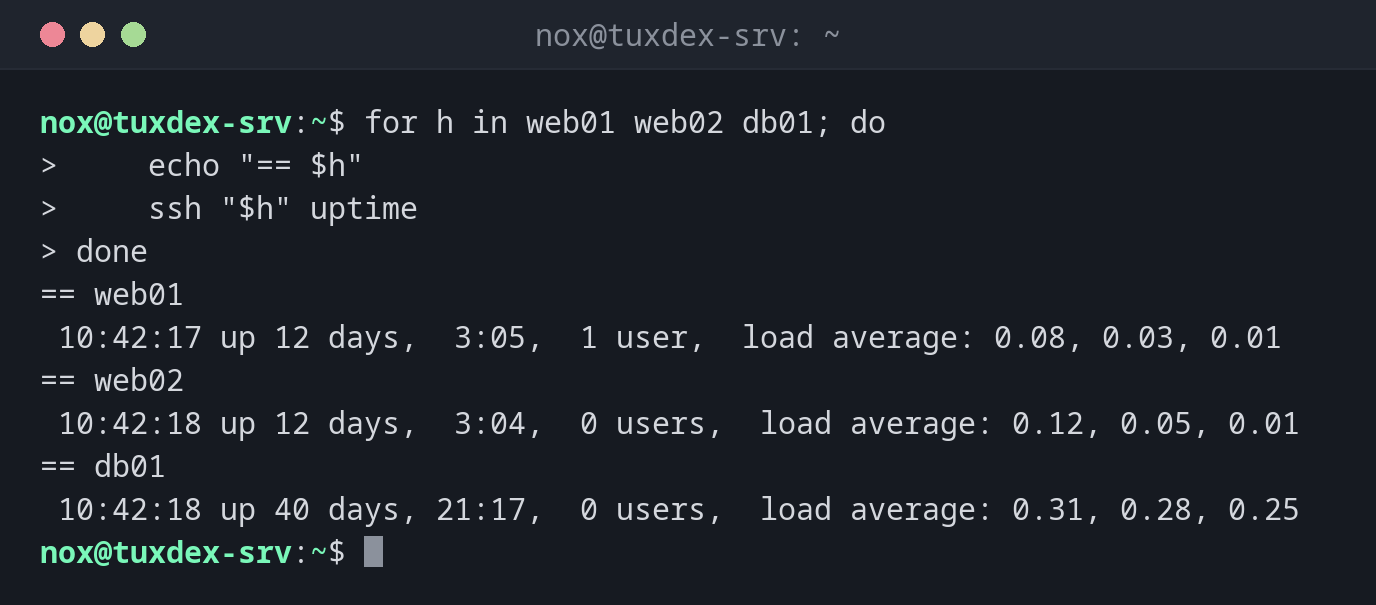
Run a command on several servers:
for h in web01 web02 db01; do
    echo "== $h"
    ssh "$h" uptime
done
== web01
 10:42:17 up 12 days,  3:05,  1 user,  load average: 0.08, 0.03, 0.01
== web02
 10:42:18 up 12 days,  3:04,  0 users,  load average: 0.12, 0.05, 0.01
== db01
 10:42:18 up 40 days, 21:17,  0 users,  load average: 0.31, 0.28, 0.25
Compress all old logs:
for f in /var/log/app/*.log.1; do
    gzip -v "$f"
done
/var/log/app/api.log.1:  84.2% -- replaced with /var/log/app/api.log.1.gz
/var/log/app/worker.log.1:       79.6% -- replaced with /var/log/app/worker.log.1.gz
A range of numbers:
for i in {1..3}; do
    echo "round $i"
done
round 1
round 2
round 3
When do I need it?
- To run the same command on several servers or files
- To process all files of a directory
- For a fixed number of repetitions
Globs instead of ls
for f in /var/log/*.log is safe for file names with spaces. for f in $(ls ...) breaks
them apart.
No match
If a glob matches nothing, the loop runs once with the pattern itself, e.g.
/var/log/*.log. Check with [[ -e $f ]] || continue, or set shopt -s nullglob.
Related commands
while · if · find · xargs · shellcheck