rsync
Synchronises files and directories, locally or over SSH. Only transfers what has changed, which makes it the standard tool for backups and deployments.
Syntax
rsync [OPTION]... SOURCE... TARGET
The trailing slash matters: /srv/www/ copies the content of the directory, /srv/www the directory itself into the target.
Options
| Option | Description |
|---|---|
-a |
Archive mode: recursive, keeps permissions, times, owners and links |
-v |
List the transferred files |
-z |
Compress during the transfer |
-n, --dry-run |
Only show what would happen |
--delete |
Delete files in the target that no longer exist in the source |
--progress |
Show the progress per file |
--exclude=PATTERN |
Skip files and directories matching PATTERN |
-e "ssh -p 2222" |
Use SSH with special options |
Examples
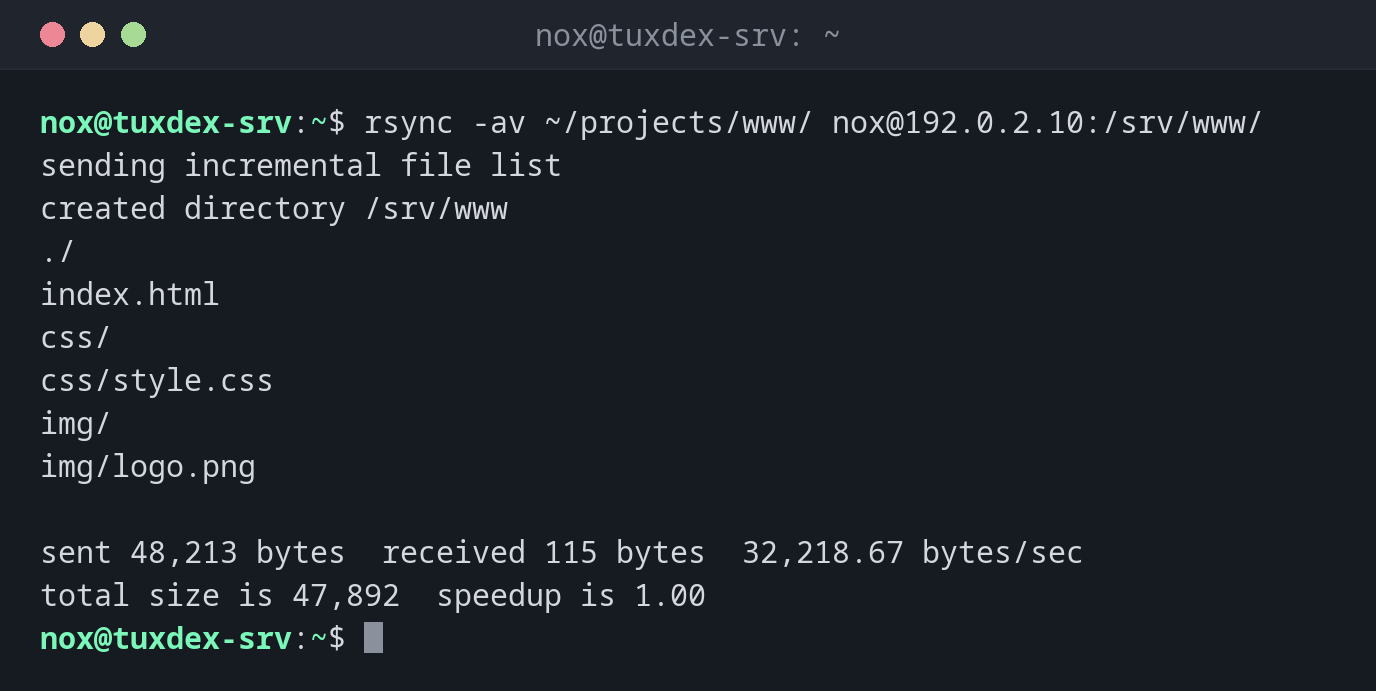
Copy a website to the server:
rsync -av ~/projects/www/ nox@192.0.2.10:/srv/www/
sending incremental file list
created directory /srv/www
./
index.html
css/
css/style.css
img/
img/logo.png

sent 48,213 bytes  received 115 bytes  32,218.67 bytes/sec
total size is 47,892  speedup is 1.00
Run it again after a change:
rsync -av ~/projects/www/ nox@192.0.2.10:/srv/www/
sending incremental file list
index.html

sent 7,102 bytes  received 41 bytes  14,286.00 bytes/sec
total size is 47,903  speedup is 6.71
Only index.html changed, so only it is transferred. That's the strength of rsync.
Check what --delete would remove:
rsync -av --delete --dry-run ~/projects/www/ nox@192.0.2.10:/srv/www/
sending incremental file list
deleting old/banner.png
index.html

sent 218 bytes  received 30 bytes  496.00 bytes/sec
total size is 47,903  speedup is 193.16 (DRY RUN)
old/banner.png no longer exists locally and would be deleted on the server. Without
--dry-run, it really happens.
Copy a large file with progress:
rsync -a --progress db.sql.gz nox@192.0.2.10:/srv/backup/
sending incremental file list
db.sql.gz
     30,000,000 100%   11.20MB/s    0:00:02 (xfr#1, to-chk=0/1)

sent 30,007,421 bytes  received 35 bytes  8,573,559.14 bytes/sec
total size is 30,000,000  speedup is 1.00
Fetch a backup from the server, without the cache directory:
rsync -av --exclude=cache/ nox@192.0.2.10:/srv/app/ ~/backup/app/
receiving incremental file list
./
config.php
data/
data/users.json

sent 69 bytes  received 18,442 bytes  37,022.00 bytes/sec
total size is 18,201  speedup is 0.98
When do I need it?
- For backups to another server, run regularly by cron or a systemd timer
- To deploy a website or an application to a server
- To move large amounts of data, because an interrupted transfer can simply be restarted
Always test --delete with --dry-run first
A wrong path or a missing trailing slash with --delete can delete the whole target
directory. Look at the dry run, then run the real command.
Installed on both sides
rsync must be installed on your computer and on the server. Otherwise you get
rsync: command not found from the remote side.
Distribution differences
| Debian | Ubuntu | RHEL | Arch | |
|---|---|---|---|---|
| Installed by default | no | yes | no | no |