resolvectl
Shows and controls
systemd-resolved, the local DNS resolver: which DNS servers are used, what they answer, and empties the DNS cache.
Syntax
resolvectl [OPTION]... COMMAND [ARGUMENT]...
resolvectl only works where systemd-resolved is running, which is the default on
Ubuntu. On Debian, RHEL and Arch it is usually not active, see the table.
Options
| Command | Description |
|---|---|
status |
DNS settings per interface: servers, domain, protocols |
query NAME |
Resolve a name the way programs do, including the cache |
dns |
Only the DNS servers per interface |
flush-caches |
Empty the DNS cache |
statistics |
Cache hits and misses, number of queries |
Examples
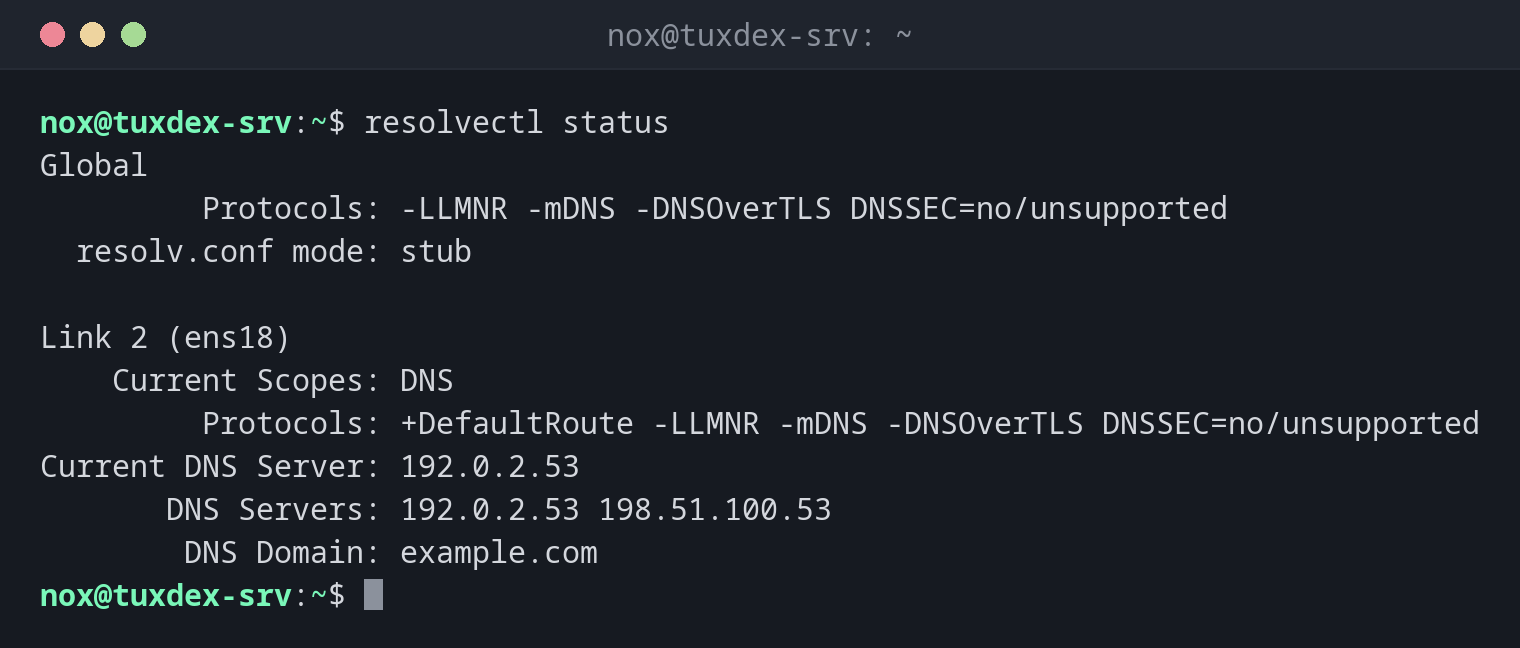
Show which DNS servers are used:
resolvectl status
Global
         Protocols: -LLMNR -mDNS -DNSOverTLS DNSSEC=no/unsupported
  resolv.conf mode: stub

Link 2 (ens18)
    Current Scopes: DNS
         Protocols: +DefaultRoute -LLMNR -mDNS -DNSOverTLS DNSSEC=no/unsupported
Current DNS Server: 192.0.2.53
       DNS Servers: 192.0.2.53 198.51.100.53
        DNS Domain: example.com
Current DNS Server is the server that answers right now. If it fails, resolved
switches to the next one from DNS Servers.
Resolve a name like a program would:
resolvectl query example.com
example.com: 198.51.100.7                                   -- link: ens18
             2001:db8:1::7                                  -- link: ens18

-- Information acquired via protocol DNS in 23.4ms.
-- Data is authenticated: no; Data was acquired via local or encrypted transport: no
-- Data from: network
Only the DNS servers:
resolvectl dns
Global:
Link 2 (ens18): 192.0.2.53 198.51.100.53
Empty the cache after a DNS change:
sudo resolvectl flush-caches
resolvectl query example.com
example.com: 198.51.100.7                                   -- link: ens18
             2001:db8:1::7                                  -- link: ens18

-- Information acquired via protocol DNS in 23.4ms.
-- Data is authenticated: no; Data was acquired via local or encrypted transport: no
-- Data from: network
Before flushing, the last line said Data from: cache and showed the old address.
Why /etc/resolv.conf only contains 127.0.0.53:
grep -v "^#" /etc/resolv.conf
nameserver 127.0.0.53
options edns0 trust-ad
search example.com
Programs ask the local resolver at 127.0.0.53, which forwards to the real DNS servers.
These are only visible with resolvectl status.
When do I need it?
- On Ubuntu, to find out which DNS servers are really used
- After a DNS change, when the server still resolves the old address
- When names resolve on one interface (VPN) but not on another
dig vs. resolvectl query
dig asks a DNS server directly, past the local cache. resolvectl query shows the
answer that programs get, including the cache. If both differ, the cache is outdated.
Don't edit /etc/resolv.conf by hand
On systems with systemd-resolved, the file is generated and your changes are
overwritten. Set the DNS servers in the network configuration, on Ubuntu with
netplan.
Distribution differences
| Debian | Ubuntu | RHEL | Arch | |
|---|---|---|---|---|
systemd-resolved active |
no (package systemd-resolved) |
yes | no, NetworkManager writes /etc/resolv.conf |
optional |
| DNS servers shown with | cat /etc/resolv.conf |
resolvectl status |
nmcli dev show |
depends on the setup |