ansible
Runs a single module on a group of servers right away, without a playbook (ad hoc commands).
Syntax
ansible PATTERN [-m MODULE] [-a "ARGUMENTS"] [OPTIONS]
Options
| Option | Description |
|---|---|
PATTERN |
Target: a server, a group, all or a pattern like web:!web02 |
-m MODULE |
Module to run, by default command |
-a ARGUMENTS |
Arguments of the module, such as "name=htop state=present" |
-b, --become |
Run with sudo |
-K, --ask-become-pass |
Ask for the sudo password |
-i INVENTORY |
Another inventory |
-f N, --forks N |
How many servers at the same time (default 5) |
--check, --diff |
Only show what would change |
Examples
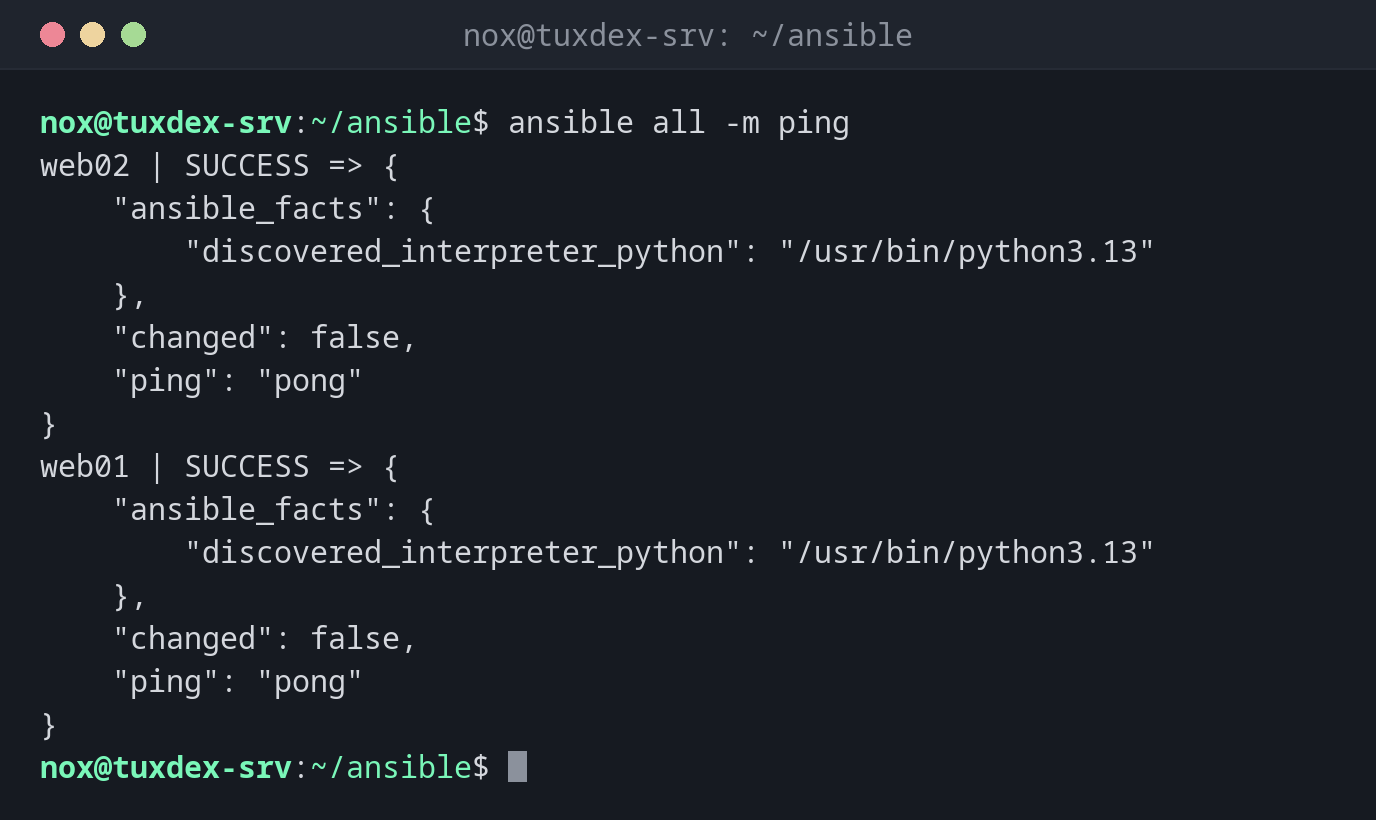
Check that all servers are reachable:
ansible all -m ping
web02 | SUCCESS => {
    "ansible_facts": {
        "discovered_interpreter_python": "/usr/bin/python3.13"
    },
    "changed": false,
    "ping": "pong"
}
web01 | SUCCESS => {
    "ansible_facts": {
        "discovered_interpreter_python": "/usr/bin/python3.13"
    },
    "changed": false,
    "ping": "pong"
}
ping doesn't send ICMP packets: it logs in via SSH and checks that Python works.
A command on all web servers:
ansible web -a "uptime"
web01 | CHANGED | rc=0 >>
 10:42:17 up 12 days,  3:05,  1 user,  load average: 0.08, 0.03, 0.01
web02 | CHANGED | rc=0 >>
 10:42:17 up 12 days,  3:05,  0 users,  load average: 0.02, 0.04, 0.00
Install a package everywhere:
ansible web -b -m apt -a "name=htop state=present"
web01 | SUCCESS => {
    "ansible_facts": {
        "discovered_interpreter_python": "/usr/bin/python3.13"
    },
    "cache_update_time": 1793101332,
    "cache_updated": false,
    "changed": false
}
web02 | SUCCESS => {
    "ansible_facts": {
        "discovered_interpreter_python": "/usr/bin/python3.13"
    },
    "cache_update_time": 1793101333,
    "cache_updated": false,
    "changed": false
}
SUCCESS with "changed": false: htop was already installed, so nothing happened. On the first run, it says CHANGED.
Pipes need the shell module:
ansible web01 -m shell -a "df -h / | tail -1"
web01 | CHANGED | rc=0 >>
/dev/sda2        38G  6.1G   30G  17% /
Facts about the distribution:
ansible web01 -m setup -a "filter=ansible_distribution*"
web01 | SUCCESS => {
    "ansible_facts": {
        "ansible_distribution": "Debian",
        "ansible_distribution_file_parsed": true,
        "ansible_distribution_file_path": "/etc/os-release",
        "ansible_distribution_file_variety": "Debian",
        "ansible_distribution_major_version": "13",
        "ansible_distribution_minor_version": "1",
        "ansible_distribution_release": "trixie",
        "ansible_distribution_version": "13.1",
        "discovered_interpreter_python": "/usr/bin/python3.13"
    },
    "changed": false
}
When do I need it?
- To check quickly whether all servers are reachable
- To run a command on all servers, such as
uptimeor a disk check - For one-off changes, such as installing a package on every web server
Facts about a server
ansible web01 -m setup shows everything Ansible knows about a server: distribution,
IP addresses, memory, disks. Filter with -a "filter=ansible_*mem*".
command doesn't know shell syntax
The default module command runs the program directly, without a shell: pipes (|),
redirects and * don't work. Use -m shell for those.
Distribution differences
| Debian | Ubuntu | RHEL | Arch | |
|---|---|---|---|---|
| Install | sudo apt install ansible |
sudo apt install ansible |
sudo dnf install ansible-core (full ansible from EPEL) |
sudo pacman -S ansible |