passwd
Changes the password of a user, and can lock, unlock or expire it.
Syntax
passwd [OPTION]... [USER]
Options
| Option | Description |
|---|---|
| (none) | Change your own password |
USER |
Change the password of another user (as root) |
-S, --status |
Show the password status |
-l, --lock |
Lock the password |
-u, --unlock |
Unlock the password |
-e, --expire |
Force a password change at the next login |
-d, --delete |
Delete the password (login without password) |
Status letters in passwd -S:
| Letter | Meaning |
|---|---|
P |
The user has a usable password |
L |
The password is locked |
NP |
The user has no password |
Examples
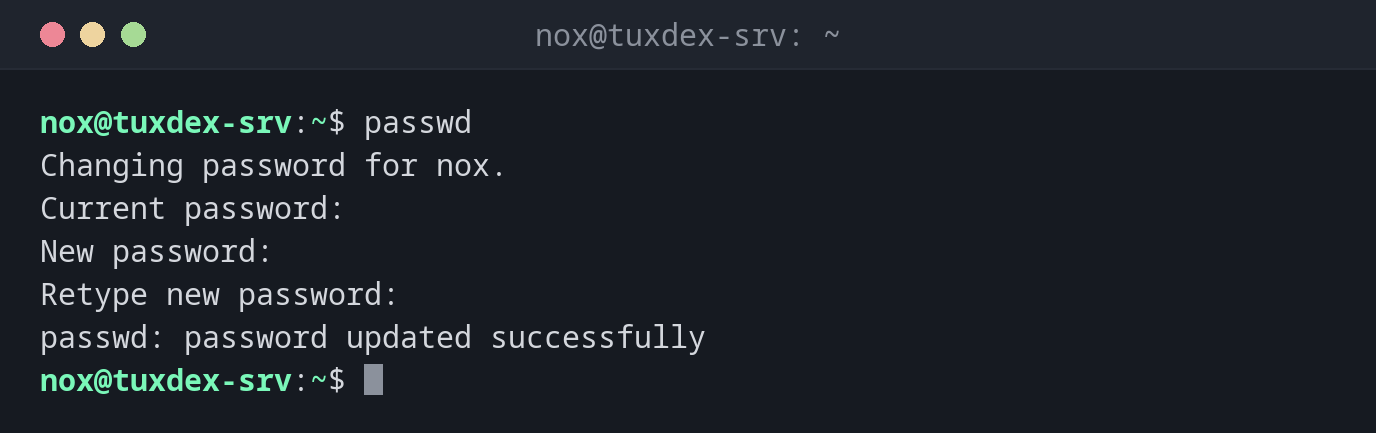
Change your own password:
passwd
Changing password for nox.
Current password:
New password:
Retype new password:
passwd: password updated successfully
What you type is not shown, not even as *.
Set the password of another user:
sudo passwd alice
New password:
Retype new password:
passwd: password updated successfully
As root, you don't need to know the old password.
Force a new password at the next login:
sudo passwd -e alice
passwd: password expiry information changed.
When alice logs in next time, the system asks for a new password straight away.
Show the password status:
sudo passwd -S alice
alice P 2026-10-26 0 99999 7 -1
The fields: user, status, date of the last change, minimum age, maximum age, warning period and inactivity period in days.
Typo in the second input:
passwd
Changing password for nox.
Current password:
New password:
Retype new password:
Sorry, passwords do not match.
passwd: Authentication token manipulation error
passwd: password unchanged
When do I need it?
- To give a new user a start password, ideally together with
passwd -e - To reset the password of a user who forgot it
- To lock an account temporarily (
-l) and unlock it later (-u) - To check whether an account has a password at all (
-S)
Start passwords
Set a random start password and force a change at the first login:
sudo passwd alice and then sudo passwd -e alice. That way, only the user knows
the final password.
-l doesn't stop SSH keys
A locked password only blocks logins with a password. A user with an SSH key in
~/.ssh/authorized_keys can still log in. See usermod for how to
lock an account completely.
Never use passwd -d on a server
-d removes the password completely. Depending on the configuration, anyone can then
log in as this user without a password.