shellcheck
Checks shell scripts for errors and risky constructs before they run: missing quotes, unset variables, typos and many classic traps.
Syntax
shellcheck [OPTION]... SCRIPT...
Every finding has a code like SC2086. https://www.shellcheck.net/wiki/SC2086 explains it with examples.
Options
| Option | Description |
|---|---|
-f gcc |
Short output, one line per finding |
-S warning |
Only warnings and errors, no style notes |
-e SC2086 |
Ignore this check |
-x |
Follow files loaded with source |
Examples
Check a script:
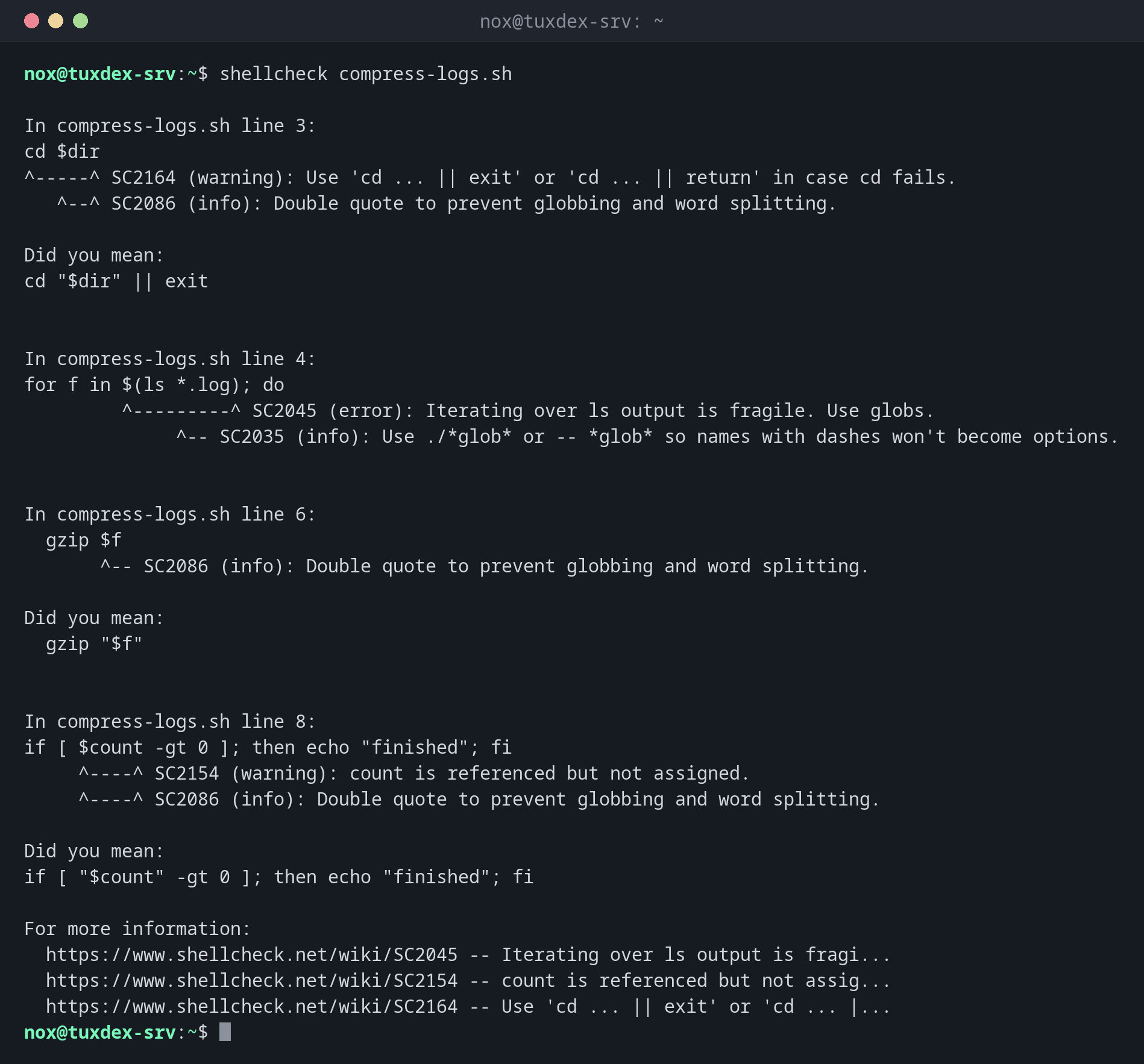
shellcheck compress-logs.sh
In compress-logs.sh line 3:
cd $dir
^-----^ SC2164 (warning): Use 'cd ... || exit' or 'cd ... || return' in case cd fails.
   ^--^ SC2086 (info): Double quote to prevent globbing and word splitting.

Did you mean:
cd "$dir" || exit


In compress-logs.sh line 4:
for f in $(ls *.log); do
         ^---------^ SC2045 (error): Iterating over ls output is fragile. Use globs.
              ^-- SC2035 (info): Use ./*glob* or -- *glob* so names with dashes won't become options.


In compress-logs.sh line 6:
  gzip $f
       ^-- SC2086 (info): Double quote to prevent globbing and word splitting.

Did you mean:
  gzip "$f"


In compress-logs.sh line 8:
if [ $count -gt 0 ]; then echo "finished"; fi
     ^----^ SC2154 (warning): count is referenced but not assigned.
     ^----^ SC2086 (info): Double quote to prevent globbing and word splitting.

Did you mean:
if [ "$count" -gt 0 ]; then echo "finished"; fi

For more information:
  https://www.shellcheck.net/wiki/SC2045 -- Iterating over ls output is fragi...
  https://www.shellcheck.net/wiki/SC2154 -- count is referenced but not assig...
  https://www.shellcheck.net/wiki/SC2164 -- Use 'cd ... || exit' or 'cd ... |...
The script that was checked:
cat compress-logs.sh
#!/usr/bin/env bash
dir=$1
cd $dir
for f in $(ls *.log); do
  echo "Compressing $f"
  gzip $f
done
if [ $count -gt 0 ]; then echo "finished"; fi
Short output, one line per finding:
shellcheck -f gcc compress-logs.sh
compress-logs.sh:3:1: warning: Use 'cd ... || exit' or 'cd ... || return' in case cd fails. [SC2164]
compress-logs.sh:3:4: note: Double quote to prevent globbing and word splitting. [SC2086]
compress-logs.sh:4:10: error: Iterating over ls output is fragile. Use globs. [SC2045]
compress-logs.sh:4:15: note: Use ./*glob* or -- *glob* so names with dashes won't become options. [SC2035]
compress-logs.sh:6:8: note: Double quote to prevent globbing and word splitting. [SC2086]
compress-logs.sh:8:6: warning: count is referenced but not assigned. [SC2154]
compress-logs.sh:8:6: note: Double quote to prevent globbing and word splitting. [SC2086]
Only warnings and errors:
shellcheck -S warning -f gcc compress-logs.sh
compress-logs.sh:3:1: warning: Use 'cd ... || exit' or 'cd ... || return' in case cd fails. [SC2164]
compress-logs.sh:4:10: error: Iterating over ls output is fragile. Use globs. [SC2045]
compress-logs.sh:8:6: warning: count is referenced but not assigned. [SC2154]
When do I need it?
- Before using a new script on a server
- In CI pipelines, so that faulty scripts are noticed before deployment
- When a script behaves strangely and you don't know why
Ignore a finding on purpose
If a finding is intended, add # shellcheck disable=SC2086 in the line above. The
comment documents at the same time that it was a decision, not an oversight.
In the editor
Plugins for VS Code, Vim and other editors show ShellCheck findings while you type.
Distribution differences
| Debian | Ubuntu | RHEL | Arch | |
|---|---|---|---|---|
| Package | shellcheck |
shellcheck |
from EPEL | shellcheck |