pstree
Shows the running processes as a tree, so you can see which process started which.
Syntax
pstree [OPTION]... [PID | USER]
Options
| Option | Description |
|---|---|
-p |
Show the PID of every process |
-u |
Show the user when it changes from parent to child |
-a |
Show the command line arguments |
-s |
Show the parents of the given process |
-c |
Don't combine identical branches (2*[nginx]) |
Examples
Show the whole process tree:
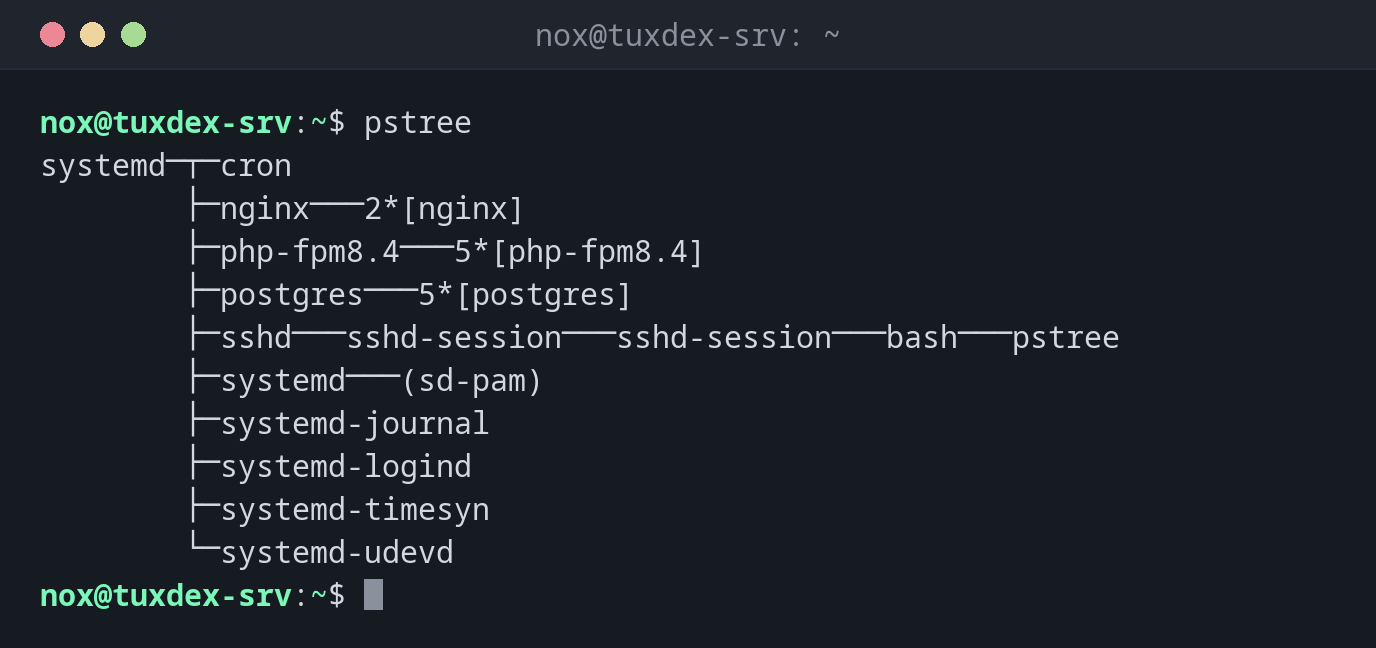
pstree
systemd─┬─cron
        ├─nginx───2*[nginx]
        ├─php-fpm8.4───5*[php-fpm8.4]
        ├─postgres───5*[postgres]
        ├─sshd───sshd-session───sshd-session───bash───pstree
        ├─systemd───(sd-pam)
        ├─systemd-journal
        ├─systemd-logind
        ├─systemd-timesyn
        └─systemd-udevd
2*[nginx] means: two identical child processes called nginx.
Show a branch with PIDs:
pstree -p 812
nginx(812)─┬─nginx(813)
           └─nginx(814)
Show the user of the child processes:
pstree -u 812
nginx───2*[nginx(www-data)]
The master process runs as root, the workers as www-data.
Find out where a process comes from:
pstree -s -p 4410
systemd(1)───sshd(640)───sshd-session(2190)───sshd-session(2200)───bash(2201)───backup.sh(4410)
The script was started by hand in an SSH session, not by cron or systemd.
When do I need it?
- To understand how a service is built: master process, workers, helpers
- To find out who started a process, for example a script in an SSH session or a cron job
- To find the right parent process when a child process hangs or became a zombie
End the parent, not every child
If a service has many child processes, end or restart the parent process. It usually stops its children cleanly.
Package psmisc
pstree is part of the package psmisc. If it is missing on a minimal system,
install psmisc with the package manager of your distribution.