parted
Creates, changes and grows partitions, also in a single command line. Better suited for scripts than
fdisk.
Syntax
parted [OPTION]... DEVICE [COMMAND [ARGUMENT]...]
Unlike fdisk, parted writes every change immediately, there is no w at the end.
Options
| Option | Description |
|---|---|
print |
Show the partition table |
mklabel gpt |
Create a new, empty GPT table |
mkpart NAME FS START END |
Create a partition, e.g. data ext4 1MiB 100% |
resizepart N END |
Move the end of partition N, e.g. to 100% |
rm N |
Delete partition N |
unit MiB |
Show and enter sizes in MiB |
-s |
Script mode: no questions |
Examples
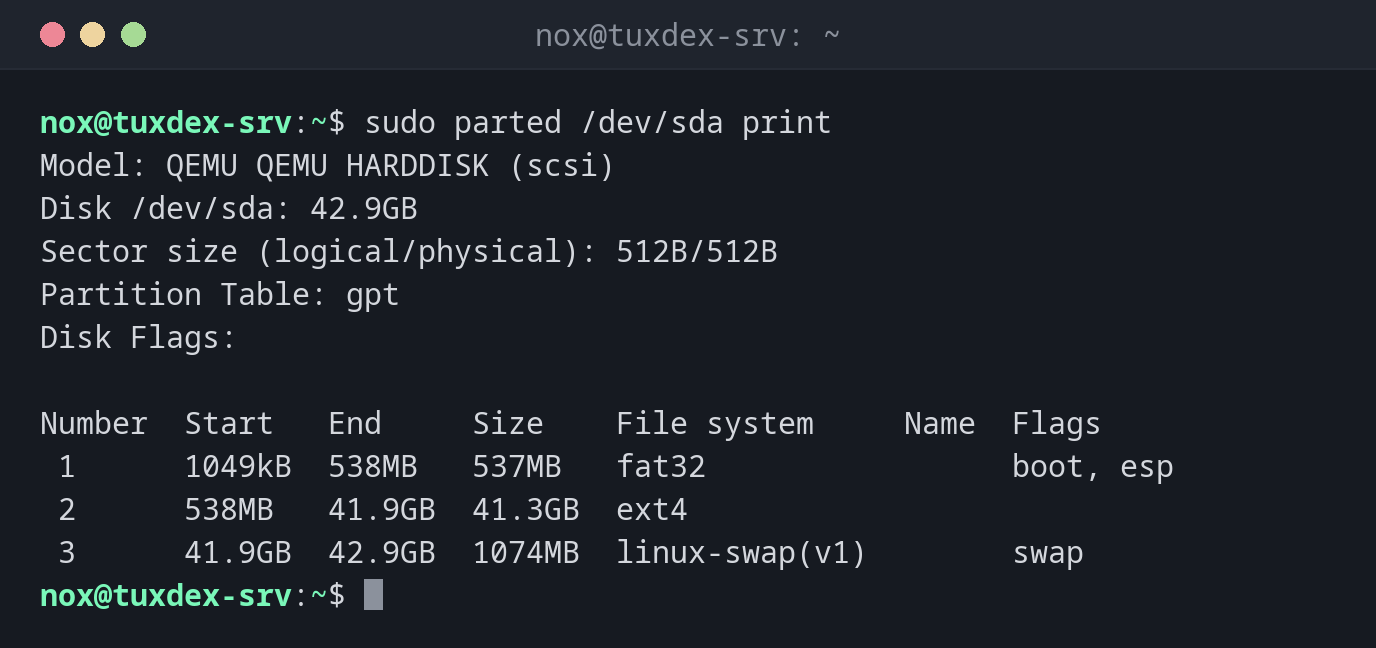
Show the partitions of the system disk:
sudo parted /dev/sda print
Model: QEMU QEMU HARDDISK (scsi)
Disk /dev/sda: 42.9GB
Sector size (logical/physical): 512B/512B
Partition Table: gpt
Disk Flags:

Number  Start   End     Size    File system     Name  Flags
 1      1049kB  538MB   537MB   fat32                 boot, esp
 2      538MB   41.9GB  41.3GB  ext4
 3      41.9GB  42.9GB  1074MB  linux-swap(v1)        swap
Partition a new disk in one line:
sudo parted -s /dev/sdd mklabel gpt mkpart data ext4 1MiB 100%
sudo parted /dev/sdd print
Model: QEMU QEMU HARDDISK (scsi)
Disk /dev/sdd: 53.7GB
Sector size (logical/physical): 512B/512B
Partition Table: gpt
Disk Flags:

Number  Start   End     Size    File system  Name  Flags
 1      1049kB  53.7GB  53.7GB               data
The column File system stays empty: ext4 in mkpart is only a hint, the file
system itself is created by mkfs.
Show sizes in MiB:
sudo parted /dev/sdd unit MiB print
Model: QEMU QEMU HARDDISK (scsi)
Disk /dev/sdd: 51200MiB
Sector size (logical/physical): 512B/512B
Partition Table: gpt
Disk Flags:

Number  Start    End       Size      File system  Name  Flags
 1      1.00MiB  51199MiB  51198MiB               data
When do I need it?
- To partition disks in scripts or automation
- To grow a partition after the virtual disk was enlarged
- For disks larger than 2 TiB that need GPT
Start at 1MiB
1MiB as start and 100% as end aligns the partition correctly for SSDs and RAID and
uses the whole disk.
Changes are immediate
mklabel on a disk in use deletes its partition table at once, without a second
question in script mode. Double check the device name.