a2ensite
On Debian and Ubuntu: enables and disables Apache sites by linking them from sites-available to sites-enabled.
Syntax
a2ensite SITE...
a2dissite SITE...
a2query -s
Options
| Option | Description |
|---|---|
a2ensite SITE |
Enable a site (file sites-available/SITE.conf) |
a2dissite SITE |
Disable a site |
a2query -s |
List the enabled sites |
-q, --quiet |
No hints |
a2enconf, a2disconf |
The same for snippets in conf-available/ |
After enabling or disabling, reload Apache: sudo systemctl reload apache2.
Examples
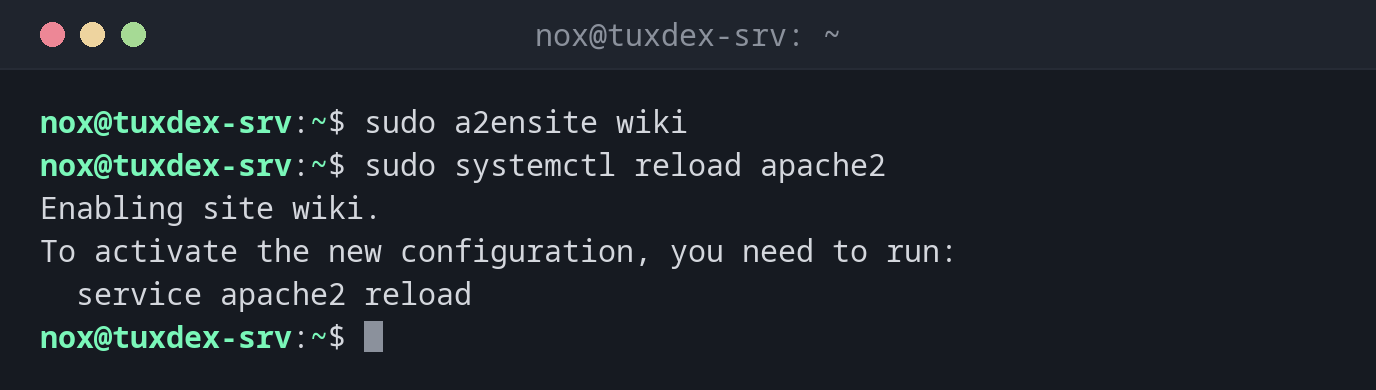
Enable a site and reload:
sudo a2ensite wiki
sudo systemctl reload apache2
Enabling site wiki.
To activate the new configuration, you need to run:
  service apache2 reload
Disable the default page:
sudo a2dissite 000-default
Site 000-default disabled.
To activate the new configuration, you need to run:
  service apache2 reload
List the enabled sites:
a2query -s
wiki (enabled by site administrator)
Enabling twice does no harm:
sudo a2ensite wiki
Site wiki already enabled
When do I need it?
- To put a new website online
- To take a site offline without deleting its configuration
- To disable the default page
000-defaulton a production server
nginx has no a2ensite
With nginx on Debian, a symbolic link does the same job:
sudo ln -s /etc/nginx/sites-available/status /etc/nginx/sites-enabled/, and rm of
the link disables the site.
Distribution differences
| Debian | Ubuntu | RHEL | Arch | |
|---|---|---|---|---|
| Available | yes (apache2) |
yes (apache2) |
no: put files into /etc/httpd/conf.d/ |
no: Include lines in httpd.conf |