ssh-add
Loads SSH keys into the running
ssh-agent, lists the loaded keys and removes them again.
Syntax
ssh-add [OPTION]... [FILE]...
Options
| Option | Description |
|---|---|
| (none) | Add the default keys (~/.ssh/id_ed25519 and others) |
FILE |
Add this key |
-l |
List the fingerprints of the loaded keys |
-L |
List the loaded public keys in full |
-t TIME |
Remove the key automatically after TIME, e.g. 1h |
-d FILE |
Remove a single key |
-D |
Remove all keys |
Examples
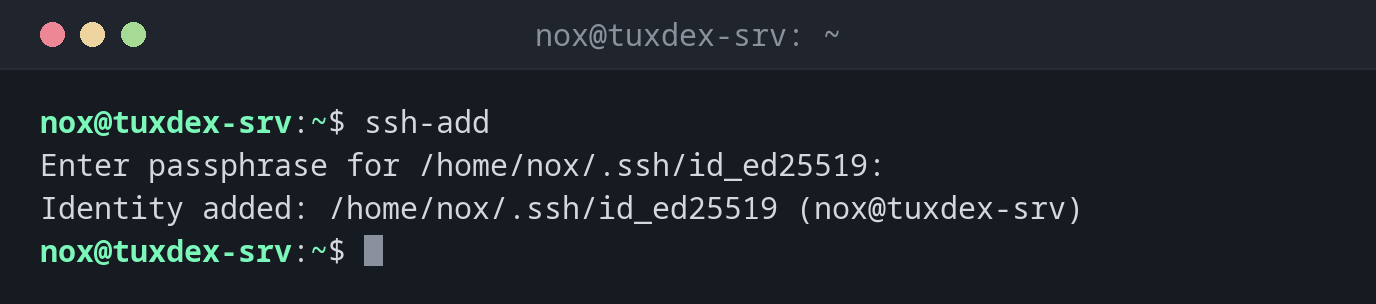
Add the default key:
ssh-add
Enter passphrase for /home/nox/.ssh/id_ed25519:
Identity added: /home/nox/.ssh/id_ed25519 (nox@tuxdex-srv)
From now on, ssh uses the key without asking for the passphrase again.
Add a key only for one hour:
ssh-add -t 1h
Enter passphrase for /home/nox/.ssh/id_ed25519:
Identity added: /home/nox/.ssh/id_ed25519 (nox@tuxdex-srv)
Lifetime set to 3600 seconds
Show the loaded keys:
ssh-add -l
256 SHA256:MH9iiNBiK1fYLz4X57tGWkD2uYd7TpgABke1SUynK1k nox@tuxdex-srv (ED25519)
Show the public key of a loaded key:
ssh-add -L
ssh-ed25519 AAAAC3NzaC1lZDI1NTE5AAAAIAWZDtTcIe235G0EzeAQj/BESDJnWT39gRghXyiMZZal nox@tuxdex-srv
Remove a key:
ssh-add -d ~/.ssh/id_ed25519
Identity removed: /home/nox/.ssh/id_ed25519 ED25519 (nox@tuxdex-srv)
The agent is empty:
ssh-add -l
The agent has no identities.
When do I need it?
- At the start of a working session, to unlock your key once
- To check which key the agent offers when a login fails
- Before a break, to remove all keys from the agent with
-D
Load keys automatically
With AddKeysToAgent yes in ~/.ssh/config, ssh adds the key to the agent the
first time you use it. You don't need to run ssh-add by hand.
Too many keys
The agent offers every loaded key one after the other. Servers often allow only six
attempts, so with many keys you can see Too many authentication failures. Use
IdentitiesOnly yes and IdentityFile in ~/.ssh/config per host.
Related commands
ssh-agent · ssh-keygen · ssh