mkdir
Creates new directories, including all missing parent directories if needed.
Syntax
mkdir [OPTION]... DIRECTORY...
Options
| Option | Description |
|---|---|
-p, --parents |
Also create missing parent directories, no error if the directory exists |
-m, --mode=MODE |
Set the permissions right away (e.g. 700) |
-v, --verbose |
Print a message for every created directory |
Examples
Create a directory:
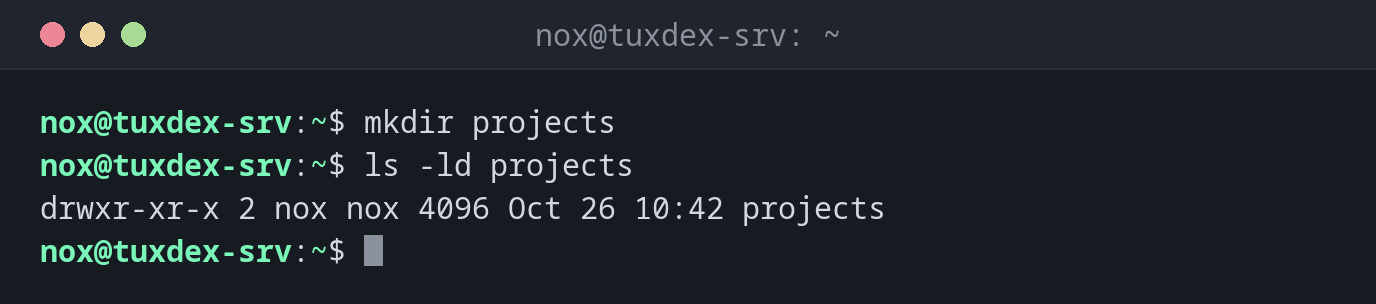
mkdir projects
ls -ld projects
drwxr-xr-x 2 nox nox 4096 Oct 26 10:42 projects
Create a nested directory structure in one go:
sudo mkdir -p /srv/www/example.com/{public,logs}
tree /srv/www
/srv/www
└── example.com
    ├── logs
    └── public

3 directories, 0 files
Show which directories were created:
mkdir -pv backup/2026/10
mkdir: created directory 'backup/2026'
mkdir: created directory 'backup/2026/10'
backup already existed, so only the two missing levels were created.
Create a directory that only you can access:
mkdir -m 700 private
ls -ld private
drwx------ 2 nox nox 4096 Oct 26 10:42 private
Create a directory that already exists:
mkdir projects
mkdir: cannot create directory ‘projects’: File exists
When do I need it?
- To set up the directory structure for a new website, application or backup target
- In scripts and deployments, where
mkdir -pmakes sure a directory exists without failing if it is already there - To create directories with restricted permissions for keys or credentials (
-m 700)
-p in scripts
mkdir -p never fails because a directory already exists. That makes it safe to run
a script several times.
Permissions outside your home directory
Directories like /srv, /opt or /etc belong to root. Without sudo, you get
mkdir: cannot create directory ‘/srv/www’: Permission denied.