ansible-vault
Encrypts files and values with passwords, so that secrets can go into the Git repository of the project.
Syntax
ansible-vault create | encrypt | decrypt | view | edit | rekey FILE
ansible-vault encrypt_string VALUE --name VARIABLE
Options
| Option | Description |
|---|---|
create FILE |
Create a new encrypted file in the editor |
encrypt FILE |
Encrypt an existing file |
view FILE |
Show the content without saving it decrypted |
edit FILE |
Edit in the editor, then encrypt again |
decrypt FILE |
Decrypt permanently |
rekey FILE |
Change the vault password |
encrypt_string |
Encrypt a single value for use in a normal YAML file |
--vault-password-file FILE |
Read the password from a file instead of asking |
Examples
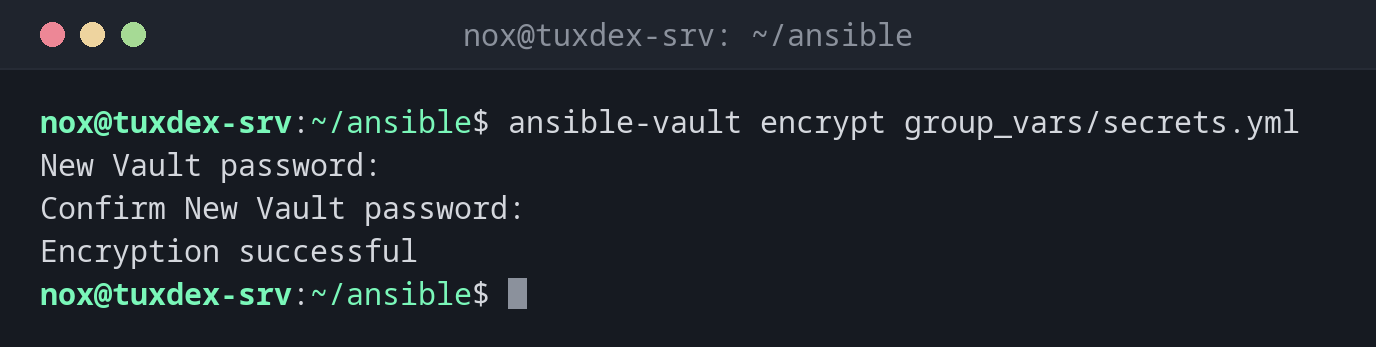
Encrypt a file with passwords:
ansible-vault encrypt group_vars/secrets.yml
New Vault password:
Confirm New Vault password:
Encryption successful
What the file looks like now:
head -3 group_vars/secrets.yml
$ANSIBLE_VAULT;1.1;AES256
37626437363538343563666534313964333566323336393839383138626636376538383034656262
6463643237393466356266303034303132393431616464310a383131396365653136636362313431
Read the content:
ansible-vault view --vault-password-file ~/.vault_pass group_vars/secrets.yml
db_password: S3cr3t-Pa55
Encrypt a single value:
ansible-vault encrypt_string --vault-password-file ~/.vault_pass 'S3cr3t-Pa55' --name db_password
db_password: !vault |
          $ANSIBLE_VAULT;1.1;AES256
          39356637356462313933343739313665396566343538303430613339663830393138663233393730
          3361643539663062386234306235383966356231323939390a633932343230393339363466653938
          37633630653434326232636138376266653661653832363263663838663632336335386639383065
          3163316534616634360a303961373638323463643334373139303231613735666130333437643932
          6331
Paste the output into a normal variables file. The rest of the file stays readable.
Run a playbook with encrypted variables:
ansible-playbook site.yml --ask-vault-pass --limit web01 --tags packages
Vault password:

PLAY [Set up web servers] ******************************************************

TASK [Gathering Facts] *********************************************************
ok: [web01]

TASK [Install nginx] ***********************************************************
ok: [web01]

PLAY RECAP *********************************************************************
web01                      : ok=2    changed=0   unreachable=0    failed=0    skipped=0    rescued=0    ignored=0
When do I need it?
- For passwords, API keys and private keys that a playbook needs
- To keep a whole project in Git without exposing secrets
- In CI pipelines, together with a password file that only the pipeline knows
Password file instead of typing
Put the vault password in ~/.vault_pass with mode 600 and set
vault_password_file = ~/.vault_pass in ansible.cfg. Never commit this file.
Lost password, lost data
There is no way to decrypt a vault file without the password. Store it in your password manager.