systemd-tmpfiles
Creates, cleans up and removes files and directories according to simple configuration files, for example runtime directories after every boot or old files in temporary directories.
Syntax
systemd-tmpfiles [OPTION]... [CONFIG FILE]...
Options
| Option | Description |
|---|---|
--create |
Create the files and directories, and set owner and permissions |
--clean |
Delete files that are older than the configured age |
--remove |
Remove what is marked for removal |
-n, --dry-run |
Only show what would be done (newer systemd versions) |
--cat-config |
Show all configuration files with their content |
Configuration lines have the form TYPE PATH MODE USER GROUP AGE:
| Type | Meaning |
|---|---|
d |
Create a directory, clean it up by age |
D |
Like d, but its content is also removed at every boot |
f |
Create a file if it doesn't exist |
L |
Create a symbolic link |
z |
Only set owner and permissions of an existing path |
Your own configuration belongs in /etc/tmpfiles.d/NAME.conf.
Examples
A configuration for a backup script:
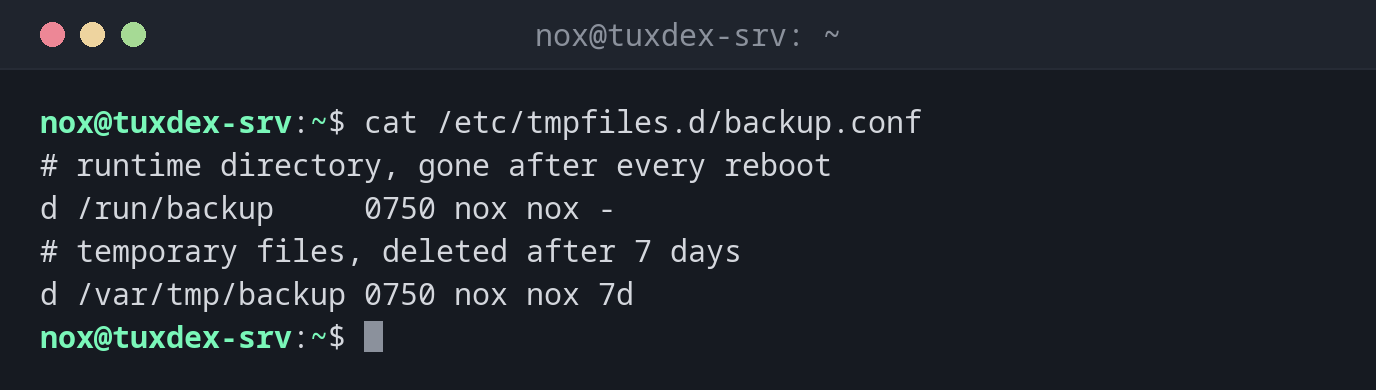
cat /etc/tmpfiles.d/backup.conf
# runtime directory, gone after every reboot
d /run/backup     0750 nox nox -
# temporary files, deleted after 7 days
d /var/tmp/backup 0750 nox nox 7d
/run is in memory and empty after every boot. The entry makes sure the directory
exists again with the right owner.
Create the directories right away:
sudo systemd-tmpfiles --create /etc/tmpfiles.d/backup.conf
ls -ld /run/backup /var/tmp/backup
drwxr-x--- 2 nox nox   40 Oct 26 10:42 /run/backup
drwxr-x--- 2 nox nox 4096 Oct 26 10:42 /var/tmp/backup
Without this command, the directories would only be created at the next boot.
Find out when cleaning runs:
systemctl list-timers systemd-tmpfiles-clean.timer
NEXT                        LEFT LAST                        PASSED       UNIT                         ACTIVATES
Tue 2026-10-27 07:52:21 CET  21h Mon 2026-10-26 07:52:21 CET 2h 50min ago systemd-tmpfiles-clean.timer systemd-tmpfiles-clean.service

1 timers listed.
Pass --all to see loaded but inactive timers, too.
Once a day, files older than the configured age are deleted, here those in
/var/tmp/backup after 7 days.
When do I need it?
- When a service or script needs a directory in
/runthat has to exist after every boot - To clean up temporary directories automatically, without your own cron job
- To find out why files in
/tmpor/var/tmpdisappear
Look at the system defaults
systemd-tmpfiles --cat-config | less shows all rules, including those for /tmp
and /var/tmp. This tells you how long files survive there on your distribution.
D deletes at every boot
With type D, the content of the directory is removed at every boot. Never use it
for directories with data that must be kept.