awk
Processes text column by column: select columns, filter by conditions, count, add up and format.
Syntax
awk [OPTION]... 'PROGRAM' [FILE]...
An awk program consists of CONDITION { ACTION } blocks. The action runs for every line
that matches the condition.
Options
| Option | Description |
|---|---|
-F SEP |
Column separator (default: any number of spaces and tabs) |
-v NAME=VALUE |
Set a variable before the program starts |
-f FILE |
Read the program from FILE |
Built-in variables and blocks:
| Element | Meaning |
|---|---|
$1, $2, … |
Column 1, 2, … of the current line |
$0 |
The whole line |
$NF |
The last column |
NR |
Number of the current line |
NF |
Number of columns in the current line |
BEGIN { } |
Runs once before the first line |
END { } |
Runs once after the last line |
Examples
Print certain columns:
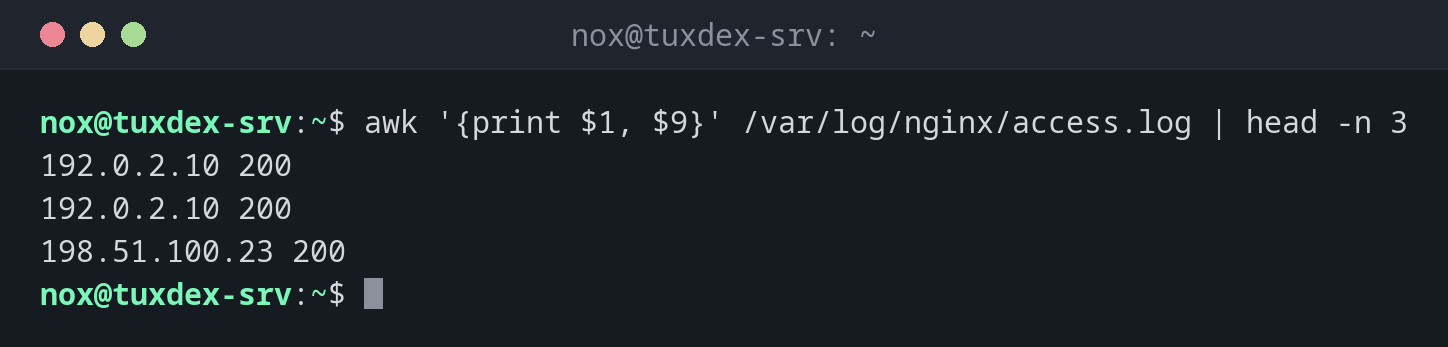
awk '{print $1, $9}' /var/log/nginx/access.log | head -n 3
192.0.2.10 200
192.0.2.10 200
198.51.100.23 200
Column 1 is the IP address, column 9 the HTTP status code.
Only show lines that meet a condition:
awk '$9 == 404 {print $1, $7}' /var/log/nginx/access.log
192.0.2.77 /wp-login.php
192.0.2.77 /.env
198.51.100.23 /favicon.ico
Find all normal user accounts:
awk -F: '$3 >= 1000 && $3 < 65534 {print $1}' /etc/passwd
nox
On all common distributions, normal users start at UID 1000. nobody has UID 65534 and
is excluded.
Add up a column:
awk '{sum += $10} END {printf "%.1f KB\n", sum/1024}' /var/log/nginx/access.log
20.5 KB
This is the total amount of data that nginx sent for the requests in the log.
Count values per group:
awk '{count[$9]++} END {for (s in count) print s, count[s]}' /var/log/nginx/access.log | sort
200 5
302 1
404 3
Format the output:
awk -F, 'NR > 1 {printf "%-6s %s\n", $2, $3}' users.csv
nox    nox@example.com
alice  alice@example.com
bob    bob@example.com
NR > 1 skips the header line, %-6s prints the name left-aligned with 6 characters.
Calculate an average:
awk '$9 == 200 {n++; s += $10} END {print n, s/n}' /var/log/nginx/access.log
5 4109.2
5 successful requests with an average of 4109.2 bytes each.
When do I need it?
- To evaluate logs: requests per IP, status code or URL, transferred data, response times
- To select columns from output with irregular spaces, where
cutfails - To filter by numeric conditions, for example users with UID ≥ 1000 or files larger than a certain size
- For small reports and sums directly on the command line
awk instead of cut for aligned output
Output of commands like ps, df or ls -l uses several spaces between columns.
awk '{print $5}' handles this correctly, cut -d' ' -f5 does not.
Single quotes around the program
Always write the program in single quotes: awk '{print $1}'. In double quotes, the
shell replaces $1 with its own variable before awk runs, usually with nothing.
Distribution differences
| Debian | Ubuntu | RHEL | Arch | |
|---|---|---|---|---|
Default awk |
mawk (fast, basic features) |
mawk |
gawk (GNU awk, many extras) |
gawk |
All examples on this page work with both. GNU-specific features like gensub(),
asort() or PROCINFO need gawk. Install it on Debian and Ubuntu with:
sudo apt install gawk