iotop
Shows live which processes are reading and writing on the disks, like top but for disk I/O.
Syntax
iotop [-o] [-a] [-b] [-n COUNT] [-d SECONDS]
Options
| Option | Description |
|---|---|
-o, --only |
Only processes that are reading or writing right now |
-a, --accumulated |
Add up the I/O since the start instead of showing rates |
-P, --processes |
Processes instead of single threads |
-b, --batch |
Plain text output, for logs and scripts |
-n COUNT, -d SECONDS |
Number of updates, interval |
Inside iotop: O toggles "only active", A accumulated values, Left and Right change the sort column, Q quits.
Examples
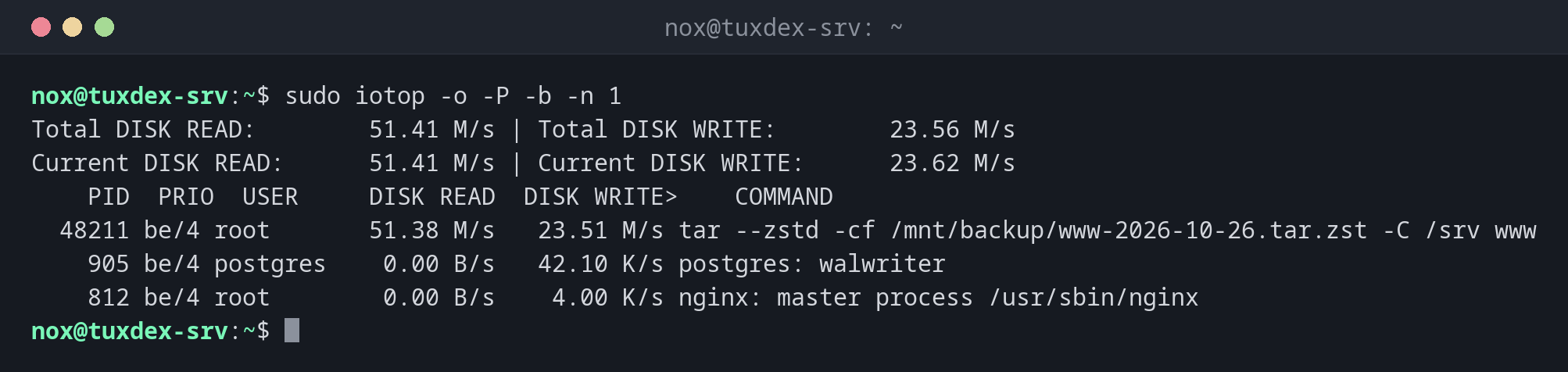
Only processes that cause I/O right now:
sudo iotop -o -P -b -n 1
Total DISK READ:        51.41 M/s | Total DISK WRITE:        23.56 M/s
Current DISK READ:      51.41 M/s | Current DISK WRITE:      23.62 M/s
    PID  PRIO  USER     DISK READ  DISK WRITE>    COMMAND
  48211 be/4 root       51.38 M/s   23.51 M/s tar --zstd -cf /mnt/backup/www-2026-10-26.tar.zst -C /srv www
    905 be/4 postgres    0.00 B/s   42.10 K/s postgres: walwriter
    812 be/4 root        0.00 B/s    4.00 K/s nginx: master process /usr/sbin/nginx
The backup with tar causes almost all of the I/O. Running it with nice and ionice -c3 lets other processes go first.
Who has written the most since the start:
sudo iotop -a -o -P -b -n 3 -d 5 | tail -4
    PID  PRIO  USER     DISK READ  DISK WRITE>    COMMAND
    905 be/4 postgres    0.00 B     18.42 M postgres: checkpointer
   1310 be/4 www-data    0.00 B      6.13 M php-fpm: pool www
    640 be/4 root        0.00 B     32.00 K sshd: nox [priv]
When do I need it?
- When
iostatshows a busy disk and you need to know which process causes it - To find a runaway log file or a backup that slows everything down
- To check how much a database or a container writes over time (
-a)
iotop-c instead of the old iotop
The original iotop is a Python program and no longer maintained. iotop-c is a
compatible reimplementation in C and is installed as iotop on many distributions.
Needs root
iotop needs root rights (or the capability CAP_NET_ADMIN) to read the I/O statistics of
other processes.
Distribution differences
| Debian | Ubuntu | RHEL | Arch | |
|---|---|---|---|---|
| Install | sudo apt install iotop-c |
sudo apt install iotop-c |
sudo dnf install iotop |
sudo pacman -S iotop-c |