logrotate
Rotates, compresses and deletes log files according to rules, so they don't fill the disk. Runs automatically once a day.
Syntax
logrotate [OPTION]... CONFIG_FILE
Options
| Option | Description |
|---|---|
-d |
Debug: only show what would happen, change nothing |
-v |
Verbose: show what is done |
-f |
Force: rotate now, even if it isn't due yet |
Important settings in a rule: daily/weekly interval, rotate N number of old files, compress compress them, delaycompress keep the newest old file uncompressed, create permissions of the new file, postrotate command afterwards, e.g. to make the service reopen its log.
Examples
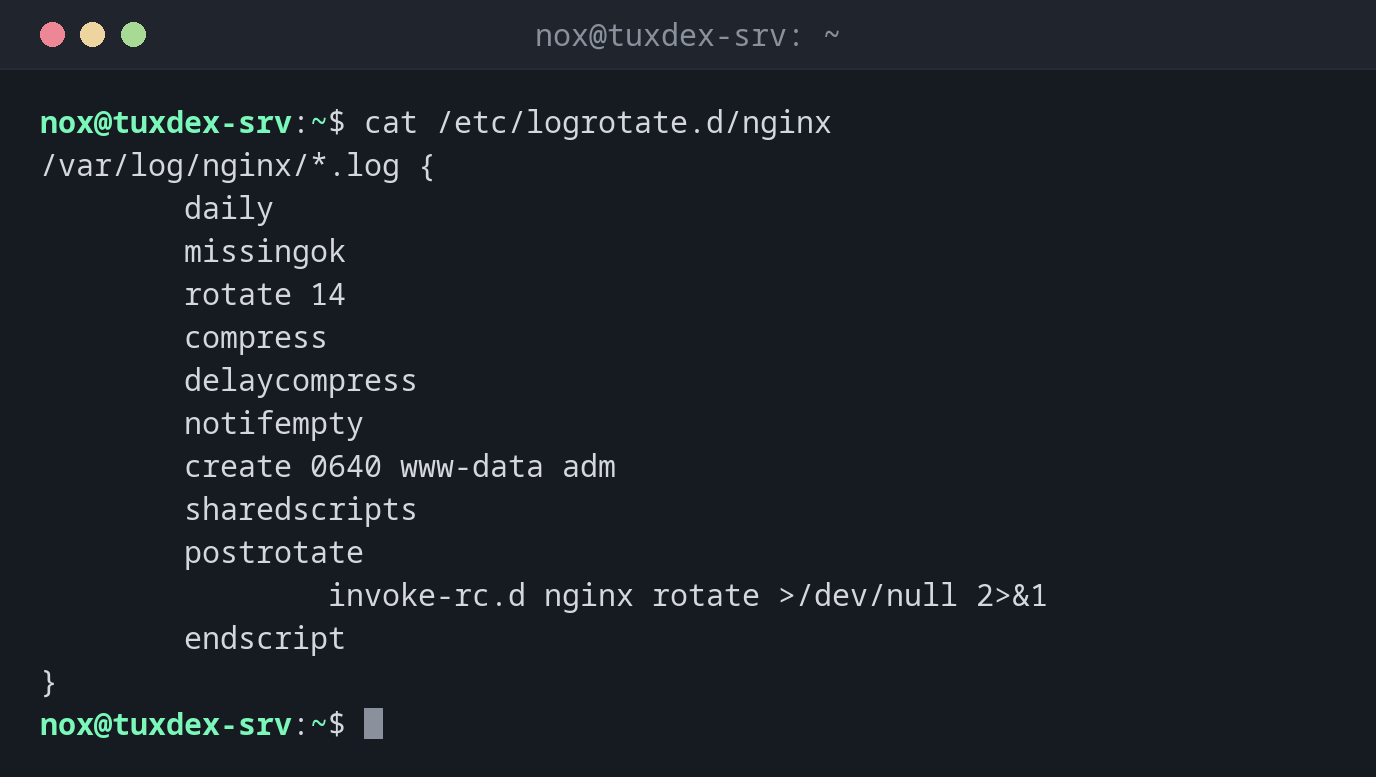
The rule for nginx:
cat /etc/logrotate.d/nginx
/var/log/nginx/*.log {
        daily
        missingok
        rotate 14
        compress
        delaycompress
        notifempty
        create 0640 www-data adm
        sharedscripts
        postrotate
                invoke-rc.d nginx rotate >/dev/null 2>&1
        endscript
}
Test a rule without changing anything:
sudo logrotate -d /etc/logrotate.d/nginx
warning: logrotate in debug mode does nothing except printing debug messages!  Consider using verbose mode (-v) instead if this is not what you want.

reading config file /etc/logrotate.d/nginx
Reading state from file: /var/lib/logrotate/status
Allocating hash table for state file, size 64 entries

Handling 1 logs

rotating pattern: /var/log/nginx/*.log after 1 days empty log files are not rotated, (14 rotations), old logs are removed
considering log /var/log/nginx/access.log
  Now: 2026-10-26 10:42
  Last rotated at 2026-10-26 00:00
  log does not need rotating (log has already been rotated)
considering log /var/log/nginx/error.log
  Now: 2026-10-26 10:42
  Last rotated at 2026-10-26 00:00
  log does not need rotating (log has already been rotated)
not running postrotate script, since no logs were rotated
Rotate now and watch what happens:
sudo logrotate -vf /etc/logrotate.d/nginx 2>&1 | tail -n 8
renaming /var/log/nginx/access.log.1 to /var/log/nginx/access.log.2 (rotatecount 14, logstart 1, i 1),
renaming /var/log/nginx/access.log to /var/log/nginx/access.log.1
creating new /var/log/nginx/access.log mode = 0640 uid = 33 gid = 4
renaming /var/log/nginx/error.log.1 to /var/log/nginx/error.log.2 (rotatecount 14, logstart 1, i 1),
renaming /var/log/nginx/error.log to /var/log/nginx/error.log.1
creating new /var/log/nginx/error.log mode = 0640 uid = 33 gid = 4
running postrotate script
compressing log with: /bin/gzip
When do I need it?
- When log files fill the disk because they are never rotated
- For your own application that writes log files
- To check a new rule before the nightly run
When does it run?
On systems with systemd, logrotate.timer starts it once a day:
systemctl list-timers logrotate.timer shows when.
The service must reopen its log
After renaming, many services keep writing into the old file (access.log.1). That's
what postrotate is for: it tells the service to open a new file. Without it, the new
file stays empty.