xfs_growfs
Grows an XFS file system to the size of its partition or volume, while it is mounted. XFS can't be shrunk.
Syntax
xfs_growfs [OPTION]... MOUNTPOINT
Unlike resize2fs, xfs_growfs works on the mount point: the file system must be mounted.
Options
| Option | Description |
|---|---|
| (none) | Grow to the full size of the device |
-D BLOCKS |
Grow to this number of blocks |
-n |
Only show the current geometry, change nothing |
Examples
Grow an XFS file system after lvextend:
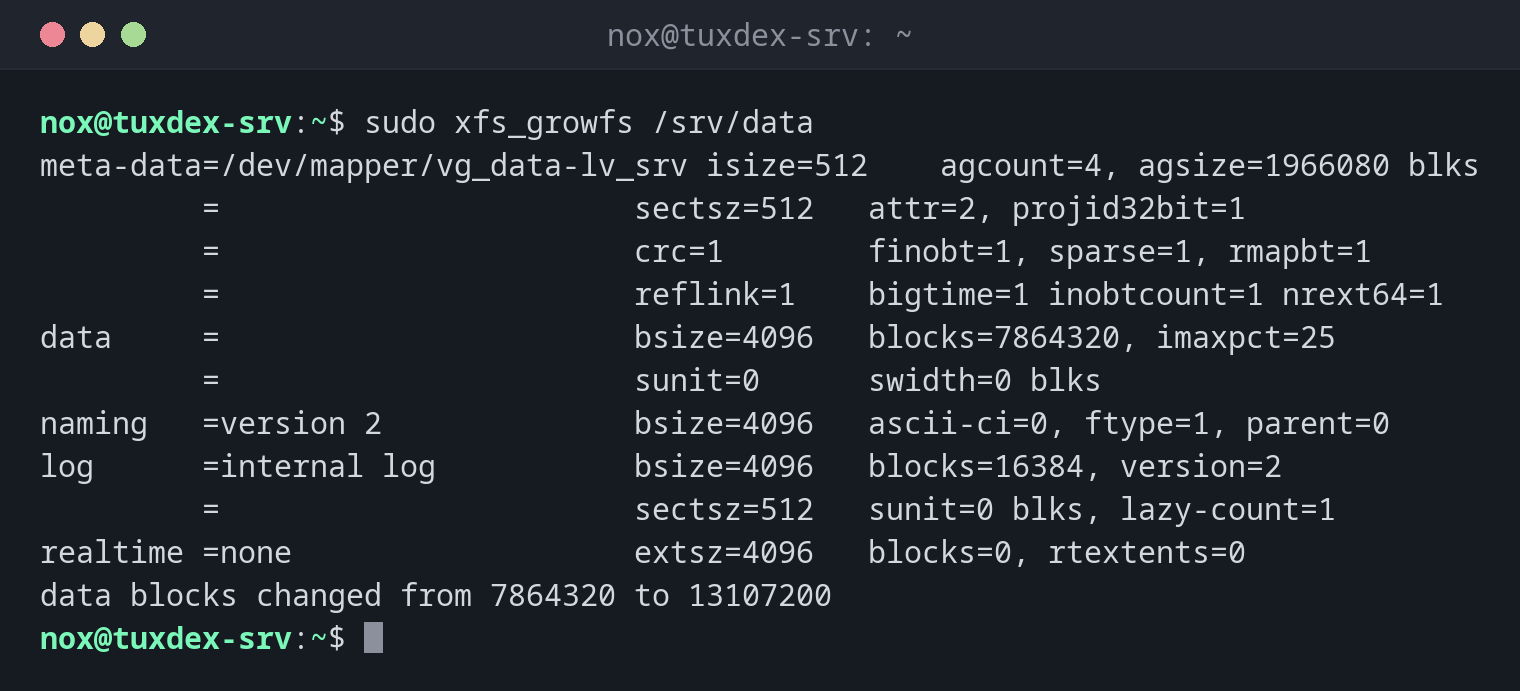
sudo xfs_growfs /srv/data
meta-data=/dev/mapper/vg_data-lv_srv isize=512    agcount=4, agsize=1966080 blks
         =                       sectsz=512   attr=2, projid32bit=1
         =                       crc=1        finobt=1, sparse=1, rmapbt=1
         =                       reflink=1    bigtime=1 inobtcount=1 nrext64=1
data     =                       bsize=4096   blocks=7864320, imaxpct=25
         =                       sunit=0      swidth=0 blks
naming   =version 2              bsize=4096   ascii-ci=0, ftype=1, parent=0
log      =internal log           bsize=4096   blocks=16384, version=2
         =                       sectsz=512   sunit=0 blks, lazy-count=1
realtime =none                   extsz=4096   blocks=0, rtextents=0
data blocks changed from 7864320 to 13107200
From 30 GiB (7864320 blocks of 4 KiB) to 50 GiB.
Check the result:
df -hT /srv/data
Filesystem                 Type  Size  Used Avail Use% Mounted on
/dev/mapper/vg_data-lv_srv xfs    50G  7.2G   43G  15% /srv/data
A file system that isn't mounted:
sudo xfs_growfs /dev/sdd1
xfs_growfs: /dev/sdd1 is not a mounted XFS filesystem
/dev/sdd1 isn't mounted, and it contains ext4. xfs_growfs only works on mounted XFS
file systems.
When do I need it?
- On RHEL, Rocky and Alma, where XFS is the default file system
- After
lvextendor after enlarging a partition - When an XFS volume is running full
lvextend -r does it for you
lvextend -r grows the logical volume and calls xfs_growfs itself.
XFS can only grow
An XFS file system can't be made smaller. If you might need the space for something else later, grow it in small steps.
Distribution differences
| Debian | Ubuntu | RHEL | Arch | |
|---|---|---|---|---|
| XFS tools installed | no, package xfsprogs |
yes | yes | no, package xfsprogs |