sestatus
On RHEL, Rocky and Alma: shows the complete SELinux status: mode, policy, configured mode and booleans.
Syntax
sestatus [-v] [-b]
Options
| Option | Description |
|---|---|
| (none) | Status, mode, policy and the mode from the configuration file |
-b |
Also list all booleans with their state |
-v |
Also show the contexts of important files and processes |
Examples
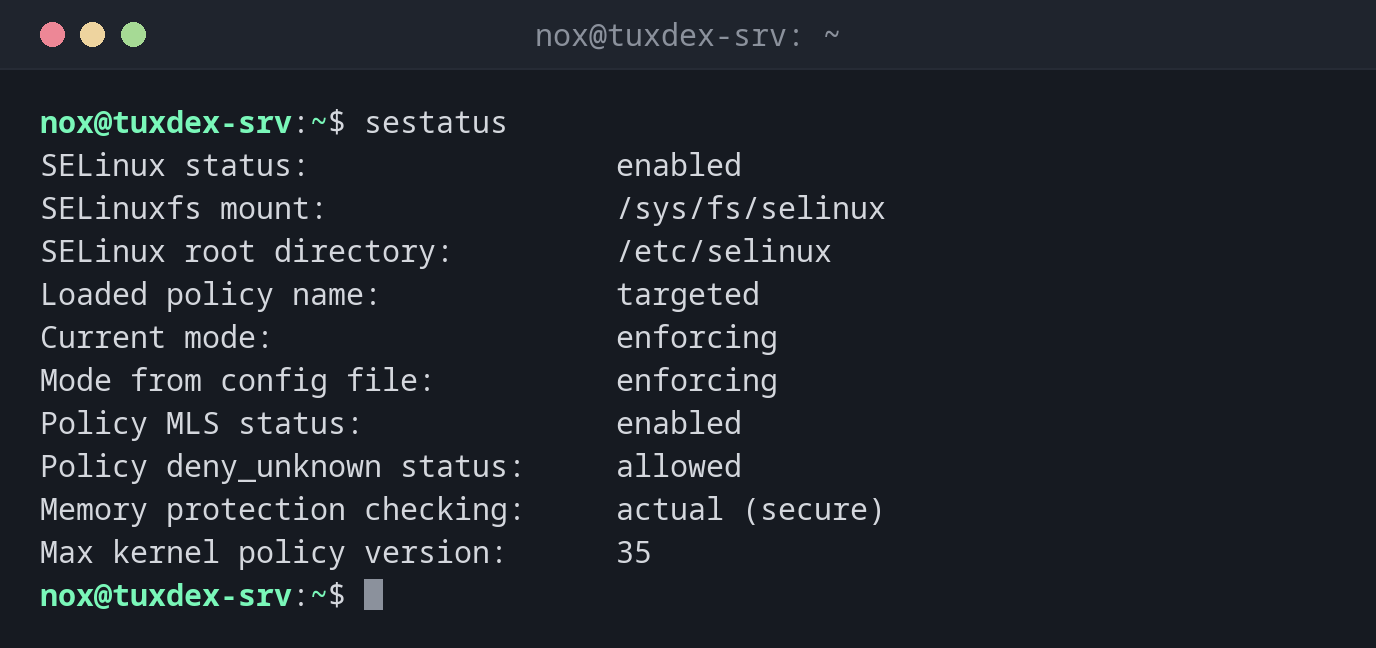
The full status:
sestatus
SELinux status:                 enabled
SELinuxfs mount:                /sys/fs/selinux
SELinux root directory:         /etc/selinux
Loaded policy name:             targeted
Current mode:                   enforcing
Mode from config file:          enforcing
Policy MLS status:              enabled
Policy deny_unknown status:     allowed
Memory protection checking:     actual (secure)
Max kernel policy version:      35
Someone switched to permissive:
sestatus | grep -i mode
Current mode:                   permissive
Mode from config file:          enforcing
The booleans for the web server:
sestatus -b | grep -E 'httpd_can_network_connect |httpd_enable_homedirs'
httpd_can_network_connect                  off
httpd_enable_homedirs                      off
When do I need it?
- To see at a glance whether the current mode and the configured mode match
- To check which policy is loaded (usually
targeted) - When documenting the state of a server
Current mode and config file differ
Current mode: permissive and Mode from config file: enforcing means someone ran
setenforce 0. After the next reboot, SELinux will block again, so fix the cause
before that.
Distribution differences
| Debian | Ubuntu | RHEL | Arch | |
|---|---|---|---|---|
| SELinux | not active (AppArmor instead) | not active (AppArmor instead) | active, enforcing |
not active |
| Package | selinux-utils (only if SELinux is set up) |
selinux-utils (only if SELinux is set up) |
libselinux-utils, preinstalled |
not in the official repositories |