git branch
Lists, creates, renames and deletes branches.
Syntax
git branch [OPTIONS] [NAME [START]]
Options
| Option | Description |
|---|---|
| (none) | List the local branches, * marks the current one |
NAME |
Create a new branch (without switching to it) |
-v, -vv |
Also show the last commit; with -vv also the branch on the server |
-a, --all |
Also list the branches on the server (remotes/origin/…) |
-d NAME |
Delete a branch that has been merged |
-D NAME |
Delete a branch even if it hasn't been merged |
-m OLD NEW |
Rename a branch |
--merged, --no-merged |
Only branches that are (not) merged into the current one |
Examples
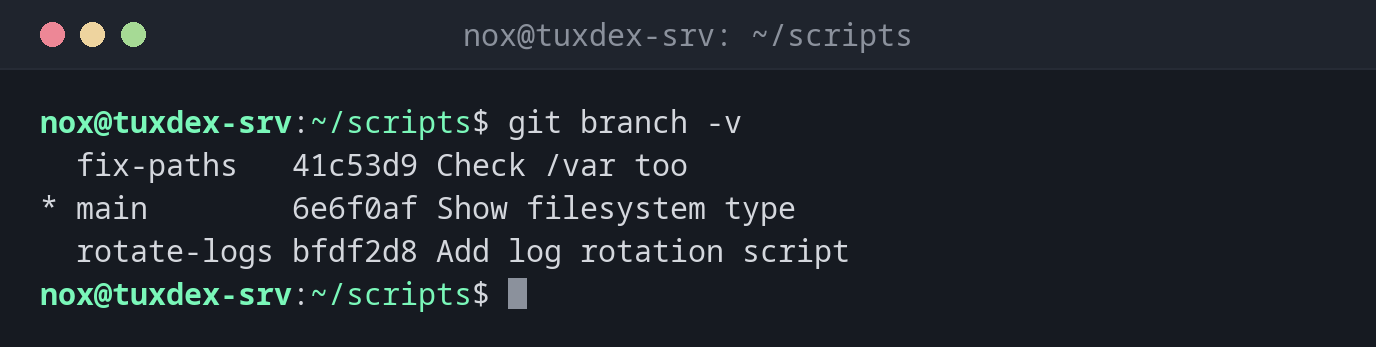
List the branches with their last commit:
git branch -v
  fix-paths   41c53d9 Check /var too
* main        6e6f0af Show filesystem type
  rotate-logs bfdf2d8 Add log rotation script
Local branches and branches on the server:
git branch -a
* main
  remotes/origin/main
  remotes/origin/nginx-tls
Show which server branch each branch follows:
git branch -vv
* main      5f9cfee [origin/main: behind 1] Check /var too
  nginx-tls d5bb689 [origin/nginx-tls] Add TLS check
Delete a merged branch:
git branch -d rotate-logs
Deleted branch rotate-logs (was bfdf2d8).
Git protects branches that aren't merged:
git branch -d fix-paths
error: the branch 'fix-paths' is not fully merged
hint: If you are sure you want to delete it, run 'git branch -D fix-paths'
hint: Disable this message with "git config advice.forceDeleteBranch false"
When do I need it?
- To try out a change without touching the working state on
main - To get an overview of open work and of what is on the server
- To clean up branches that are finished and merged
Names that say something
Name branches after what they change: nginx-tls, fix-backup-path. Then
git branch alone is a small to-do list.
-D throws away commits
git branch -D also deletes commits that exist on no other branch. For a while they
can still be found with git reflog, but don't rely on it.