bg
Lets a paused job continue in the background, so the shell is free again.
Syntax
bg [%JOB]...
Without a job, bg uses the current job (+ in jobs).
Options
| Option | Description |
|---|---|
%NUMBER |
The job with this number, e.g. %2 |
%TEXT |
The job whose command starts with TEXT, e.g. %tar |
Examples
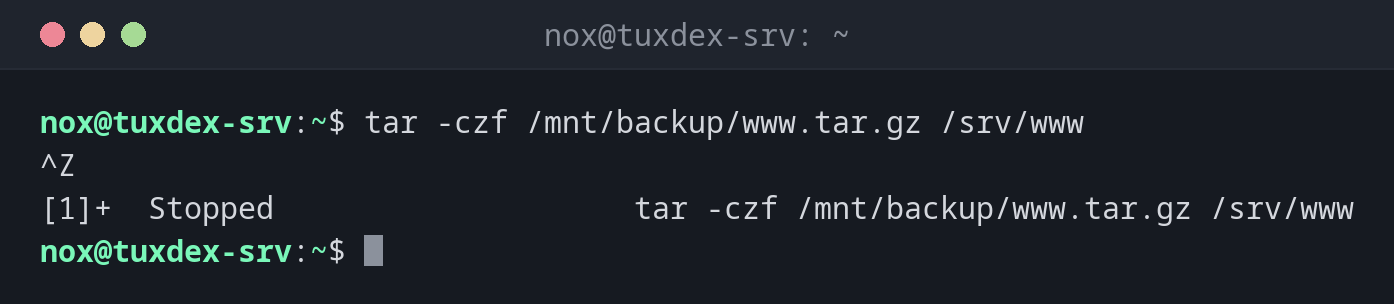
Pause a command that takes longer than expected:
tar -czf /mnt/backup/www.tar.gz /srv/www
^Z
[1]+  Stopped                    tar -czf /mnt/backup/www.tar.gz /srv/www
While the command runs, press Ctrl+Z. It is paused, and you get your prompt back.
Continue it in the background:
bg
[1]+ tar -czf /mnt/backup/www.tar.gz /srv/www &
The & at the end shows: the job now runs in the background.
Continue a specific job:
bg %tar
[1]+ tar -czf /mnt/backup/www.tar.gz /srv/www &
No paused job:
bg
bash: bg: current: no such job
When do I need it?
- When you started a long command without
&and want your shell back - To continue a job that you paused with Ctrl+Z
Output still lands in the terminal
A background job keeps writing to your terminal and can mix with your input. For long
jobs, redirect the output when starting: tar … > /tmp/tar.log 2>&1 &.
Not for interactive programs
Programs that wait for input, like vim or a password prompt, stop again right away
in the background. Bring them back to the foreground with fg.