elasticsearch-keystore
Manages the keystore of Elasticsearch: a protected file for secret settings such as passwords and S3 keys that don't belong in
elasticsearch.yml.
Syntax
sudo /usr/share/elasticsearch/bin/elasticsearch-keystore list | add [-x] SETTING | show SETTING | remove SETTING
Options
| Command | Description |
|---|---|
list |
Names of all stored settings |
add SETTING |
Add a setting; the value is asked for |
add -x SETTING |
Read the value from stdin (for scripts) |
add-file SETTING FILE |
Store the content of a file, e.g. a credentials file |
show SETTING |
Show a stored value |
remove SETTING |
Delete a setting |
passwd |
Protect the keystore itself with a password |
The file is /etc/elasticsearch/elasticsearch.keystore. Changes take effect after a restart; some settings, like S3 credentials, can be reloaded with POST /_nodes/reload_secure_settings. OpenSearch has the same tool as opensearch-keystore.
Examples
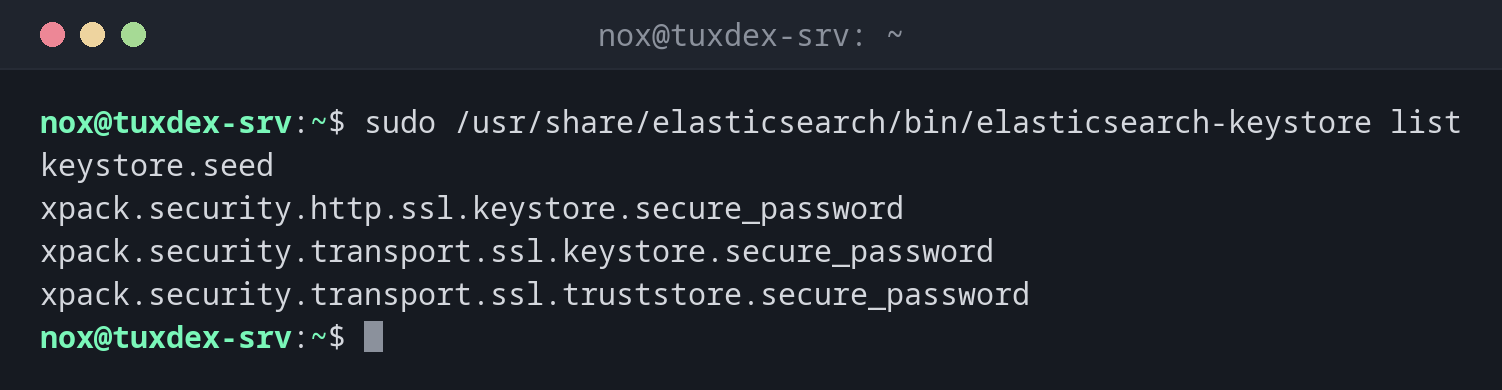
What is stored:
sudo /usr/share/elasticsearch/bin/elasticsearch-keystore list
keystore.seed
xpack.security.http.ssl.keystore.secure_password
xpack.security.transport.ssl.keystore.secure_password
xpack.security.transport.ssl.truststore.secure_password
Add S3 access data for snapshots:
sudo /usr/share/elasticsearch/bin/elasticsearch-keystore add s3.client.default.access_key
sudo /usr/share/elasticsearch/bin/elasticsearch-keystore add s3.client.default.secret_key
Enter value for s3.client.default.access_key:
Enter value for s3.client.default.secret_key:
From a script, without a prompt:
printf '%s' "$S3_KEY" | sudo /usr/share/elasticsearch/bin/elasticsearch-keystore add -x s3.client.default.access_key
sudo /usr/share/elasticsearch/bin/elasticsearch-keystore list | grep s3
s3.client.default.access_key
s3.client.default.secret_key
Load the new values without a restart:
curl --cacert /etc/elasticsearch/certs/http_ca.crt -u elastic https://localhost:9200/_nodes/reload_secure_settings -X POST -s | jq '._nodes'
Enter host password for user 'elastic':
{
  "total": 1,
  "successful": 1,
  "failed": 0
}
The password of the HTTP certificate:
sudo /usr/share/elasticsearch/bin/elasticsearch-keystore show xpack.security.http.ssl.keystore.secure_password
pV3sKq9TzR2mWx7YbN4c
When do I need it?
- To give Elasticsearch access data for an S3 snapshot repository
- To look up the passwords of the TLS keystores that the installation created
- Before a cluster grows: every node needs the same secure settings
Same keystore on every node
Secure settings are not copied between nodes. Add them on every node with the same
values, then call reload_secure_settings once.
Not a vault
Without passwd the keystore is only obfuscated, and show prints every value. Protect
the file with mode 660 and owner root:elasticsearch, as the package sets it.
Distribution differences
| Debian | Ubuntu | RHEL | Arch | |
|---|---|---|---|---|
| Installation | APT repository of Elastic | APT repository of Elastic | YUM repository of Elastic | AUR or container |
| Path | /usr/share/elasticsearch/bin/ |
/usr/share/elasticsearch/bin/ |
/usr/share/elasticsearch/bin/ |
depends on the package |
Related commands
elasticsearch-reset-password · elasticsearch-plugin · restic · chmod