k9s
An interactive interface in the terminal for watching and managing a Kubernetes cluster.
Syntax
k9s [-n NAMESPACE] [--context NAME] [--readonly]
Options
| Option | Description |
|---|---|
-n NAMESPACE, -A |
Start in this namespace, or in all |
-c VIEW |
Start view, such as pods, deploy or nodes |
--context NAME |
Another context from the kubeconfig |
--readonly |
Disable all commands that change something |
info, version |
Show the paths of the configuration, or the version |
The most important keys inside k9s:
| Key | Action |
|---|---|
:pods, :deploy, :svc, :nodes, :ns |
Switch view (like kubectl get) |
/ |
Filter the list |
| Enter | Open the selected object (deployment → its pods) |
d |
Describe (like kubectl describe) |
l |
Show the logs |
s |
Open a shell in the container |
shift+f |
Port forwarding |
ctrl+d |
Delete (with confirmation) |
? |
Help with all keys |
:q, Ctrl+C |
Quit |
Examples
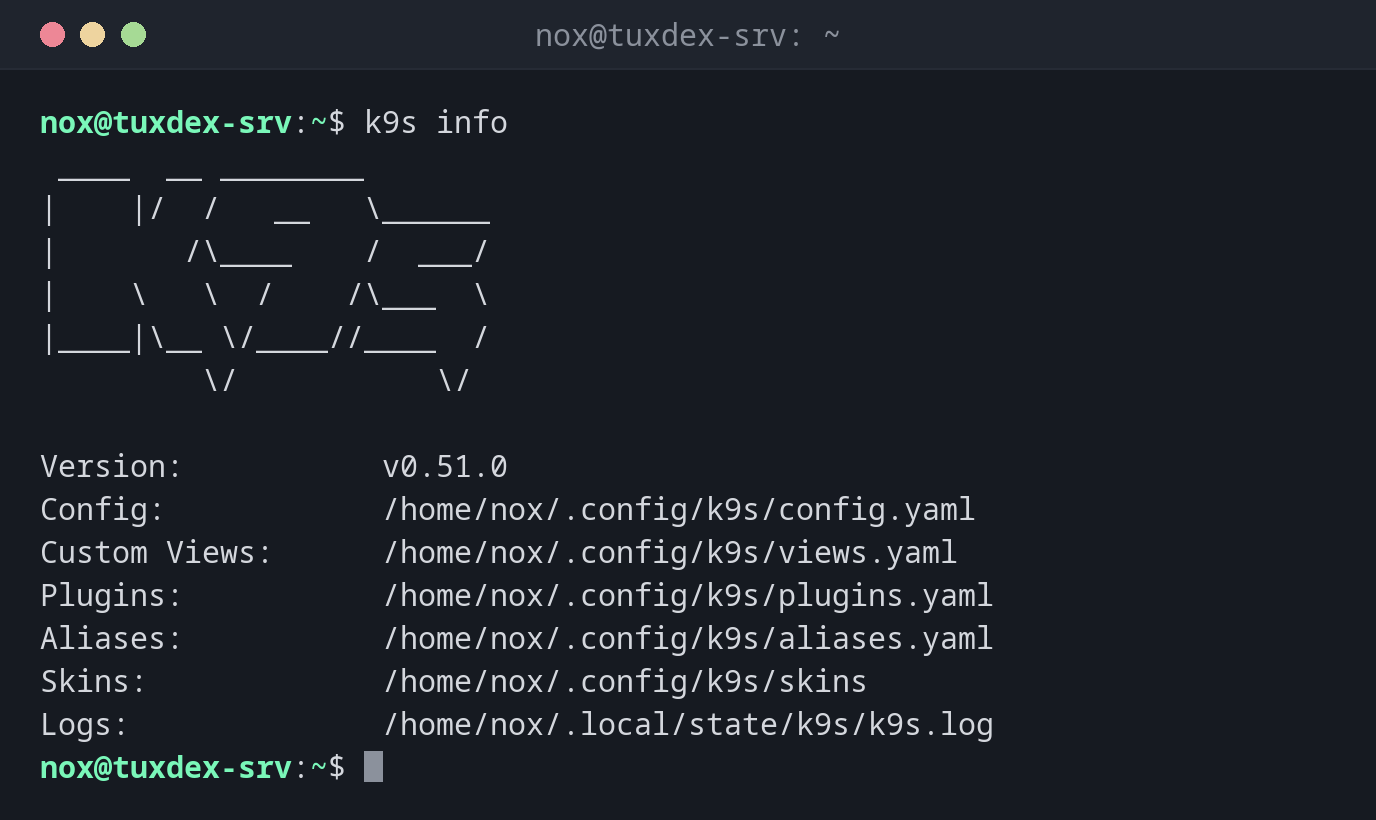
Version and configuration paths:
k9s info
 ____  __ ________
|    |/  /   __   \______
|       /\____    /  ___/
|    \   \  /    /\___  \
|____|\__ \/____//____  /
         \/           \/

Version:           v0.51.0
Config:            /home/nox/.config/k9s/config.yaml
Custom Views:      /home/nox/.config/k9s/views.yaml
Plugins:           /home/nox/.config/k9s/plugins.yaml
Aliases:           /home/nox/.config/k9s/aliases.yaml
Skins:             /home/nox/.config/k9s/skins
Logs:              /home/nox/.local/state/k9s/k9s.log
Start in the namespace of the status page:
k9s -n status
Context: default                                    <0> all       <a>      Attach     ____  __ ________
Cluster: default                                    <1> status    <ctrl-d> Delete    |    |/  /   __   \______
User:    default                                              <d>      Describe  |       /\____    /  ___/
K9s Rev: v0.51.0                                              <e>      Edit      |    \   \  /    /\___  \
K8s Rev: v1.34.1+k3s1                                         <l>      Logs      |____|\__ \/____//____  /
CPU:     11%                                                  <s>      Shell              \/           \/
MEM:     18%
┌──────────────────────────────────── Pods(status)[2] ────────────────────────────────────┐
│ NAME↑                  PF  READY  STATUS    RESTARTS  CPU  MEM  IP          NODE         │
│ web-9bc5f7f5b-8ptw2    ●   1/1    Running          0    3   12  10.42.0.9   tuxdex-srv │
│ web-9bc5f7f5b-m8l96    ●   1/1    Running          0    3   12  10.42.0.10  tuxdex-srv │
│                                                                                         │
└─────────────────────────────────────────────────────────────────────────────────────────┘
  <pod>
The list updates by itself. The keys on the right depend on the current view; ? shows all of them.
Read-only, starting with the deployments:
k9s --readonly -c deploy -A
┌────────────────────────────── Deployments(all)[5] ──────────────────────────────┐
│ NAMESPACE↑    NAME                      READY  UP-TO-DATE  AVAILABLE  AGE        │
│ kube-system   coredns                   1/1             1          1  3d         │
│ kube-system   local-path-provisioner    1/1             1          1  3d         │
│ kube-system   metrics-server            1/1             1          1  3d         │
│ kube-system   traefik                   1/1             1          1  3d         │
│ status        web                       2/2             2          2  2h         │
└─────────────────────────────────────────────────────────────────────────────────┘
When do I need it?
- To keep an eye on a cluster without typing
kubectl getagain and again - To jump quickly from a deployment to its pods, their logs and a shell
- For people who don't know all
kubectlcommands by heart yet
Read-only for monitoring
k9s --readonly is ideal on a screen that only shows the state of the cluster, or for
colleagues who should look but not change.
Same rights as kubectl
k9s uses your kubeconfig. Whatever you can do with kubectl, you can do with a single
key in k9s, including deleting objects in production.
Distribution differences
| Debian | Ubuntu | RHEL | Arch | |
|---|---|---|---|---|
| Install | .deb from the k9s releases on GitHub |
.deb from the k9s releases on GitHub |
.rpm from the k9s releases on GitHub |
sudo pacman -S k9s |