run-parts
Runs all executable scripts in a directory, one after the other. That's how
/etc/cron.daily/and the other period directories work.
Syntax
run-parts [OPTION]... DIRECTORY
run-parts ignores file names with dots, so backup.sh is skipped. Name scripts in these directories without an extension, e.g. backup-check.
Options
| Option | Description |
|---|---|
--test |
Only show which scripts would run |
--list |
List all scripts that match the naming rules |
--report |
Print the name of a script before its output |
--exit-on-error |
Stop at the first failed script |
Examples
Show which daily scripts would run:
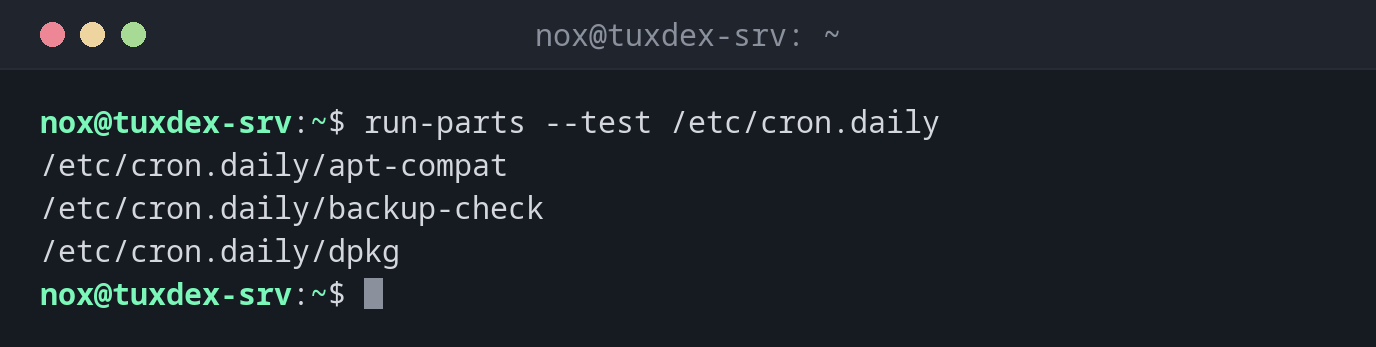
run-parts --test /etc/cron.daily
/etc/cron.daily/apt-compat
/etc/cron.daily/backup-check
/etc/cron.daily/dpkg
A script with an extension is ignored:
ls /etc/cron.daily
run-parts --test /etc/cron.daily
apt-compat  backup-check  cleanup.sh  dpkg
/etc/cron.daily/apt-compat
/etc/cron.daily/backup-check
/etc/cron.daily/dpkg
cleanup.sh is missing in the list. Rename it to cleanup.
Run all daily scripts now:
sudo run-parts --report /etc/cron.daily
/etc/cron.daily/backup-check:
last backup: 2026-10-26 03:30, 48 MiB, OK
When do I need it?
- To check which daily, weekly or monthly scripts run
- When a script in
/etc/cron.daily/doesn't run: is it executable, and is the name valid? - To test the daily scripts by hand
No dots in the name
A script called backup-check.sh is silently ignored by run-parts on Debian and
Ubuntu. run-parts --test shows whether a script is picked up.
Distribution differences
| Debian | Ubuntu | RHEL | Arch | |
|---|---|---|---|---|
| Ignores names with dots | yes | yes | no | no |