function
Defines a function: a named block of commands that you can call like a command, with arguments and an exit code.
Syntax
NAME() {
    …
}
Options
| Part | Meaning |
|---|---|
NAME() { … } |
Define the function (the keyword function is optional) |
$1, $2, "$@" |
Arguments of the function, like in a script |
local VAR=… |
Variable that only exists inside the function |
return N |
End the function with exit code N |
echo inside |
The output, which the caller can capture with $(…) |
Examples
A function with an argument and an exit code:
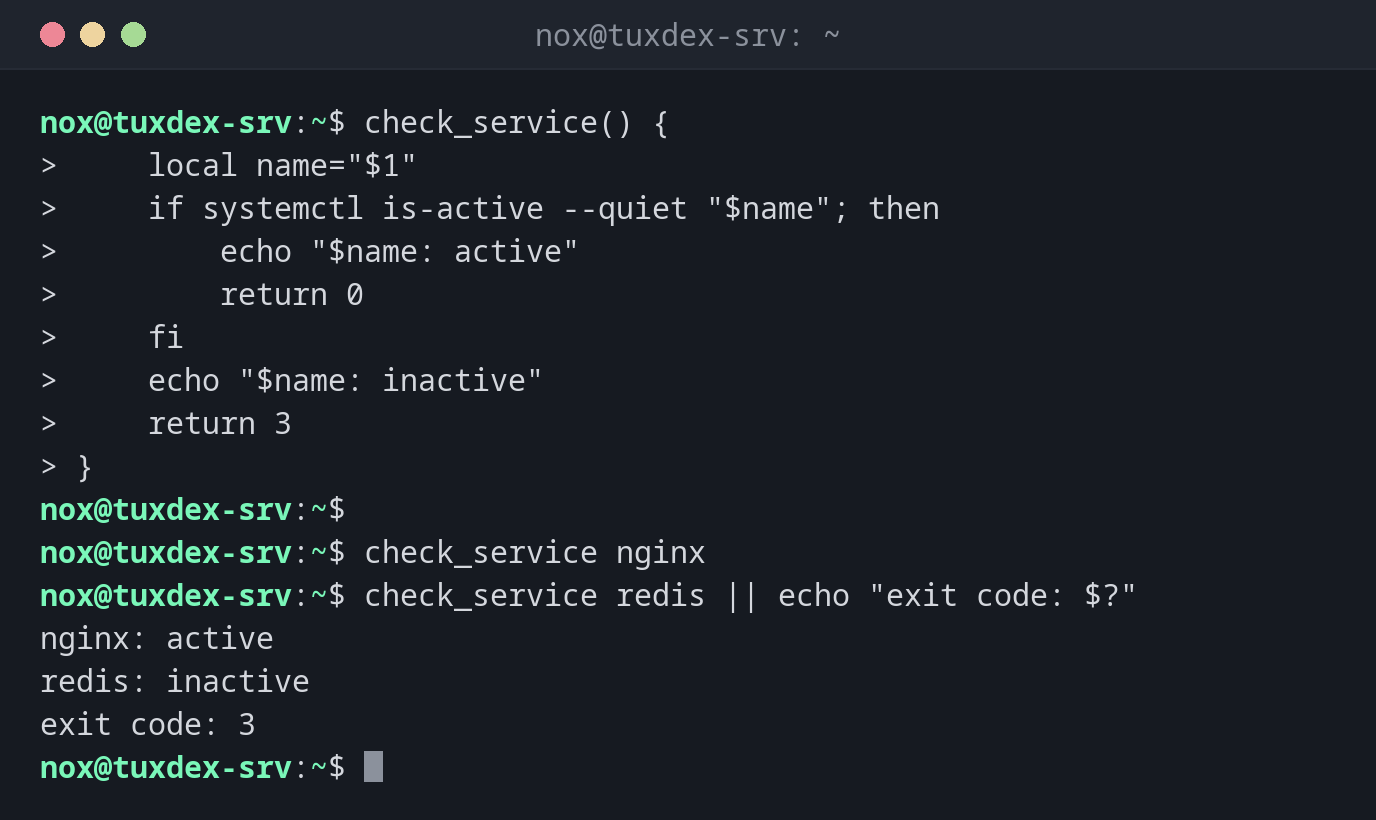
check_service() {
    local name="$1"
    if systemctl is-active --quiet "$name"; then
        echo "$name: active"
        return 0
    fi
    echo "$name: inactive"
    return 3
}

check_service nginx
check_service redis || echo "exit code: $?"
nginx: active
redis: inactive
exit code: 3
Return a value as output:
disk_usage() {
    df --output=pcent "$1" | tail -n 1 | tr -dc 0-9
}
usage=$(disk_usage /)
echo "root is ${usage}% full"
root is 50% full
A small log function:
log() {
    printf '%(%T)T %s\n' -1 "$*"
}
log "backup started"
10:42:17 backup started
When do I need it?
- When the same steps appear several times in a script
- To give parts of a script a readable name, e.g.
logorcleanup - To return values: as output with
echoor as success or failure withreturn
Always local
Without local, a variable inside a function overwrites a variable with the same name in
the rest of the script. That leads to errors that are hard to find.
return is not a result
return only returns an exit code from 0 to 255. For text or numbers, print them with
echo and capture them: size=$(get_size /srv).