jq
Reads, filters and formats JSON data, for example from APIs, Docker or configuration files.
Syntax
jq [OPTION]... FILTER [FILE]...
Options
| Option | Description |
|---|---|
-r, --raw-output |
Print strings without quotes (for scripts and further processing) |
-c, --compact-output |
Print each result on a single line |
-e, --exit-status |
Exit status 1 if the result is false or null |
--arg NAME VALUE |
Pass a shell value into the filter as $NAME |
The most important filters:
| Filter | Meaning |
|---|---|
. |
The whole input, nicely formatted |
.key |
The value of key |
.list[] |
Every element of a list |
.list[0] |
The first element of a list |
A | B |
Pass the result of A to B |
select(CONDITION) |
Only keep elements that meet the condition |
length |
Number of elements |
keys |
All keys of an object |
"\(.a): \(.b)" |
Build a text from values |
Examples
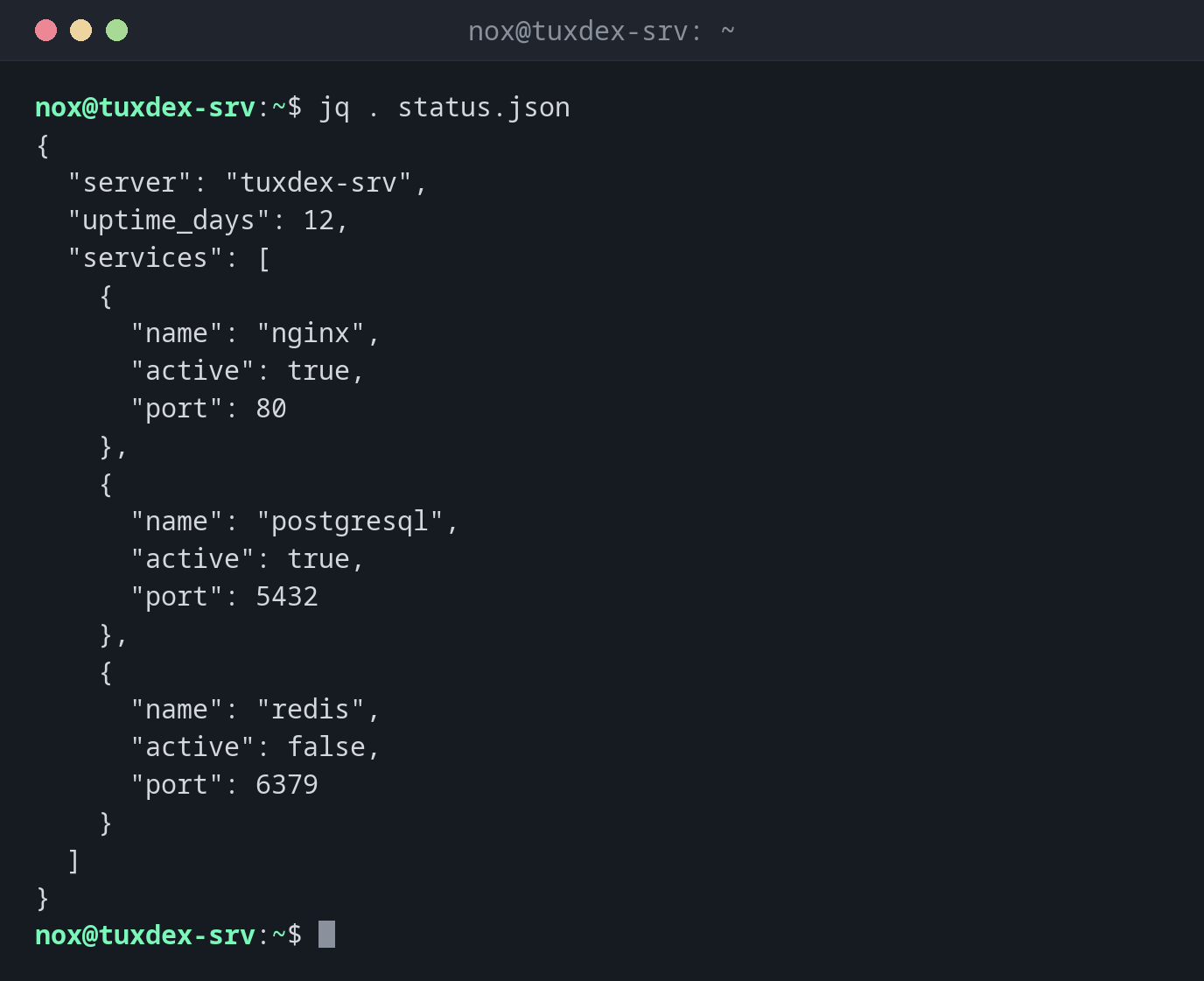
Format JSON readably:
jq . status.json
{
  "server": "tuxdex-srv",
  "uptime_days": 12,
  "services": [
    {
      "name": "nginx",
      "active": true,
      "port": 80
    },
    {
      "name": "postgresql",
      "active": true,
      "port": 5432
    },
    {
      "name": "redis",
      "active": false,
      "port": 6379
    }
  ]
}
Read a single value:
jq -r '.server' status.json
tuxdex-srv
Without -r, the result would be "tuxdex-srv" with quotes.
Get a value from every element of a list:
jq -r '.services[].name' status.json
nginx
postgresql
redis
Filter by a condition:
jq -r '.services[] | select(.active == false) | .name' status.json
redis
Build your own output:
jq -r '.services[] | "\(.name): \(.port)"' status.json
nginx: 80
postgresql: 5432
redis: 6379
Count elements:
jq '.services | length' status.json
3
Find a syntax error in a JSON file:
jq . broken.json
jq: parse error: Expected another key-value pair at line 1, column 8
When do I need it?
- To read the responses of REST APIs:
curl -s https://api.example.com/status | jq . - To get single values from
docker inspect,kubectl get -o jsonor cloud CLIs - To check JSON configuration files for syntax errors before a service loads them
- In scripts that need to react to values in JSON data
Check JSON before a restart
jq . config.json > /dev/null && echo OK only prints OK if the file is valid
JSON. Run it before you restart a service that reads this file.
Not installed by default
jq is not installed by default on most distributions. The package is called jq
everywhere, see the table below.
Distribution differences
| Debian | Ubuntu | RHEL | Arch | |
|---|---|---|---|---|
| Install | sudo apt install jq |
sudo apt install jq |
sudo dnf install jq |
sudo pacman -S jq |