ab
ApacheBench: sends many HTTP requests to a URL and measures how many the server answers per second, and how fast.
Syntax
ab -n REQUESTS -c CONCURRENCY [OPTIONS] URL
Options
| Option | Description |
|---|---|
-n N |
Total number of requests |
-c N |
Requests at the same time |
-k |
Keep connections open (keep-alive) |
-H 'Header: value' |
Additional header, such as Host: or a cookie |
-A user:password |
Basic authentication |
-t SECONDS |
Stop after this time |
The URL needs a path, at least /: http://status.example.com/.
Examples
1000 requests, 20 at a time:
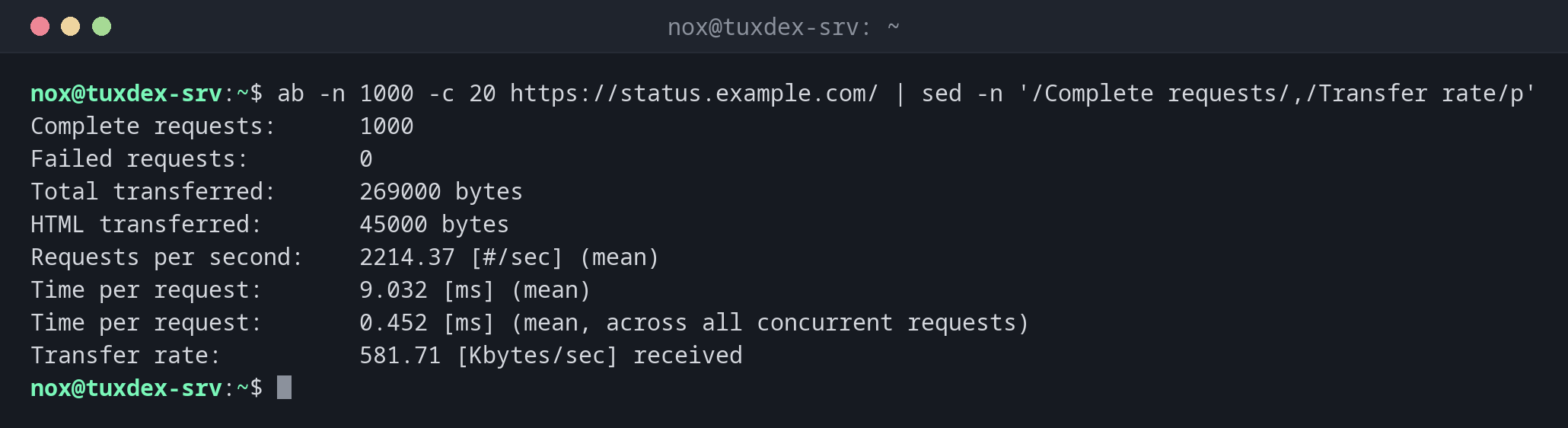
ab -n 1000 -c 20 https://status.example.com/ | sed -n '/Complete requests/,/Transfer rate/p'
Complete requests:      1000
Failed requests:        0
Total transferred:      269000 bytes
HTML transferred:       45000 bytes
Requests per second:    2214.37 [#/sec] (mean)
Time per request:       9.032 [ms] (mean)
Time per request:       0.452 [ms] (mean, across all concurrent requests)
Transfer rate:          581.71 [Kbytes/sec] received
Requests per second is the throughput, Time per request the time a single client waits on average.
The distribution of the response times:
ab -n 1000 -c 20 https://status.example.com/ | sed -n '/Percentage/,$p'
Percentage of the requests served within a certain time (ms)
  50%      8
  66%      9
  75%     10
  80%     10
  90%     12
  95%     14
  98%     17
  99%     21
 100%     38 (longest request)
Half of the requests took up to 8 ms, 99 % up to 21 ms. A big gap between 99 % and 100 % points to occasional stalls.
Test a protected page with keep-alive:
ab -k -n 500 -c 10 -A nox:S3cret https://status.example.com/admin/ | grep -E 'Failed|Non-2xx|per second'
Failed requests:        0
Requests per second:    3891.06 [#/sec] (mean)
When do I need it?
- To compare the speed before and after a configuration change, such as caching
- To find out how many requests the server handles before it gets slow
- To produce load while you watch
vmstat,topor the logs
Test from another machine
Run ab from a second server. On the server itself, ab competes with the web server
for the CPU and the result looks worse than it is.
Only against your own servers
A load test against other people's servers is a denial-of-service attack. Also on your own production server: test outside busy hours, the visitors feel it.
Distribution differences
| Debian | Ubuntu | RHEL | Arch | |
|---|---|---|---|---|
| Package | apache2-utils |
apache2-utils |
httpd-tools |
apache |