docker push
Uploads an image to a registry, such as Docker Hub, GitLab or your own registry.
Syntax
docker push NAME[:TAG]
Options
| Option | Description |
|---|---|
NAME:TAG |
The image; the name must start with the address of the registry, such as registry.example.com/nox/… |
-a, --all-tags |
Push all tags of the image |
-q, --quiet |
Less output |
Before the first push, log in with docker login registry.example.com. docker tag SOURCE TARGET gives an existing image an additional name.
Examples
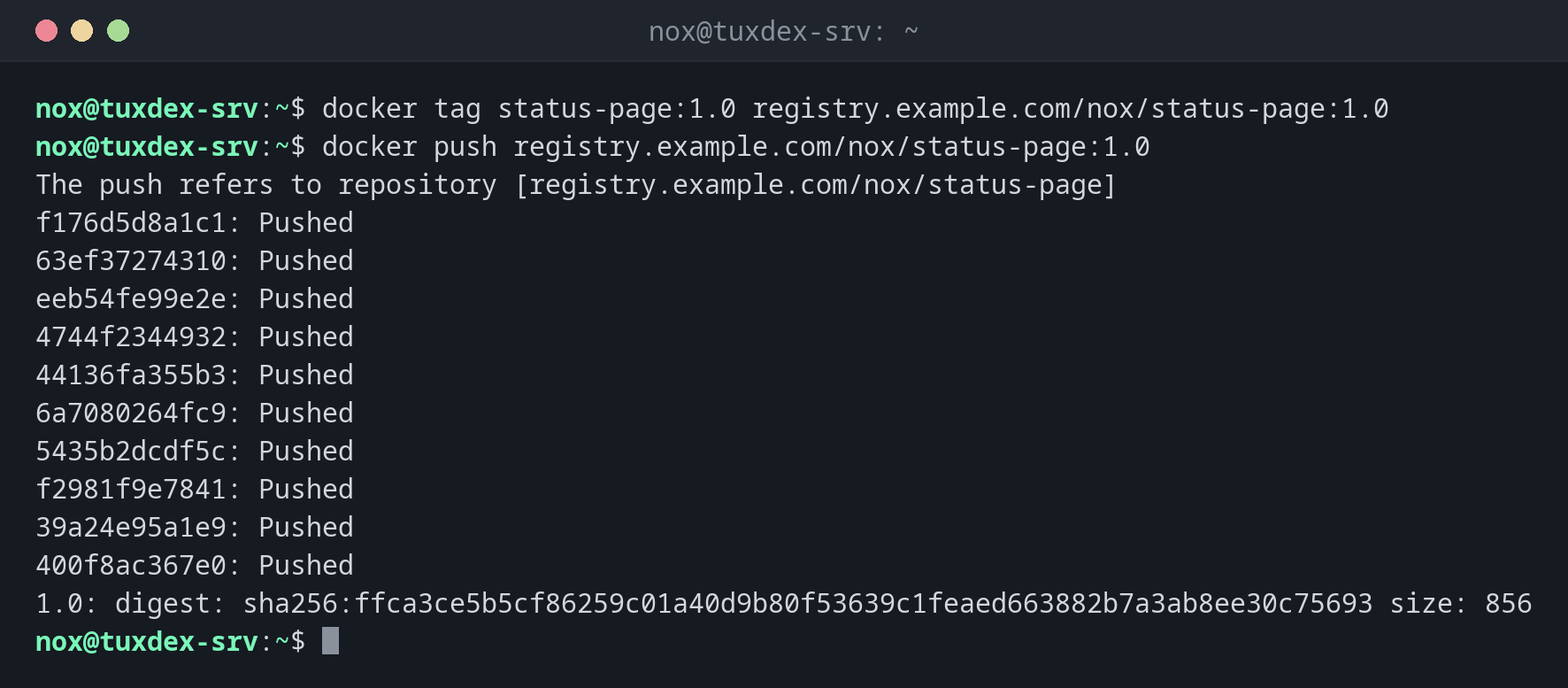
Give the image a name with the registry and push it:
docker tag status-page:1.0 registry.example.com/nox/status-page:1.0
docker push registry.example.com/nox/status-page:1.0
The push refers to repository [registry.example.com/nox/status-page]
f176d5d8a1c1: Pushed
63ef37274310: Pushed
eeb54fe99e2e: Pushed
4744f2344932: Pushed
44136fa355b3: Pushed
6a7080264fc9: Pushed
5435b2dcdf5c: Pushed
f2981f9e7841: Pushed
39a24e95a1e9: Pushed
400f8ac367e0: Pushed
1.0: digest: sha256:ffca3ce5b5cf86259c01a40d9b80f53639c1feaed663882b7a3ab8ee30c75693 size: 856
Log in to the registry:
docker login registry.example.com -u nox
Password:

WARNING! Your credentials are stored unencrypted in '/home/nox/.docker/config.json'.
Configure a credential helper to remove this warning. See
https://docs.docker.com/go/credential-store/

Login Succeeded
A new version: only the changed layer is uploaded:
docker push registry.example.com/nox/status-page:1.1
The push refers to repository [registry.example.com/nox/status-page]
f176d5d8a1c1: Layer already exists
63ef37274310: Layer already exists
4744f2344932: Layer already exists
6a7080264fc9: Layer already exists
5435b2dcdf5c: Layer already exists
39a24e95a1e9: Layer already exists
400f8ac367e0: Layer already exists
a8c51e2d7f93: Pushed
1.1: digest: sha256:807c3828e0a86c119b6fc13680f7d9e2c08b7a5e4f1d3c6b9a2e8f0d4c7b1a35 size: 856
Without logging in first:
docker push registry.example.com/nox/status-page:1.1
The push refers to repository [registry.example.com/nox/status-page]
push access denied, repository does not exist or may require authorization: authorization failed: no basic auth credentials
When do I need it?
- To make your own image available to other servers
- To publish a version from a CI/CD pipeline
- To keep a copy of an image that you build yourself
Push version tags, not only latest
Push every image with a fixed version, such as 1.1. Then servers can choose exactly
which version they run, and you can go back to the previous one.
Credentials on the server
docker login saves the access data in ~/.docker/config.json, only base64-encoded by
default. On servers that only pull, use a read-only access token.