adduser
Creates a new user on Debian and Ubuntu step by step: home directory, group, password and contact details in one go.
Syntax
adduser [OPTION]... USER
adduser USER GROUP
Options
| Option | Description |
|---|---|
--disabled-password |
Create the user without a password (login only with an SSH key) |
--disabled-login |
Create the user without any login |
--comment TEXT |
Full name or description, without asking |
--shell SHELL |
Login shell (default /bin/bash) |
--home DIR |
Home directory (default /home/USER) |
--ingroup GROUP |
Use an existing group as primary group |
--uid ID |
Use this UID |
--system |
Create a system user for a service (UID below 1000) |
--group |
With --system: also create a group of the same name |
--no-create-home |
Don't create a home directory |
--verbose |
Show every step |
Examples
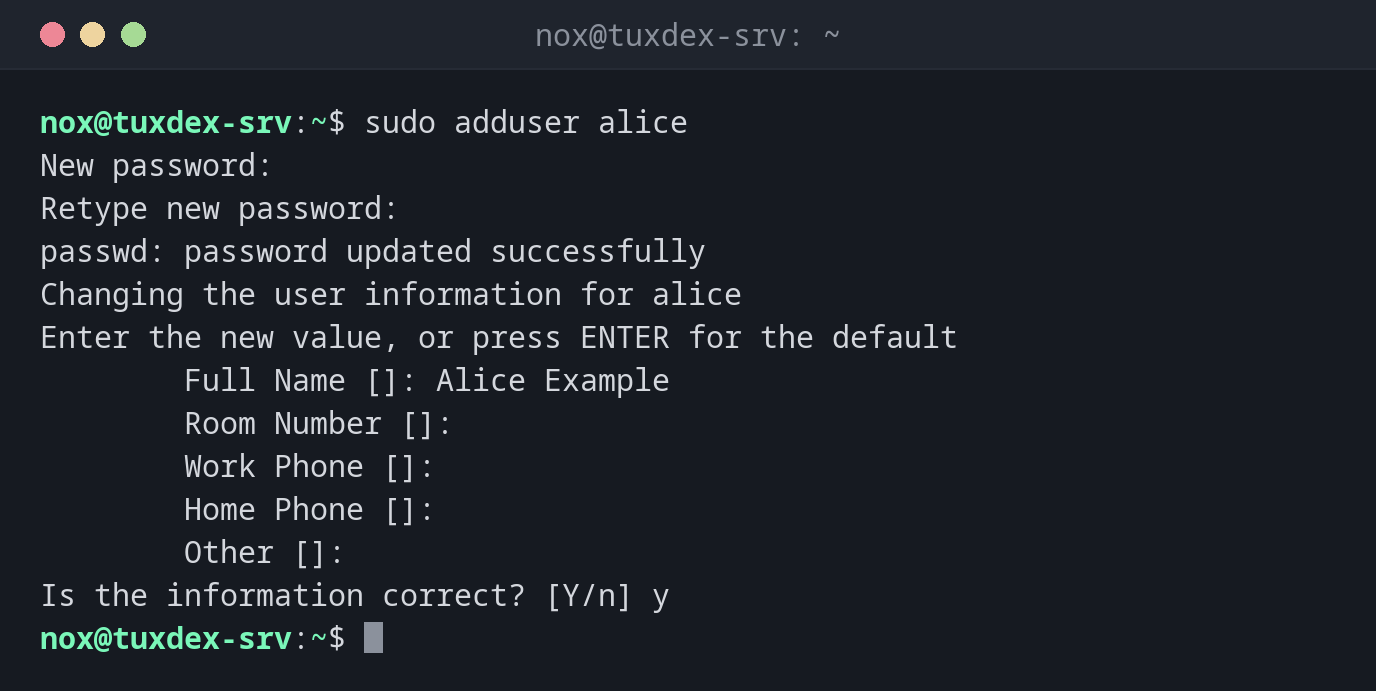
Create a new user interactively:
sudo adduser alice
New password:
Retype new password:
passwd: password updated successfully
Changing the user information for alice
Enter the new value, or press ENTER for the default
        Full Name []: Alice Example
        Room Number []:
        Work Phone []:
        Home Phone []:
        Other []:
Is the information correct? [Y/n] y
adduser creates the group alice, the home directory /home/alice with the files from
/etc/skel, and asks for the password and contact details.
Create a user for SSH keys only and show every step:
sudo adduser --verbose --disabled-password --comment "Deploy User" deploy
info: Adding user `deploy' ...
info: Selecting UID/GID from range 1000 to 59999 ...
info: Adding new group `deploy' (1002) ...
info: Adding new user `deploy' (1002) with group `deploy (1002)' ...
info: Creating home directory `/home/deploy' ...
info: Copying files from `/etc/skel' ...
info: Adding new user `deploy' to supplemental / extra groups `users' ...
info: Adding user `deploy' to group `users' ...
Add an existing user to a group:
sudo adduser alice sudo
groups alice
alice : alice users sudo
Create a system user for a service:
sudo adduser --system --group --no-create-home --home /nonexistent myapp
getent passwd myapp
myapp:x:105:107::/nonexistent:/usr/sbin/nologin
System users get a UID below 1000 and no login shell.
Try to create a user that already exists:
sudo adduser alice
fatal: The user `alice' already exists.
When do I need it?
- To create accounts for new admins or team members on a server
- To create a user for deployments or backups that only logs in with an SSH key
- To create a system user for your own service, so it doesn't run as
root - To add a user to a group, for example
sudoordocker
adduser instead of useradd on Debian and Ubuntu
adduser creates the home directory, copies /etc/skel and sets a password by
default. With useradd, you have to think of all that yourself. For scripts on
several distributions, useradd is the portable choice.
New groups need a new login
After adduser alice sudo, the new group only applies to new sessions of alice.
Distribution differences
| Debian | Ubuntu | RHEL | Arch | |
|---|---|---|---|---|
adduser |
interactive tool from this page | same as Debian | only another name for useradd, asks nothing |
not available |
| Alternative | useradd -m alice and passwd alice |
useradd -m -G wheel alice and passwd alice |