docker stop
Stops running containers cleanly: first with SIGTERM, after a grace period with SIGKILL.
Syntax
docker stop [-t SECONDS] CONTAINER...
Options
| Option | Description |
|---|---|
CONTAINER |
Name or ID, several are possible |
-t, --timeout SECONDS |
How long to wait before SIGKILL (default 10) |
-s, --signal SIGNAL |
Send a different signal instead of SIGTERM |
docker kill CONTAINER stops immediately with SIGKILL, without a grace period.
Examples
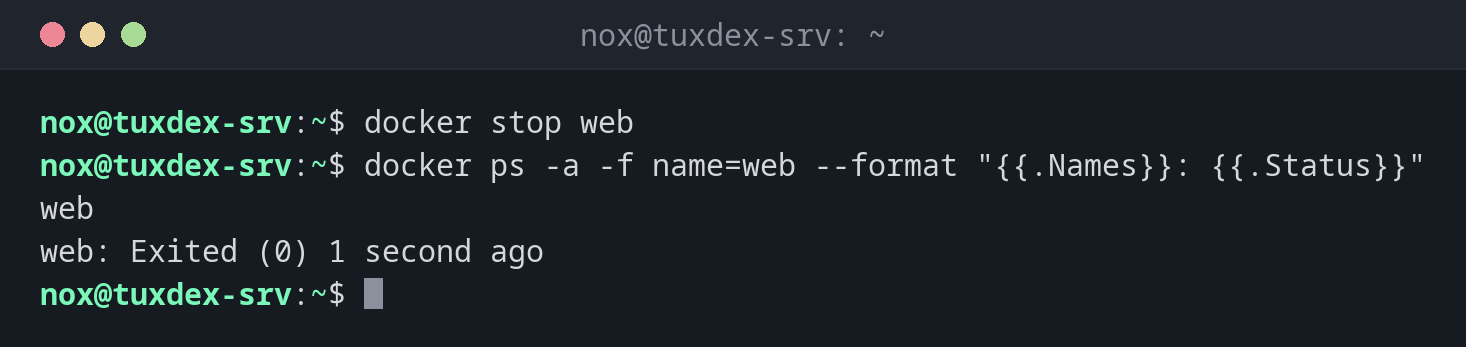
Stop a container:
docker stop web
docker ps -a -f name=web --format "{{.Names}}: {{.Status}}"
web
web: Exited (0) 1 second ago
Give a database a minute:
docker stop -t 60 db
db
Stop all running containers:
docker stop $(docker ps -q)
f1971ec6019c
0d306f9f64bf
Make nginx reload its configuration without stopping:
docker kill -s HUP web
web
When do I need it?
- Before maintenance, a backup of the data or an update of the host
- To stop a service that is no longer needed
- To stop all containers before a reboot:
docker stop $(docker ps -q)
Give databases more time
Databases need a moment to write their data cleanly. For them, use a longer timeout,
such as docker stop -t 60 db.
Restart policy and stop
A container stopped with docker stop stays stopped, even with --restart always,
until the Docker service itself restarts. With unless-stopped, it stays stopped after
a reboot too.