rabbitmq-plugins
Lists RabbitMQ plugins and switches them on or off, for example the web interface
rabbitmq_management.
Syntax
rabbitmq-plugins list [-e] | enable PLUGIN... | disable PLUGIN...
Options
| Command | Description |
|---|---|
list |
All plugins with their state |
list -e |
Only enabled plugins |
enable PLUGIN |
Enable a plugin and its dependencies |
disable PLUGIN |
Disable a plugin |
--offline |
Only change the file, for a node that isn't running |
In the list, E means explicitly enabled, e enabled as a dependency, * running. The setting is stored in /etc/rabbitmq/enabled_plugins.
Examples
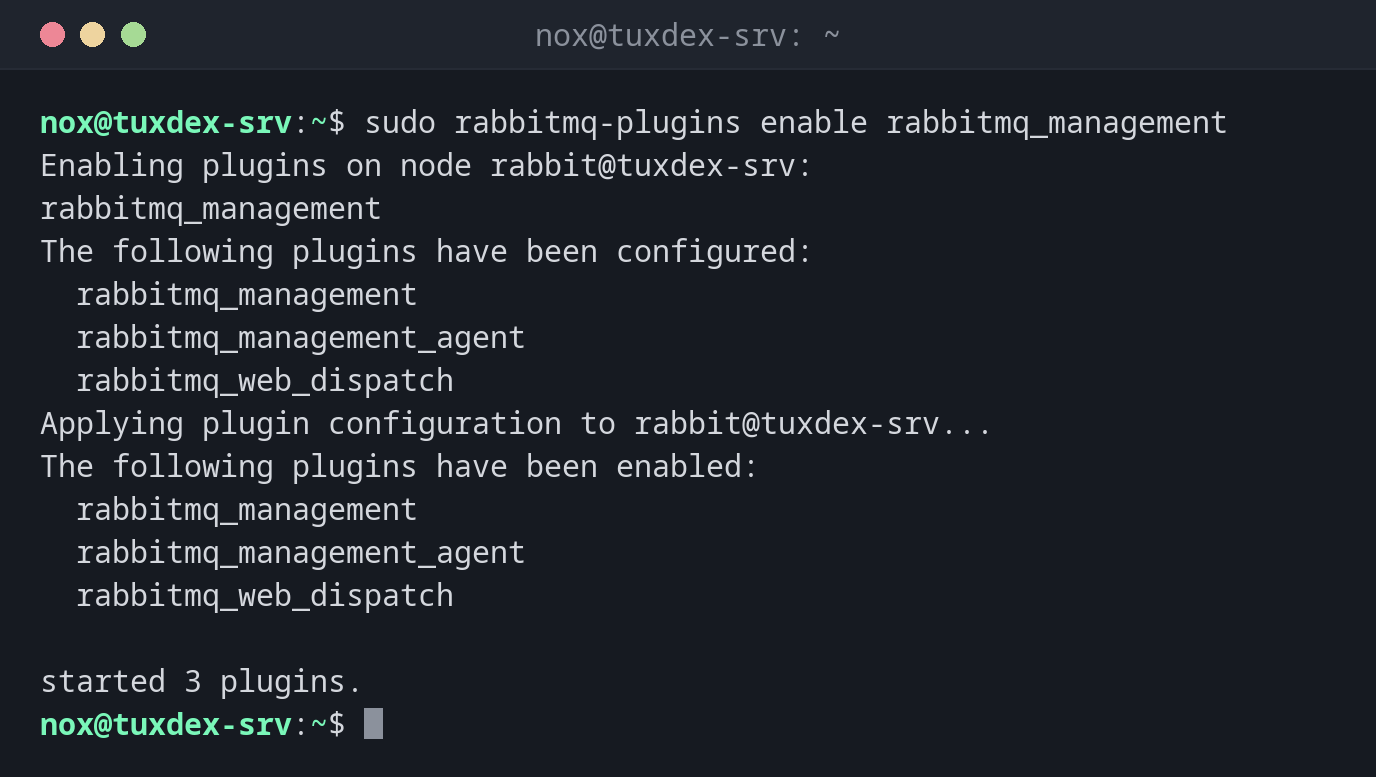
Enable the web interface:
sudo rabbitmq-plugins enable rabbitmq_management
Enabling plugins on node rabbit@tuxdex-srv:
rabbitmq_management
The following plugins have been configured:
  rabbitmq_management
  rabbitmq_management_agent
  rabbitmq_web_dispatch
Applying plugin configuration to rabbit@tuxdex-srv...
The following plugins have been enabled:
  rabbitmq_management
  rabbitmq_management_agent
  rabbitmq_web_dispatch

started 3 plugins.
Only the enabled plugins:
sudo rabbitmq-plugins list -e
Listing plugins with pattern ".*" ...
 Configured: E = explicitly enabled; e = implicitly enabled
 | Status: * = running on rabbit@tuxdex-srv
 |/
[E*] rabbitmq_management       4.0.5
[e*] rabbitmq_management_agent 4.0.5
[e*] rabbitmq_web_dispatch     4.0.5
All available plugins:
sudo rabbitmq-plugins list | head -8
Listing plugins with pattern ".*" ...
 Configured: E = explicitly enabled; e = implicitly enabled
 | Status: * = running on rabbit@tuxdex-srv
 |/
[  ] rabbitmq_amqp1_0                  4.0.5
[  ] rabbitmq_auth_backend_cache       4.0.5
[  ] rabbitmq_auth_backend_http        4.0.5
[  ] rabbitmq_auth_backend_ldap        4.0.5
When do I need it?
- To enable the web interface on port 15672
- For metrics in Prometheus:
rabbitmq_prometheuson port 15692 - To check which plugins run after an upgrade
Metrics for Prometheus
sudo rabbitmq-plugins enable rabbitmq_prometheus offers metrics on
http://tuxdex-srv:15692/metrics. Add the address as a target in the
Prometheus configuration.
The web interface is a door
Port 15672 allows full control of RabbitMQ. Allow it only from the admin network, or reach
it through an SSH tunnel: ssh -L 15672:localhost:15672 nox@tuxdex-srv.
Distribution differences
| Debian | Ubuntu | RHEL | Arch | |
|---|---|---|---|---|
| Package | rabbitmq-server |
rabbitmq-server |
not in the repositories: repository of the RabbitMQ team | rabbitmq |