wget
Downloads files from web and FTP servers. Resumes interrupted downloads and can mirror whole directories.
Syntax
wget [OPTION]... URL...
Options
| Option | Description |
|---|---|
-O FILE |
Save under this name (-O - writes to standard output) |
-c |
Continue an interrupted download |
-q |
Quiet, no output |
-P DIRECTORY |
Save into this directory |
--spider |
Only check whether the file exists, don't download |
-i FILE |
Download all URLs listed in FILE |
-r, -np |
Download recursively, but not above the start directory |
--limit-rate=RATE |
Limit the bandwidth, e.g. 5m |
Examples
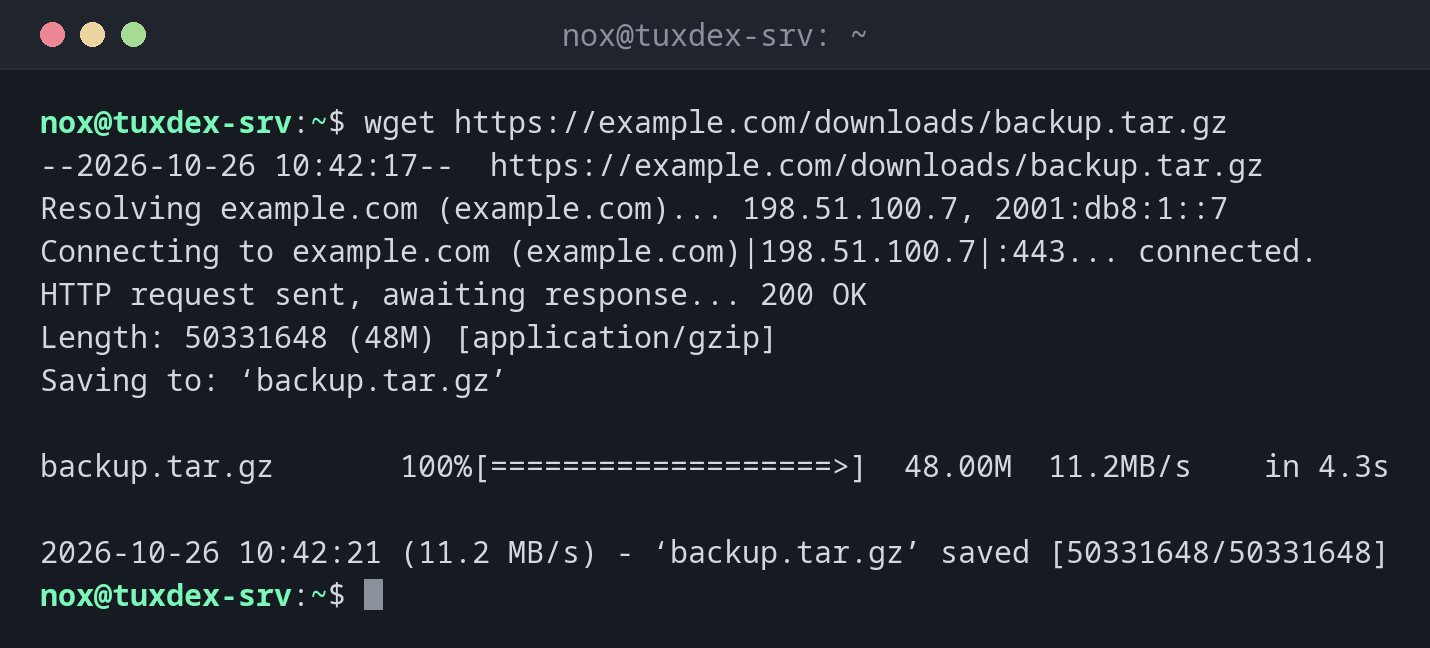
Download a file:
wget https://example.com/downloads/backup.tar.gz
--2026-10-26 10:42:17--  https://example.com/downloads/backup.tar.gz
Resolving example.com (example.com)... 198.51.100.7, 2001:db8:1::7
Connecting to example.com (example.com)|198.51.100.7|:443... connected.
HTTP request sent, awaiting response... 200 OK
Length: 50331648 (48M) [application/gzip]
Saving to: ‘backup.tar.gz’

backup.tar.gz       100%[===================>]  48.00M  11.2MB/s    in 4.3s

2026-10-26 10:42:21 (11.2 MB/s) - ‘backup.tar.gz’ saved [50331648/50331648]
Continue an interrupted download:
wget -c https://example.com/downloads/backup.tar.gz
--2026-10-26 10:45:03--  https://example.com/downloads/backup.tar.gz
Resolving example.com (example.com)... 198.51.100.7, 2001:db8:1::7
Connecting to example.com (example.com)|198.51.100.7|:443... connected.
HTTP request sent, awaiting response... 206 Partial Content
Length: 50331648 (48M), 29360128 (28M) remaining [application/gzip]
Saving to: ‘backup.tar.gz’

backup.tar.gz       100%[++++++++++=========>]  48.00M  11.4MB/s    in 2.5s

2026-10-26 10:45:06 (11.4 MB/s) - ‘backup.tar.gz’ saved [50331648/50331648]
206 Partial Content: the server only sends the missing part. The + signs in the
bar mark the part that was already there.
Save under a different name in a different directory:
wget -q -O /srv/backup/latest.tar.gz https://example.com/downloads/backup.tar.gz && ls -lh /srv/backup/latest.tar.gz
-rw-r--r-- 1 nox nox 48M Oct 26 10:42 /srv/backup/latest.tar.gz
Check whether a file exists:
wget --spider https://example.com/downloads/backup.tar.gz
Spider mode enabled. Check if remote file exists.
--2026-10-26 10:42:17--  https://example.com/downloads/backup.tar.gz
Resolving example.com (example.com)... 198.51.100.7, 2001:db8:1::7
Connecting to example.com (example.com)|198.51.100.7|:443... connected.
HTTP request sent, awaiting response... 200 OK
Length: 50331648 (48M) [application/gzip]
Remote file exists.
A file that doesn't exist:
wget https://example.com/downloads/old-backup.tar.gz
--2026-10-26 10:42:17--  https://example.com/downloads/old-backup.tar.gz
Resolving example.com (example.com)... 198.51.100.7, 2001:db8:1::7
Connecting to example.com (example.com)|198.51.100.7|:443... connected.
HTTP request sent, awaiting response... 404 Not Found
2026-10-26 10:42:17 ERROR 404: Not Found.
wget exits with code 8 on server errors like this, so scripts can react to it.
When do I need it?
- To download a release, a backup or an installation script onto the server
- For large downloads over an unstable connection, thanks to
-c - In scripts that fetch files regularly
curl or wget?
wget is made for downloading files, with progress bar, resume and recursion.
For testing websites and APIs, curl is the better tool.
Check downloaded scripts before running them
wget -O - https://… | sudo bash runs code from the internet as root without you
seeing it. Download the script first, read it, then run it.
Distribution differences
| Debian | Ubuntu | RHEL | Arch | |
|---|---|---|---|---|
| Installed by default | with the standard system utilities | yes | no, sudo dnf install wget |
no, sudo pacman -S wget |