export
Makes a variable available to programs and scripts started from the current shell (environment variable).
Syntax
export NAME[=VALUE]...
A normal variable only exists in the current shell. Only exported variables are passed on to child processes.
Options
| Option | Description |
|---|---|
NAME=VALUE |
Set and export in one step |
-p |
List all exported variables |
-n NAME |
Remove the export, keep the variable |
Examples
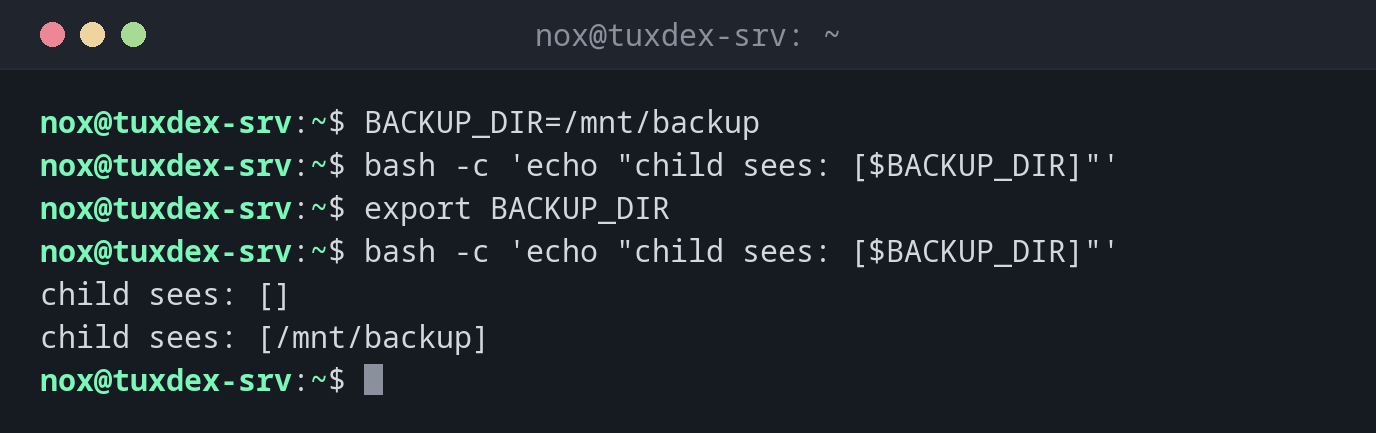
Without and with export:
BACKUP_DIR=/mnt/backup
bash -c 'echo "child sees: [$BACKUP_DIR]"'
export BACKUP_DIR
bash -c 'echo "child sees: [$BACKUP_DIR]"'
child sees: []
child sees: [/mnt/backup]
Show the exported variable:
export -p | grep BACKUP
declare -x BACKUP_DIR="/mnt/backup"
Set the editor for all programs:
export EDITOR=vim
echo "$EDITOR"
vim
When do I need it?
- To configure a program through environment variables, e.g.
EDITORorhttp_proxy - To pass settings to scripts started from your script
- In
~/.bashrc, to set variables for every new shell
Only for one command
BACKUP_DIR=/mnt/backup ./backup.sh sets the variable only for this one command, without
export and without changing your shell.
Exported variables don't go back
A script can't change the variables of the shell that started it. To load variables
into the current shell, use source.