docker volume
Manages volumes: storage managed by Docker that keeps data beyond the life of a container.
Syntax
docker volume create | ls | inspect | rm | prune [NAME]
Options
| Option | Description |
|---|---|
create NAME |
Create a volume (docker run -v NAME:… also creates it automatically) |
ls |
List all volumes |
inspect NAME |
Details, including the directory on the host (Mountpoint) |
rm NAME |
Delete a volume that no container uses |
prune |
Delete all unused anonymous volumes; with -a also named ones |
Examples
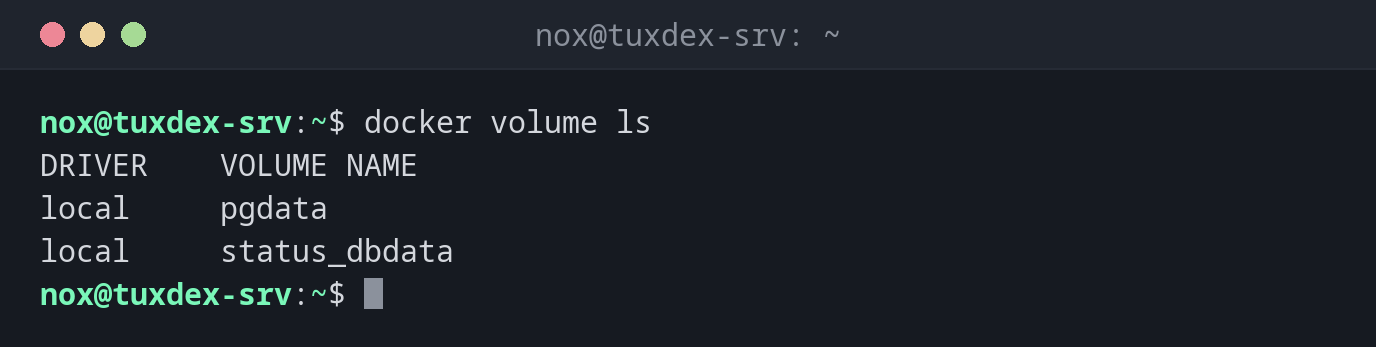
List the volumes:
docker volume ls
DRIVER    VOLUME NAME
local     pgdata
local     status_dbdata
Create a volume and use it:
docker volume create pgdata
docker run -d --name db -e POSTGRES_PASSWORD=secret \
  -v pgdata:/var/lib/postgresql/data postgres:17
pgdata
f1971ec6019cd6b63bec27e35dd69ceae4e9504716d98e74ba691b6989040cae
Where the volume lies on the host:
docker volume inspect pgdata
[
    {
        "CreatedAt": "2026-10-26T07:41:04Z",
        "Driver": "local",
        "Labels": null,
        "Mountpoint": "/var/lib/docker/volumes/pgdata/_data",
        "Name": "pgdata",
        "Options": null,
        "Scope": "local"
    }
]
Delete a volume that is still in use:
docker volume rm pgdata
Error response from daemon: remove pgdata: volume is in use - [f1971ec6019cd6b63bec27e35dd69ceae4e9504716d98e74ba691b6989040cae]
When do I need it?
- To keep the data of databases and services safe across updates of the container
- To find out where a volume lies on the host, for example for backups
- To clean up volumes of containers that no longer exist
Back up a volume
Mount the volume read-only in a temporary container and pack it:
docker run --rm -v pgdata:/data:ro -v /mnt/backup:/backup debian:trixie tar -czf /backup/pgdata.tar.gz -C /data .
Stop the database first, or use its own dump tool.
prune deletes data
docker volume prune -a deletes every volume that no container is using at that
moment, including those of a database that is just stopped. Check with
docker volume ls first.
Related commands
docker run · docker inspect · docker compose · docker system