dnf
The package manager of RHEL, Rocky Linux and AlmaLinux: installs, updates and removes software from the repositories and keeps a history of every change.
Syntax
dnf [OPTION]... COMMAND [PACKAGE]...
Options
| Command | Description |
|---|---|
install PACKAGE |
Install a package with its dependencies |
upgrade |
Install all available updates |
check-update |
List available updates without installing them |
remove PACKAGE |
Remove a package and dependencies that nothing needs anymore |
search WORD |
Search names and summaries |
info PACKAGE |
Show details of a package |
provides PATH |
Find the package that contains a file |
history |
List all past transactions |
history undo ID |
Undo a transaction |
-y |
Answer yes to all questions, for scripts |
Examples
Install a package:
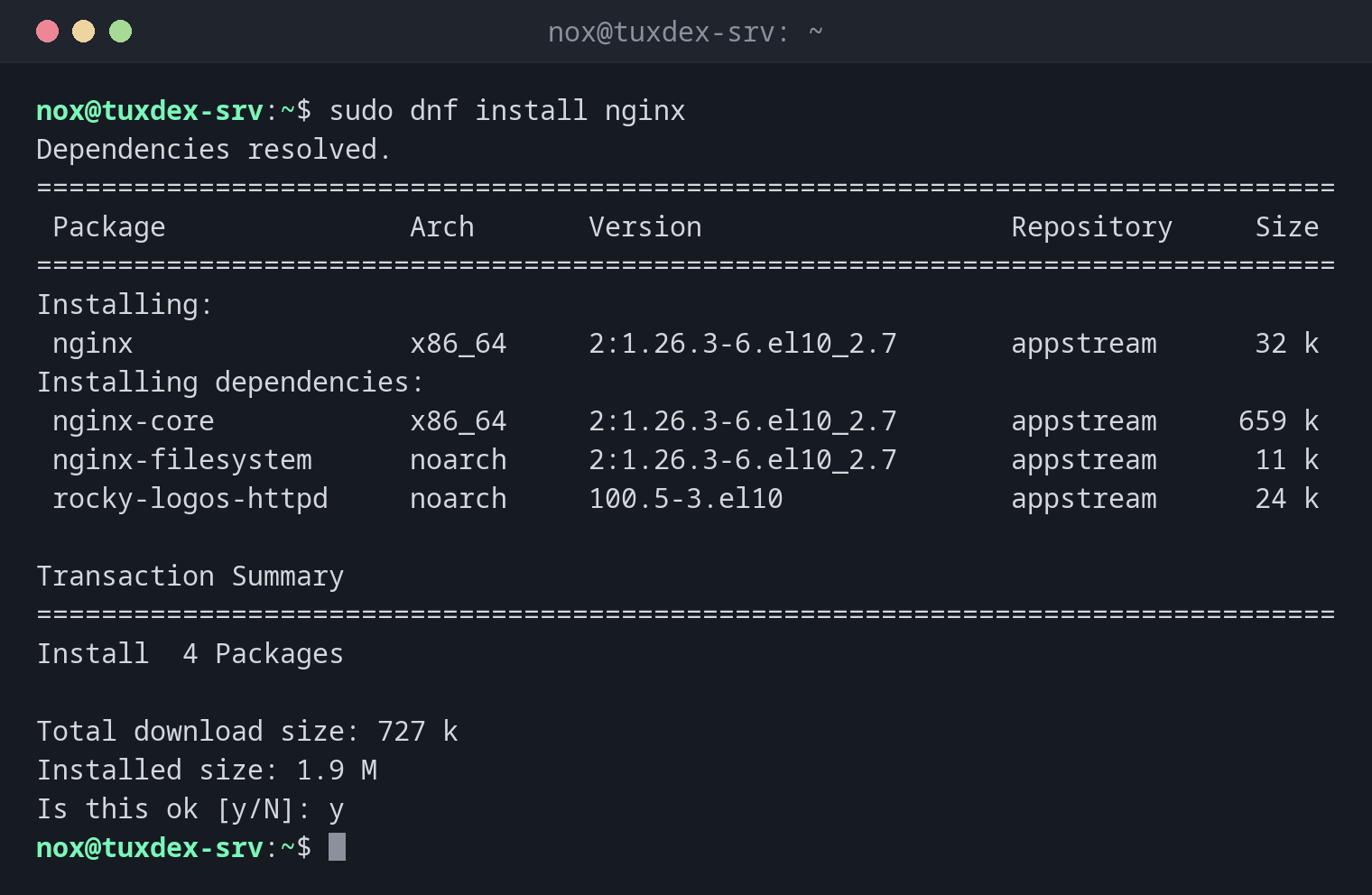
sudo dnf install nginx
Dependencies resolved.
================================================================================
 Package               Arch       Version                   Repository     Size
================================================================================
Installing:
 nginx                 x86_64     2:1.26.3-6.el10_2.7       appstream      32 k
Installing dependencies:
 nginx-core            x86_64     2:1.26.3-6.el10_2.7       appstream     659 k
 nginx-filesystem      noarch     2:1.26.3-6.el10_2.7       appstream      11 k
 rocky-logos-httpd     noarch     100.5-3.el10              appstream      24 k

Transaction Summary
================================================================================
Install  4 Packages

Total download size: 727 k
Installed size: 1.9 M
Is this ok [y/N]: y
After confirming, dnf downloads and installs the packages and ends with Complete!.
On RHEL, the service isn't started yet: sudo systemctl enable --now nginx.
Show which updates are available:
dnf check-update
Last metadata expiration check: 0:00:01 ago on Mon Oct 26 10:42:16 2026.

ca-certificates.noarch              2026.2.92_v9.0.319-100.3.el10_2       baseos
curl.x86_64                         8.12.1-4.el10_2.7                     baseos
expat.x86_64                        2.7.3-1.el10_2.7                      baseos
glib2.x86_64                        2.80.4-12.el10_2.22                   baseos
Show details of a package:
dnf info nginx
Installed Packages
Name         : nginx
Epoch        : 2
Version      : 1.26.3
Release      : 6.el10_2.7
Architecture : x86_64
Size         : 119 k
Source       : nginx-1.26.3-6.el10_2.7.src.rpm
Repository   : @System
From repo    : appstream
Summary      : A high performance web server and reverse proxy server
URL          : https://nginx.org
License      : BSD-2-Clause
Find the package that contains a command:
dnf provides /usr/bin/dig
bind-utils-32:9.18.33-15.el10_2.2.x86_64 : Utilities for querying DNS name servers
Repo        : appstream
Matched from:
Filename    : /usr/bin/dig
Show the history of all changes:
sudo dnf history
ID     | Command line             | Date and time    | Action(s)      | Altered
-------------------------------------------------------------------------------
     4 | install nginx            | 2026-10-26 10:41 | Install        |    4
     3 | upgrade                  | 2026-10-19 08:12 | I, U           |   46
     2 | install vim-enhanced     | 2026-10-14 07:52 | Install        |    3
     1 |                          | 2026-10-14 07:20 | Install        |  412
sudo dnf history undo 4 would remove nginx and its dependencies again.
Remove a package:
sudo dnf remove nginx
Dependencies resolved.
================================================================================
 Package               Arch       Version                  Repository      Size
================================================================================
Removing:
 nginx                 x86_64     2:1.26.3-6.el10_2.7      @appstream     119 k
Removing unused dependencies:
 nginx-core            x86_64     2:1.26.3-6.el10_2.7      @appstream     1.8 M
 nginx-filesystem      noarch     2:1.26.3-6.el10_2.7      @appstream     141
 rocky-logos-httpd     noarch     100.5-3.el10             @appstream      24 k

Transaction Summary
================================================================================
Remove  4 Packages

Freed space: 1.9 M
Is this ok [y/N]: y
When do I need it?
- On RHEL, Rocky Linux and AlmaLinux for every installation and every update
- To find out which package provides a missing command
- After a faulty update:
dnf historyshows what changed,history undoreverts it
EPEL for additional software
Many tools like htop are not in the RHEL repositories, but in EPEL (Extra Packages
for Enterprise Linux). On Rocky and Alma, sudo dnf install epel-release enables it.
dnf automatically removes unused dependencies
Unlike apt remove, dnf remove also removes dependencies that only the removed
package needed. Read the list under Removing unused dependencies before you confirm.
Configuration files stay
dnf has no purge. Changed configuration files are kept as .rpmsave when a
package is removed. Delete them by hand if you don't need them anymore.
Distribution differences
| Debian | Ubuntu | RHEL | Arch | |
|---|---|---|---|---|
| Available | no, use apt |
no, use apt |
yes | no, use pacman |
| Repository configuration | not applicable | not applicable | /etc/yum.repos.d/*.repo |
not applicable |