ssh
Logs in to a remote server over an encrypted connection, runs commands there and tunnels other connections through it.
Syntax
ssh [OPTION]... [USER@]HOST [COMMAND]
Options
| Option | Description |
|---|---|
-p PORT |
Connect to a different port than 22 |
-i FILE |
Use this private key |
-J HOST |
Connect through a jump host |
-L LPORT:HOST:PORT |
Local tunnel: LPORT on your machine leads to HOST:PORT as seen from the server |
-R RPORT:HOST:PORT |
Remote tunnel: a port on the server leads back to your side |
-D PORT |
Dynamic tunnel: a SOCKS proxy through the server |
-N, -f |
No remote command, go to the background (for tunnels) |
-t |
Force a terminal, e.g. for sudo in a remote command |
-v |
Show debug output, to find login problems |
Examples
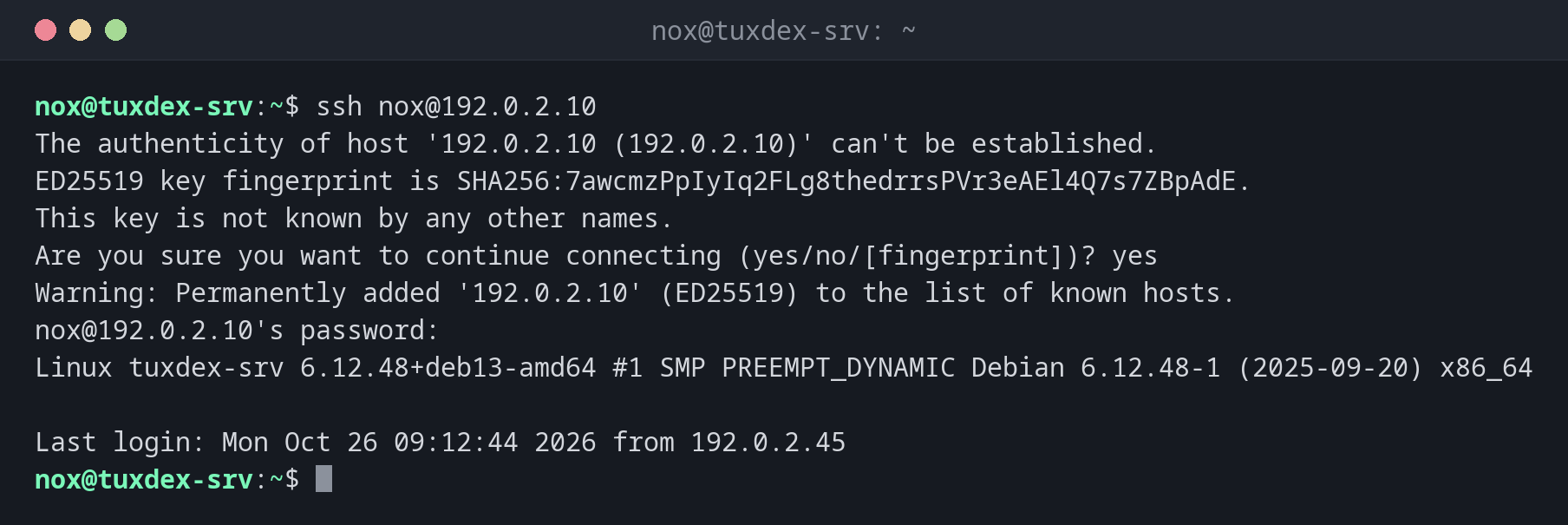
Connect to a server for the first time:
ssh nox@192.0.2.10
The authenticity of host '192.0.2.10 (192.0.2.10)' can't be established.
ED25519 key fingerprint is SHA256:7awcmzPpIyIq2FLg8thedrrsPVr3eAEl4Q7s7ZBpAdE.
This key is not known by any other names.
Are you sure you want to continue connecting (yes/no/[fingerprint])? yes
Warning: Permanently added '192.0.2.10' (ED25519) to the list of known hosts.
nox@192.0.2.10's password:
Linux tuxdex-srv 6.12.48+deb13-amd64 #1 SMP PREEMPT_DYNAMIC Debian 6.12.48-1 (2025-09-20) x86_64

Last login: Mon Oct 26 09:12:44 2026 from 192.0.2.45
Compare the fingerprint with the one the server administrator or the hosting console
shows you, before you answer yes.
Run a single command on the server:
ssh nox@192.0.2.10 uptime
10:42:17 up 12 days, 3:05, 2 users, load average: 0.08, 0.03, 0.01
With a host from ~/.ssh/config (see basics), web is enough instead of
nox@192.0.2.10.
Reach a database that only listens on the server itself:
ssh -f -N -L 5433:127.0.0.1:5432 nox@192.0.2.10
ss -tln | grep 5433
LISTEN 0 128 127.0.0.1:5433 0.0.0.0:*
Port 5433 on your machine now leads to 127.0.0.1:5432 on the server. Your database
tool connects to localhost:5433, the database itself stays closed to the outside.
Connect through a jump host:
ssh -J nox@192.0.2.10 nox@192.0.2.20 hostname
tuxdex-db
The database server 192.0.2.20 isn't reachable from outside. -J connects through
192.0.2.10 in one step.
The host key has changed:
ssh nox@192.0.2.10
@@@@@@@@@@@@@@@@@@@@@@@@@@@@@@@@@@@@@@@@@@@@@@@@@@@@@@@@@@@
@    WARNING: REMOTE HOST IDENTIFICATION HAS CHANGED!     @
@@@@@@@@@@@@@@@@@@@@@@@@@@@@@@@@@@@@@@@@@@@@@@@@@@@@@@@@@@@
IT IS POSSIBLE THAT SOMEONE IS DOING SOMETHING NASTY!
Someone could be eavesdropping on you right now (man-in-the-middle attack)!
It is also possible that a host key has just been changed.
The fingerprint for the ED25519 key sent by the remote host is
SHA256:3qrz2WaaPN7BZOUbSTXHRndWQcm8gTxZgtaniXKLSGs.
Please contact your system administrator.
Add correct host key in /home/nox/.ssh/known_hosts to get rid of this message.
Offending ED25519 key in /home/nox/.ssh/known_hosts:3
  remove with:
  ssh-keygen -f '/home/nox/.ssh/known_hosts' -R '192.0.2.10'
Host key for 192.0.2.10 has changed and you have requested strict checking.
Host key verification failed.
SSH refuses the connection. If the server was reinstalled, remove the old key with the command shown and connect again. If not, find out why first.
When do I need it?
- For every administration task on a remote server
- To reach services that are only reachable on the server itself, such as databases
- To reach servers in an internal network through a jump host
Debug login problems
ssh -v nox@192.0.2.10 shows which keys are offered and which methods the server
accepts. The lines Offering public key and Authentications that can continue
usually reveal the problem.
Escape a frozen session
If the connection hangs, type Enter, then ~. (tilde, dot). SSH ends the session
immediately, even if the server no longer answers.
Related commands
ssh-keygen · ssh-copy-id · scp · sshd