ssh-keygen
Creates and manages SSH keys: new key pairs, passphrases, fingerprints and entries in
known_hosts.
Syntax
ssh-keygen [OPTION]...
Options
| Option | Description |
|---|---|
-t TYPE |
Key type, ed25519 is recommended |
-C COMMENT |
Comment at the end of the public key, usually user@host |
-f FILE |
File name of the key |
-l -f FILE |
Show the fingerprint of a key |
-p -f FILE |
Change the passphrase |
-y -f FILE |
Print the public key for a private key |
-R HOST |
Remove a host from known_hosts |
Examples
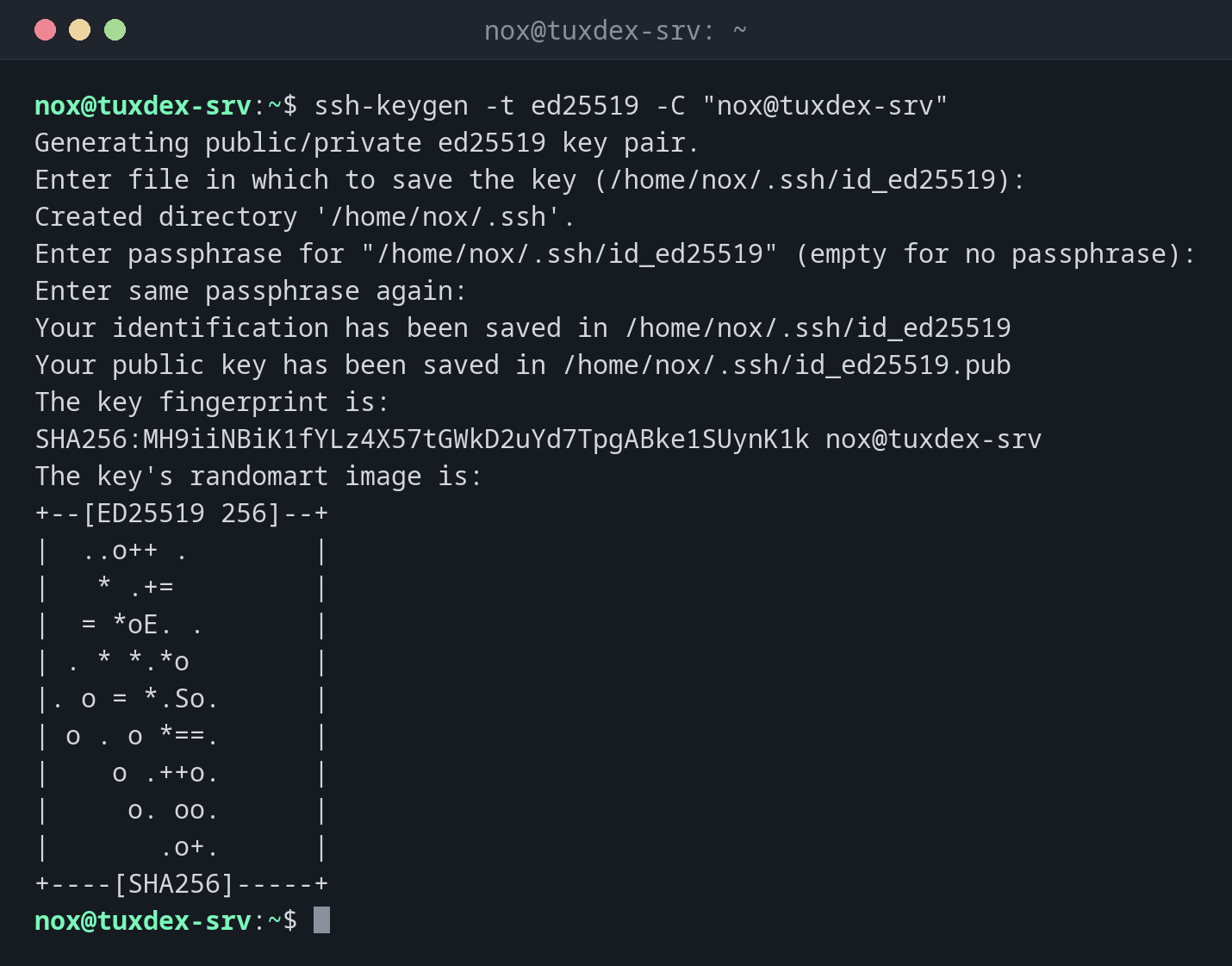
Create a new key pair:
ssh-keygen -t ed25519 -C "nox@tuxdex-srv"
Generating public/private ed25519 key pair.
Enter file in which to save the key (/home/nox/.ssh/id_ed25519):
Created directory '/home/nox/.ssh'.
Enter passphrase for "/home/nox/.ssh/id_ed25519" (empty for no passphrase):
Enter same passphrase again:
Your identification has been saved in /home/nox/.ssh/id_ed25519
Your public key has been saved in /home/nox/.ssh/id_ed25519.pub
The key fingerprint is:
SHA256:MH9iiNBiK1fYLz4X57tGWkD2uYd7TpgABke1SUynK1k nox@tuxdex-srv
The key's randomart image is:
+--[ED25519 256]--+
|  ..o++ .        |
|   * .+=         |
|  = *oE. .       |
| . * *.*o        |
|. o = *.So.      |
| o . o *==.      |
|    o .++o.      |
|     o. oo.      |
|       .o+.      |
+----[SHA256]-----+
Press Enter for the default file name and enter a passphrase twice. The input is not shown.
Check the created files:
ls -l ~/.ssh
total 8
-rw------- 1 nox nox 464 Oct 26 10:42 id_ed25519
-rw-r--r-- 1 nox nox  98 Oct 26 10:42 id_ed25519.pub
The private key may only be readable by you (600). The public key may be seen by
anyone.
Show the public key, to send it to an administrator:
cat ~/.ssh/id_ed25519.pub
ssh-ed25519 AAAAC3NzaC1lZDI1NTE5AAAAIAWZDtTcIe235G0EzeAQj/BESDJnWT39gRghXyiMZZal nox@tuxdex-srv
Show the fingerprint of a key:
ssh-keygen -lf ~/.ssh/id_ed25519.pub
256 SHA256:MH9iiNBiK1fYLz4X57tGWkD2uYd7TpgABke1SUynK1k nox@tuxdex-srv (ED25519)
Change the passphrase:
ssh-keygen -p -f ~/.ssh/id_ed25519
Enter old passphrase:
Key has comment 'nox@tuxdex-srv'
Enter new passphrase (empty for no passphrase):
Enter same passphrase again:
Your identification has been saved with the new passphrase.
Remove an old host key after reinstalling a server:
ssh-keygen -R 192.0.2.10
# Host 192.0.2.10 found: line 3
/home/nox/.ssh/known_hosts updated.
Original contents retained as /home/nox/.ssh/known_hosts.old
When do I need it?
- Once per computer, to create your own key pair
- To change or add the passphrase of an existing key
- When a server was reinstalled and SSH reports a changed host key
One key per computer
Create a separate key on every computer you work from. If a laptop gets lost, you only remove its public key from the servers, the others keep working.
Keys without a passphrase
A private key without a passphrase is like a password in a text file: whoever copies it can log in to all your servers. Only use keys without a passphrase for automated jobs, and restrict them on the server.
Related commands
ssh · ssh-copy-id · ssh-agent · ssh-add · ssh-keyscan