lsof
Lists open files and which process holds them. Since sockets are files on Linux too, it also shows who is using a port.
Syntax
lsof [OPTION]... [FILE]...
Options
| Option | Description |
|---|---|
-i :PORT |
Network connections on this port |
-p PID |
Files opened by this process |
-u USER |
Files opened by processes of this user |
+D DIRECTORY |
Open files below this directory |
+L1 |
Deleted files that are still open |
-t |
Only print the PIDs, for scripts |
-n, -P |
Don't resolve host names and port names |
Examples
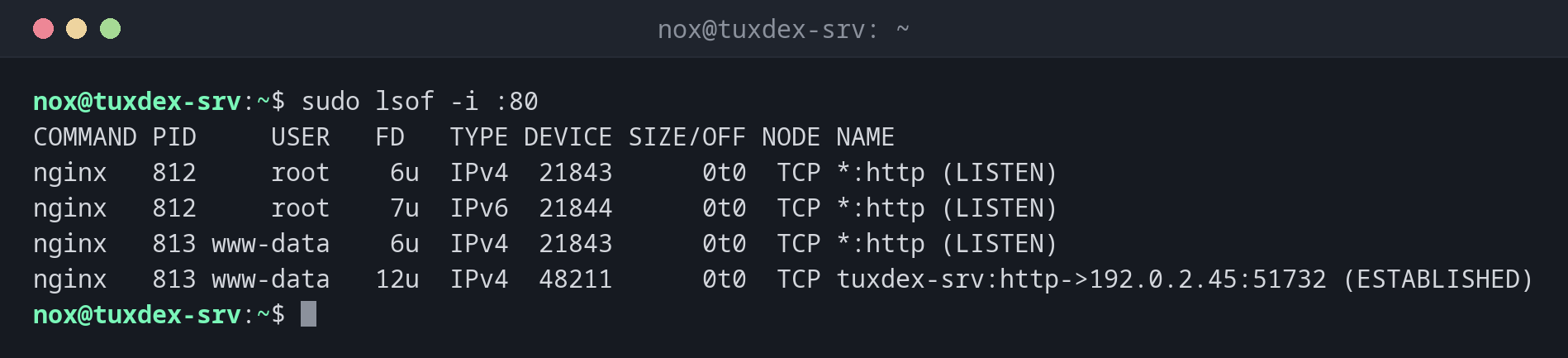
Find out who is using port 80:
sudo lsof -i :80
COMMAND PID     USER   FD   TYPE DEVICE SIZE/OFF NODE NAME
nginx   812     root    6u  IPv4  21843      0t0  TCP *:http (LISTEN)
nginx   812     root    7u  IPv6  21844      0t0  TCP *:http (LISTEN)
nginx   813 www-data    6u  IPv4  21843      0t0  TCP *:http (LISTEN)
nginx   813 www-data   12u  IPv4  48211      0t0  TCP tuxdex-srv:http->192.0.2.45:51732 (ESTABLISHED)
| Column | Meaning |
|---|---|
FD |
File descriptor: number plus mode (r read, w write, u both), or cwd for the working directory |
TYPE |
REG file, DIR directory, IPv4/IPv6 network socket |
NAME |
Path, or address and port with the connection state |
Find out why a directory can't be unmounted:
sudo lsof +D /mnt/backup
COMMAND  PID USER   FD   TYPE DEVICE SIZE/OFF NODE NAME
bash    2201  nox  cwd    DIR   8,17     4096    2 /mnt/backup
rsync   4415  nox    3r   REG   8,17  1048576 1311 /mnt/backup/db.sql.gz
A shell is still in the directory, and rsync is reading a file from it. That is why
umount reports target is busy.
Find deleted files that still take up space:
sudo lsof +L1
COMMAND PID     USER   FD   TYPE DEVICE   SIZE/OFF NLINK   NODE NAME
nginx   813 www-data    4w   REG    8,2 8589934592     0 393270 /var/log/nginx/access.log.1 (deleted)
The log file was deleted, but nginx still has it open. The 8 GiB are only released when
the process closes the file, for example after sudo systemctl reload nginx.
Only print the PIDs:
sudo lsof -t -i :80
812
813
814
When do I need it?
- When a service won't start because its port is already in use
- When
umountfails withtarget is busy - When the disk is full, but
dufinds far less data thandfreports
Quicker for ports: ss
For the question "who is listening on which port?", sudo ss -tlnp is faster and
always installed. lsof shows more detail per process.
Use sudo
Without root rights, lsof only shows your own processes. The output is not wrong,
just incomplete, and the process you are looking for is often missing.
Not always installed
Minimal installations often don't include lsof. Install the package lsof with the
package manager of your distribution.