strings
Pulls readable text out of binary files: version numbers, paths, URLs and messages.
Syntax
strings [OPTION]... FILE...
Options
| Option | Description |
|---|---|
-n N, --bytes=N |
Only show strings that are at least N characters long (default 4) |
-t x / -t d |
Show the position of each string in the file, hexadecimal or decimal |
-e l |
Search for 16-bit text (UTF-16), as used in Windows programs |
-f, --print-file-name |
Print the file name in front of each string |
Examples
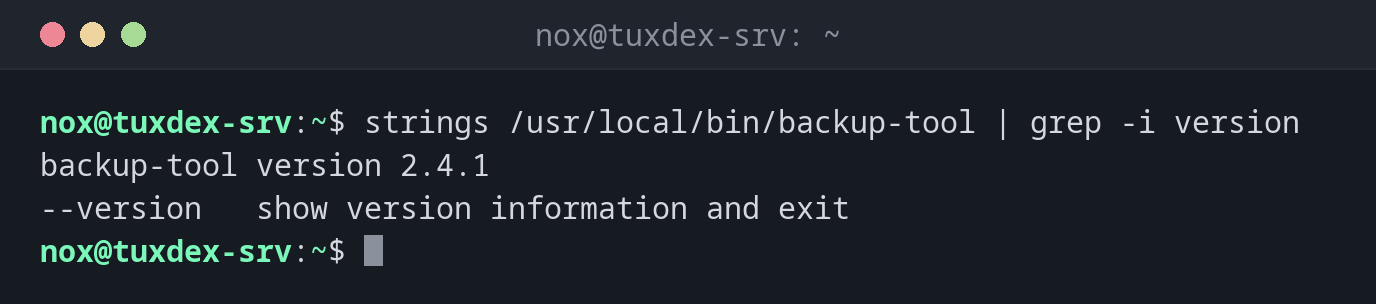
Find the version of a program:
strings /usr/local/bin/backup-tool | grep -i version
backup-tool version 2.4.1
--version   show version information and exit
Find the paths a program uses:
strings /usr/local/bin/backup-tool | grep '^/'
/lib64/ld-linux-x86-64.so.2
/etc/backup-tool/config.yml
/var/lib/backup-tool
/var/log/backup-tool.log
Now you know where the program expects its configuration and writes its log.
Only show longer strings:
strings -n 20 /usr/local/bin/backup-tool | head -n 3
/etc/backup-tool/config.yml
https://updates.example.com/backup-tool/latest
error: could not connect to storage backend
Show where in the file a string is:
strings -t x /usr/local/bin/backup-tool | head -n 2
    318 /lib64/ld-linux-x86-64.so.2
    4c1 libc.so.6
When do I need it?
- To find out the version, configuration path or log path of a program that has no documentation
- To check an unknown or suspicious binary for URLs, IP addresses or commands, without running it
- To find readable messages in crash dumps or damaged files
Combine with grep
strings usually prints hundreds of lines. Filter the output with grep for what
you are looking for: paths ('^/'), URLs (http), or words like version or error.
Not installed by default
strings is part of the package binutils, which is often missing on minimal server
installations. The installation commands are in the table below.
Distribution differences
| Debian | Ubuntu | RHEL | Arch | |
|---|---|---|---|---|
| Install | sudo apt install binutils |
sudo apt install binutils |
sudo dnf install binutils |
sudo pacman -S binutils |