ansible-playbook
Runs a playbook: all its tasks, in order, on the servers it names.
Syntax
ansible-playbook [OPTIONS] PLAYBOOK.yml
Options
| Option | Description |
|---|---|
--check |
Dry run: show what would change, change nothing |
--diff |
Show the changes in files line by line |
-l, --limit PATTERN |
Only these servers, such as web01 |
-t, --tags TAGS |
Only tasks with these tags |
--skip-tags TAGS |
Skip tasks with these tags |
--syntax-check |
Only check the syntax |
--list-tasks, --list-hosts |
Show which tasks would run on which servers |
-e VAR=VALUE |
Set an extra variable |
--ask-vault-pass, --vault-password-file FILE |
Password for encrypted files |
-v, -vvv |
More output, for troubleshooting |
Examples
Set up the web servers:
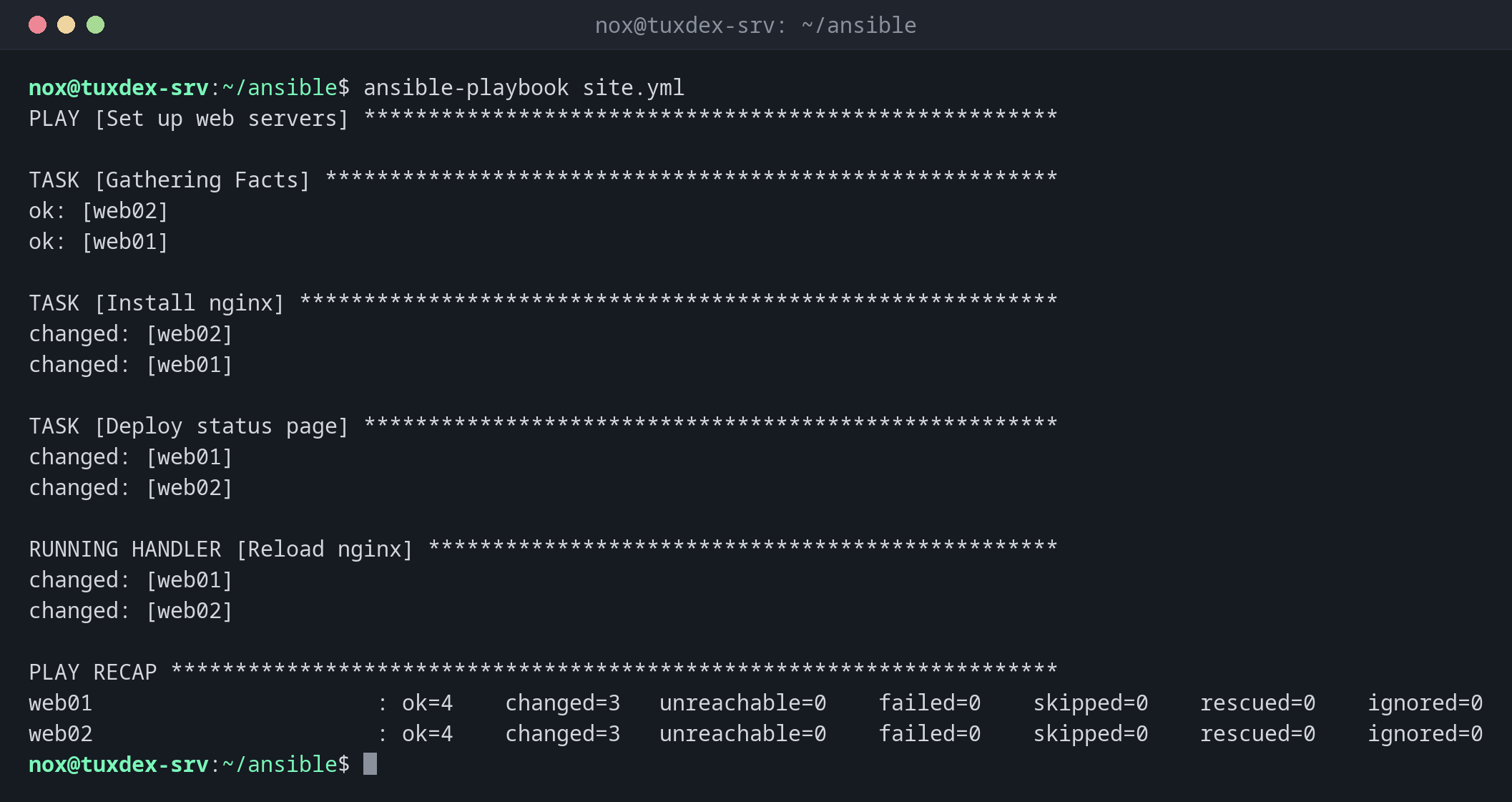
ansible-playbook site.yml
PLAY [Set up web servers] ******************************************************

TASK [Gathering Facts] *********************************************************
ok: [web02]
ok: [web01]

TASK [Install nginx] ***********************************************************
changed: [web02]
changed: [web01]

TASK [Deploy status page] ******************************************************
changed: [web01]
changed: [web02]

RUNNING HANDLER [Reload nginx] *************************************************
changed: [web01]
changed: [web02]

PLAY RECAP *********************************************************************
web01                      : ok=4    changed=3   unreachable=0    failed=0    skipped=0    rescued=0    ignored=0
web02                      : ok=4    changed=3   unreachable=0    failed=0    skipped=0    rescued=0    ignored=0
The playbook is shown in the basics. changed=3: nginx installed, page written, nginx reloaded.
The second run changes nothing:
ansible-playbook site.yml
PLAY [Set up web servers] ******************************************************

TASK [Gathering Facts] *********************************************************
ok: [web01]
ok: [web02]

TASK [Install nginx] ***********************************************************
ok: [web02]
ok: [web01]

TASK [Deploy status page] ******************************************************
ok: [web02]
ok: [web01]

PLAY RECAP *********************************************************************
web01                      : ok=3    changed=0   unreachable=0    failed=0    skipped=0    rescued=0    ignored=0
web02                      : ok=3    changed=0   unreachable=0    failed=0    skipped=0    rescued=0    ignored=0
Everything is ok, so the handler doesn't run either.
Preview a change:
ansible-playbook site.yml --check --diff --limit web01
PLAY [Set up web servers] ******************************************************

TASK [Gathering Facts] *********************************************************
ok: [web01]

TASK [Install nginx] ***********************************************************
ok: [web01]

TASK [Deploy status page] ******************************************************
--- before: /var/www/html/index.html
+++ after: /var/www/html/index.html
@@ -1 +1 @@
-<h1>web01: all systems operational</h1>
+<h1>web01: maintenance tonight 22:00</h1>

changed: [web01]

RUNNING HANDLER [Reload nginx] *************************************************
changed: [web01]

PLAY RECAP *********************************************************************
web01                      : ok=4    changed=2   unreachable=0    failed=0    skipped=0    rescued=0    ignored=0
Only some tasks on one server:
ansible-playbook site.yml --limit web01 --tags packages
PLAY [Set up web servers] ******************************************************

TASK [Gathering Facts] *********************************************************
ok: [web01]

TASK [Install nginx] ***********************************************************
ok: [web01]

PLAY RECAP *********************************************************************
web01                      : ok=2    changed=0   unreachable=0    failed=0    skipped=0    rescued=0    ignored=0
List the tasks of the playbook:
ansible-playbook site.yml --list-tasks
playbook: site.yml

  play #1 (web): Set up web servers     TAGS: []
    tasks:
      Install nginx     TAGS: [packages]
      Deploy status page        TAGS: []
When do I need it?
- To set up new servers the same way as the existing ones
- To roll out a configuration change to all servers at once
- Regularly, to reset servers that someone changed by hand
First --check --diff, then for real
ansible-playbook site.yml --check --diff shows every change before it happens. On
production servers, that should be the first step of every run.
--check has limits
In check mode, nothing is installed. A later task that relies on it, such as reloading nginx on a fresh server, can fail in check mode although the real run works.