truncate
Sets a file to an exact size: it empties, shortens or enlarges the file without deleting it.
Syntax
truncate [OPTION]... -s SIZE FILE...
Options
| Option | Description |
|---|---|
-s, --size=SIZE |
New size: 0 empty, 100M exactly 100 MB, +1G 1 GB larger, -10K 10 KB smaller |
-c, --no-create |
Do not create files that do not exist |
-r, --reference=FILE |
Use the size of FILE |
Examples
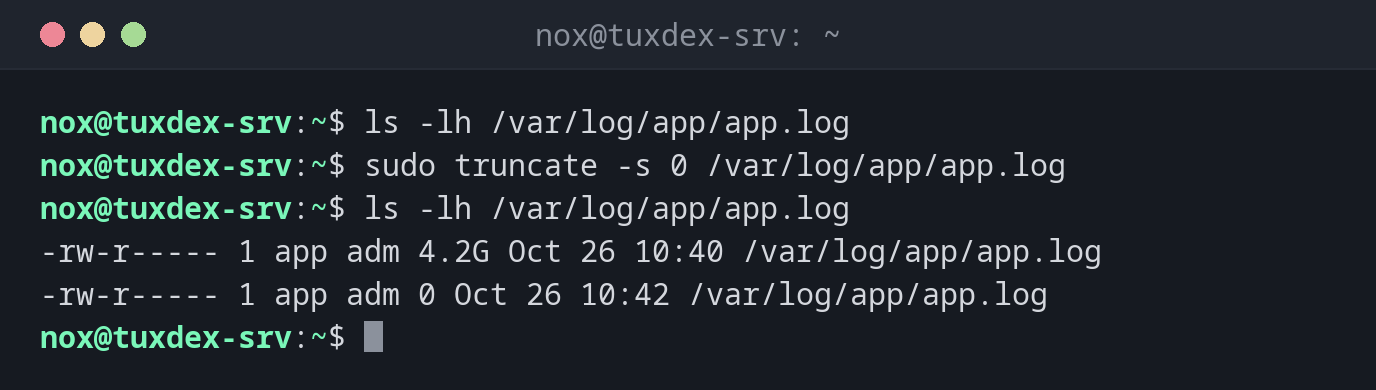
Empty a full log file while the service keeps running:
ls -lh /var/log/app/app.log
sudo truncate -s 0 /var/log/app/app.log
ls -lh /var/log/app/app.log
-rw-r----- 1 app adm 4.2G Oct 26 10:40 /var/log/app/app.log
-rw-r----- 1 app adm 0 Oct 26 10:42 /var/log/app/app.log
Create a file of a certain size for tests:
truncate -s 1G test.img
ls -lh test.img
du -h test.img
-rw-r--r-- 1 nox nox 1.0G Oct 26 10:42 test.img
0       test.img
The file is 1 GB in size, but uses no space on the disk yet (a "sparse file").
Shorten a file to a fixed size:
truncate -s 100 notes.txt
stat -c '%s' notes.txt
100
Make a file larger:
truncate -s +1G test.img
ls -lh test.img
-rw-r--r-- 1 nox nox 2.0G Oct 26 10:42 test.img
When do I need it?
- When a log file has filled the disk and the service must keep running
- To create large test files instantly, for example to test disk quotas or uploads
- To create or enlarge the image file of a virtual disk
The short form : >
: > /var/log/app/app.log empties a file as well. With sudo, use truncate,
because the redirection > is done by your own shell, not by sudo.
Why not just rm?
If you delete a log file with rm while a service still has it open, the disk space
is not freed. The service keeps writing into the deleted file until it is
restarted. truncate -s 0 empties the file in place and frees the space at once.
The content is lost
truncate cuts off data without asking. If you still need the log, copy or compress
it first: cp app.log app.log.1 && truncate -s 0 app.log.