goaccess
Analyses web server logs and shows visitors, requested pages, status codes and bandwidth, live in the terminal or as an HTML report.
Syntax
goaccess [OPTION]... [LOGFILE]...
Options
| Option | Description |
|---|---|
--log-format=COMBINED |
The format of the log, COMBINED for nginx and Apache defaults |
-o report.html |
Write an HTML report instead of the terminal view |
--real-time-html |
Keep the HTML report updated live |
- |
Read the log from standard input, e.g. from zcat |
--ignore-crawlers |
Leave out known bots |
Examples
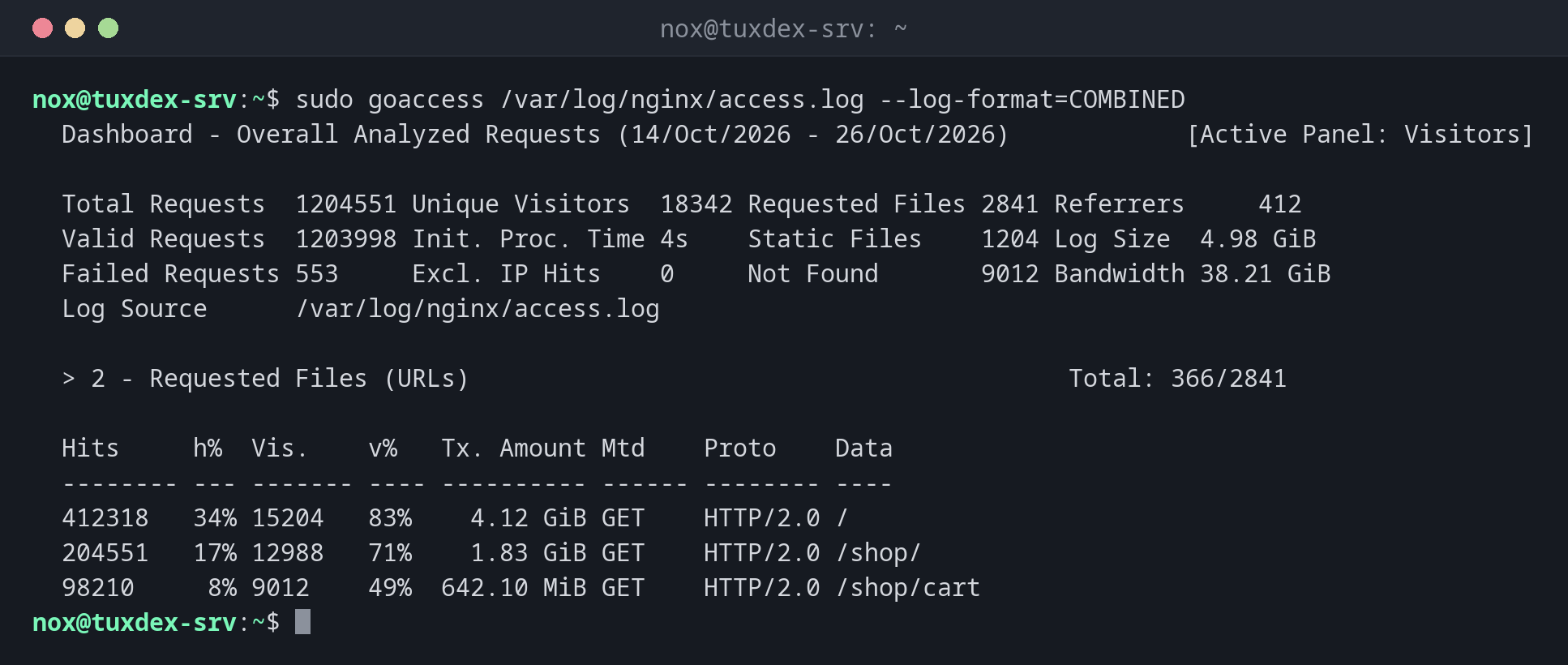
Analyse the access log in the terminal:
sudo goaccess /var/log/nginx/access.log --log-format=COMBINED
  Dashboard - Overall Analyzed Requests (14/Oct/2026 - 26/Oct/2026)            [Active Panel: Visitors]

  Total Requests  1204551 Unique Visitors  18342 Requested Files 2841 Referrers     412
  Valid Requests  1203998 Init. Proc. Time 4s    Static Files    1204 Log Size  4.98 GiB
  Failed Requests 553     Excl. IP Hits    0     Not Found       9012 Bandwidth 38.21 GiB
  Log Source      /var/log/nginx/access.log

  > 2 - Requested Files (URLs)                                         Total: 366/2841

  Hits     h%  Vis.    v%   Tx. Amount Mtd    Proto    Data
  -------- --- ------- ---- ---------- ------ -------- ----
  412318   34% 15204   83%    4.12 GiB GET    HTTP/2.0 /
  204551   17% 12988   71%    1.83 GiB GET    HTTP/2.0 /shop/
  98210     8% 9012    49%  642.10 MiB GET    HTTP/2.0 /shop/cart
Create an HTML report:
sudo goaccess /var/log/nginx/access.log --log-format=COMBINED -o /tmp/report.html
ls -lh /tmp/report.html
-rw-r--r-- 1 root root 612K Oct 26 10:42 /tmp/report.html
Copy the file to your computer, for example with scp, and open it in the browser.
When do I need it?
- To see which pages are requested how often, without a tracking tool
- When a site is slow or overloaded: which client or page causes the load?
- For a quick report for a customer, as an HTML file
Include rotated logs
zcat /var/log/nginx/access.log.*.gz | goaccess --log-format=COMBINED - analyses the
compressed old logs as well.
Reports contain IP addresses
The HTML report lists visitors with their IP addresses. Don't put it on a public web
server, or use --anonymize-ip.
Distribution differences
| Debian | Ubuntu | RHEL | Arch | |
|---|---|---|---|---|
| Package | goaccess |
goaccess |
from EPEL | goaccess |