ulimit
Shows and sets the resource limits of the shell and the processes started from it, most importantly the number of open files.
Syntax
ulimit [-a] [-H | -S] [-n | -u | -c | -v] [VALUE]
Options
| Option | Description |
|---|---|
-a |
Show all limits |
-n |
Maximum open files (file descriptors) |
-u |
Maximum processes of the user |
-c |
Maximum size of core dumps |
-S, -H |
Soft limit (current) or hard limit (upper bound for the soft limit) |
VALUE |
New value, such as 65535 or unlimited |
ulimit is a shell builtin and only applies to the current shell. Permanent limits for logins are in /etc/security/limits.conf, for services in the systemd unit (LimitNOFILE=).
Examples
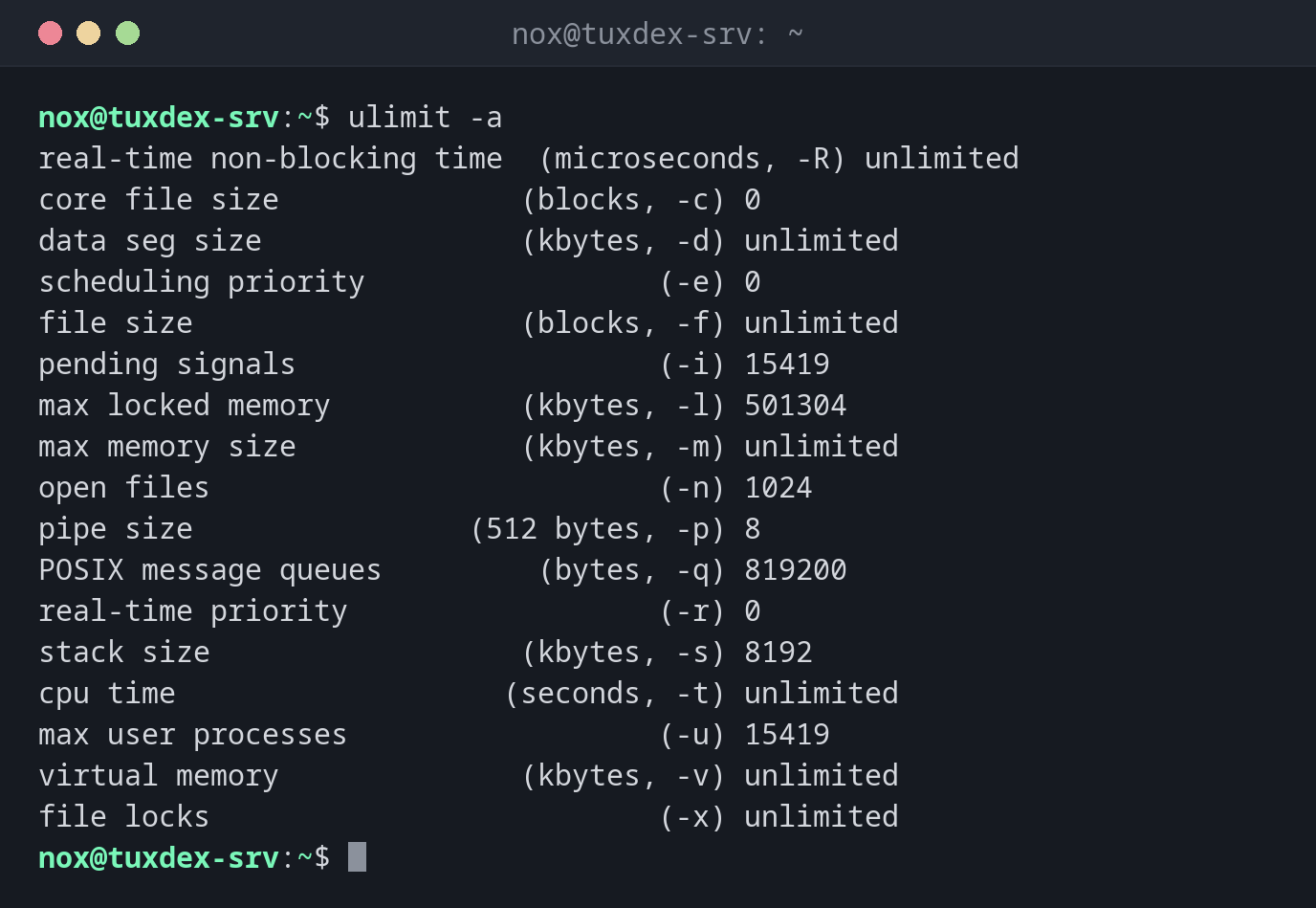
All limits of the shell:
ulimit -a
real-time non-blocking time  (microseconds, -R) unlimited
core file size              (blocks, -c) 0
data seg size               (kbytes, -d) unlimited
scheduling priority                 (-e) 0
file size                   (blocks, -f) unlimited
pending signals                     (-i) 15419
max locked memory           (kbytes, -l) 501304
max memory size             (kbytes, -m) unlimited
open files                          (-n) 1024
pipe size                (512 bytes, -p) 8
POSIX message queues         (bytes, -q) 819200
real-time priority                  (-r) 0
stack size                  (kbytes, -s) 8192
cpu time                   (seconds, -t) unlimited
max user processes                  (-u) 15419
virtual memory              (kbytes, -v) unlimited
file locks                          (-x) unlimited
The limit of a running service:
grep 'open files' /proc/$(pidof -s nginx)/limits
Max open files 1024 524288 files
Raise the limit for a service permanently:
sudo mkdir -p /etc/systemd/system/nginx.service.d
printf '[Service]\nLimitNOFILE=65535\n' | sudo tee /etc/systemd/system/nginx.service.d/limits.conf
sudo systemctl daemon-reload && sudo systemctl restart nginx
grep 'open files' /proc/$(pidof -s nginx)/limits
[Service]
LimitNOFILE=65535
Max open files            65535                65535                files
Raise the soft limit in the current shell:
ulimit -n 4096
ulimit -Sn; ulimit -Hn
4096
524288
When do I need it?
- When a service logs
Too many open files - To check the limits of a running process:
cat /proc/PID/limits - To allow core dumps for debugging a crashing program
Services: use systemd
Limits from limits.conf don't apply to systemd services. Set them in the unit, for
example with sudo systemctl edit nginx and [Service] LimitNOFILE=65535, then
restart the service.