traceroute
Shows the way packets take to a host, router by router, and how long each step takes.
Syntax
traceroute [OPTION]... HOST
Options
| Option | Description |
|---|---|
-n |
Don't resolve router names, only show addresses (faster) |
-m NUMBER |
Maximum number of hops, default 30 |
-q NUMBER |
Probes per hop, default 3 |
-T -p PORT |
Use TCP to this port instead of UDP, passes many firewalls |
-I |
Use ICMP like ping |
-4, -6 |
Force IPv4 or IPv6 |
Examples
Show the way to a host:
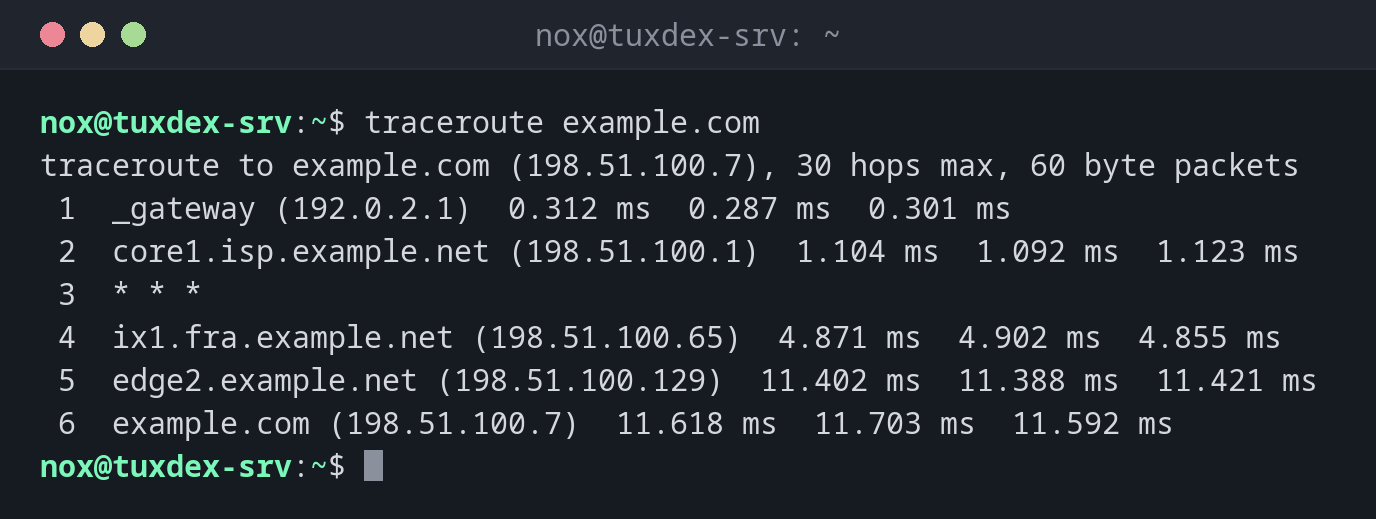
traceroute example.com
traceroute to example.com (198.51.100.7), 30 hops max, 60 byte packets
 1  _gateway (192.0.2.1)  0.312 ms  0.287 ms  0.301 ms
 2  core1.isp.example.net (198.51.100.1)  1.104 ms  1.092 ms  1.123 ms
 3  * * *
 4  ix1.fra.example.net (198.51.100.65)  4.871 ms  4.902 ms  4.855 ms
 5  edge2.example.net (198.51.100.129)  11.402 ms  11.388 ms  11.421 ms
 6  example.com (198.51.100.7)  11.618 ms  11.703 ms  11.592 ms
Every line is one router. The three times are three probes. * * * means: this router
doesn't answer, which is normal as long as the following hops work.
Faster, without name resolution:
traceroute -n example.com
traceroute to example.com (198.51.100.7), 30 hops max, 60 byte packets
 1  192.0.2.1  0.298 ms  0.276 ms  0.290 ms
 2  198.51.100.1  1.098 ms  1.101 ms  1.087 ms
 3  * * *
 4  198.51.100.65  4.866 ms  4.893 ms  4.849 ms
 5  198.51.100.129  11.395 ms  11.384 ms  11.410 ms
 6  198.51.100.7  11.602 ms  11.698 ms  11.587 ms
Test the way to a web server through firewalls:
sudo traceroute -T -p 443 example.com
traceroute to example.com (198.51.100.7), 30 hops max, 60 byte packets
 1  _gateway (192.0.2.1)  0.305 ms  0.281 ms  0.296 ms
 2  core1.isp.example.net (198.51.100.1)  1.110 ms  1.097 ms  1.119 ms
 3  ix1.fra.example.net (198.51.100.65)  4.880 ms  4.871 ms  4.902 ms
 4  edge2.example.net (198.51.100.129)  11.398 ms  11.405 ms  11.391 ms
 5  example.com (198.51.100.7)  11.612 ms  11.701 ms  11.590 ms
The way ends somewhere:
traceroute -n -m 8 198.51.100.200
traceroute to 198.51.100.200 (198.51.100.200), 8 hops max, 60 byte packets
 1  192.0.2.1  0.301 ms  0.284 ms  0.292 ms
 2  198.51.100.1  1.101 ms  1.096 ms  1.090 ms
 3  * * *
 4  * * *
 5  * * *
 6  * * *
 7  * * *
 8  * * *
From hop 3 on, nothing answers anymore: the packets are lost behind
198.51.100.1, for example at a firewall or a broken route.
When do I need it?
- When a host is unreachable: up to which router do the packets get?
- When a connection is slow: at which hop does the time jump?
- To show your hosting provider or ISP where exactly a problem occurs
mtr for a longer measurement
traceroute shows a single snapshot. mtr repeats the measurement
continuously and shows packet loss per hop.
Not installed by default
Install the package traceroute with the package manager of your distribution.
tracepath does a similar job and is often already there, see the table below.
Distribution differences
| Debian | Ubuntu | RHEL | Arch | |
|---|---|---|---|---|
traceroute |
package traceroute |
package traceroute |
package traceroute |
package traceroute |
tracepath |
package iputils-tracepath |
package iputils-tracepath |
part of iputils |
part of iputils |