a2enmod
On Debian and Ubuntu: enables and disables Apache modules, including the modules they depend on.
Syntax
a2enmod MODULE...
a2dismod MODULE...
a2query -m [MODULE]
Options
| Option | Description |
|---|---|
a2enmod MODULE |
Enable a module, such as rewrite, headers or ssl |
a2dismod MODULE |
Disable a module |
a2query -m |
List the enabled modules, or check one |
-q, --quiet |
No hints |
Modules need a restart, not just a reload: sudo systemctl restart apache2.
Examples
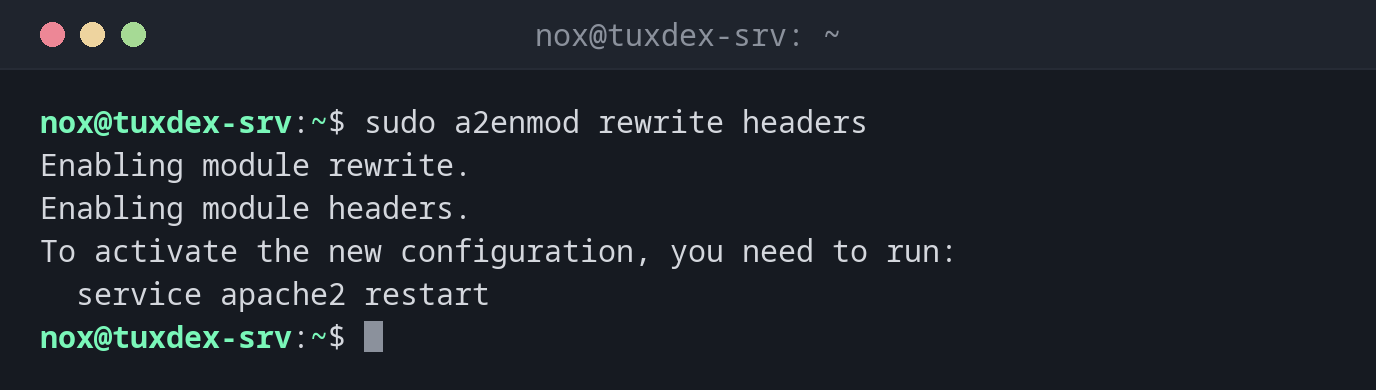
Enable two modules:
sudo a2enmod rewrite headers
Enabling module rewrite.
Enabling module headers.
To activate the new configuration, you need to run:
  service apache2 restart
A module with dependencies:
sudo a2enmod ssl
Considering dependency mime for ssl:
Module mime already enabled
Considering dependency socache_shmcb for ssl:
Enabling module socache_shmcb.
Enabling module ssl.
See /usr/share/doc/apache2/README.Debian.gz on how to configure SSL and create self-signed certificates.
To activate the new configuration, you need to run:
  service apache2 restart
Switch off a module:
sudo a2dismod status
sudo systemctl restart apache2
Module status disabled.
To activate the new configuration, you need to run:
  service apache2 restart
Check whether a module is enabled:
a2query -m rewrite
rewrite (enabled by site administrator)
When do I need it?
- For
.htaccessrules withRewriteRule(rewrite) - For HTTPS (
ssl) or security headers (headers) - To switch off modules you don't need, which reduces the attack surface
Modules on RHEL
On RHEL, modules are loaded by files in /etc/httpd/conf.modules.d/. ssl comes with
the package mod_ssl: sudo dnf install mod_ssl.
mod_status shows internals
/server-status reveals running requests including client addresses and URLs. If you
need it, allow it only from localhost or your admin network.
Distribution differences
| Debian | Ubuntu | RHEL | Arch | |
|---|---|---|---|---|
| Available | yes (apache2) |
yes (apache2) |
no: put files into /etc/httpd/conf.d/ |
no: Include lines in httpd.conf |