fdisk
Shows and changes partition tables, interactively and step by step. Nothing is written to the disk until you confirm with
w.
Syntax
fdisk [OPTION]... DEVICE
Options
| Option | Description |
|---|---|
-l [DEVICE] |
List the partition tables |
DEVICE |
Edit the partition table of this disk interactively |
Commands inside fdisk: p print, g new GPT table, n new partition, t change the type, d delete, w write and quit, q quit without saving, m help.
Examples
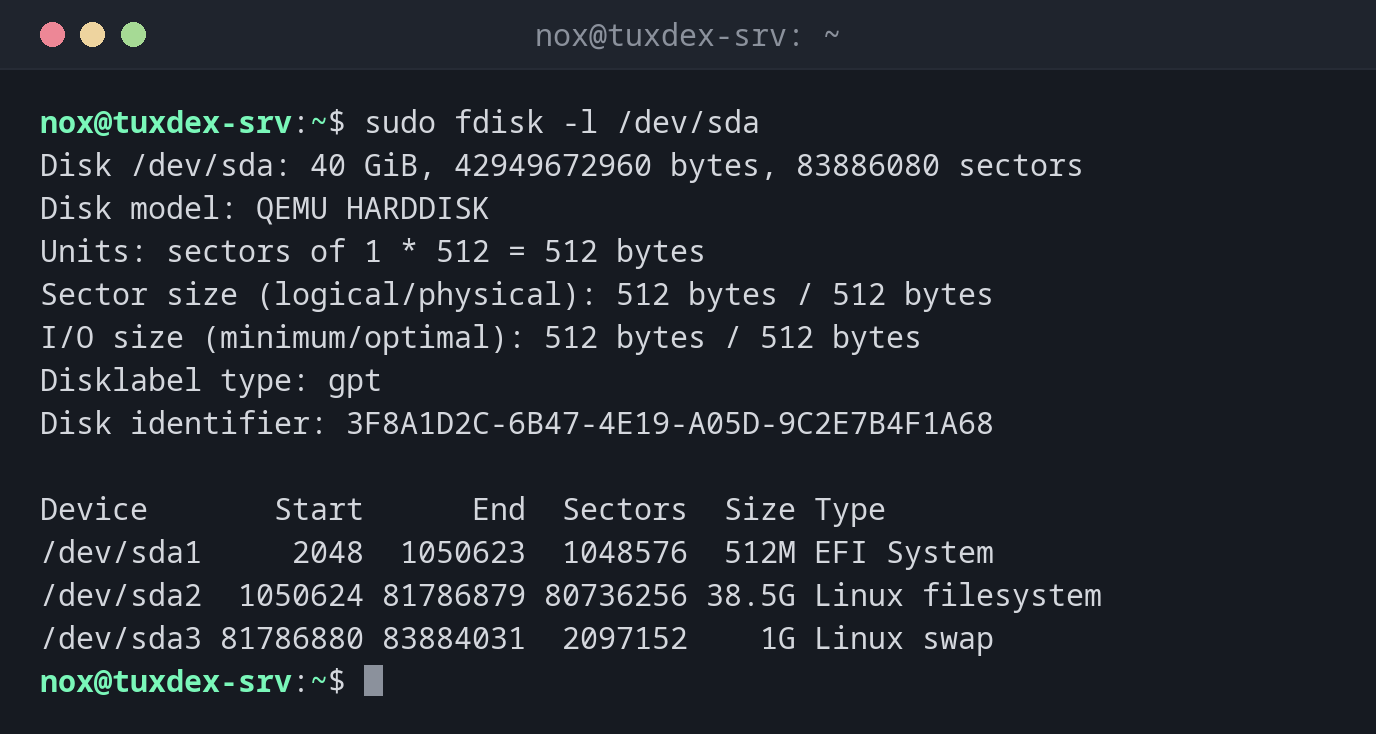
Show the partition table of the system disk:
sudo fdisk -l /dev/sda
Disk /dev/sda: 40 GiB, 42949672960 bytes, 83886080 sectors
Disk model: QEMU HARDDISK
Units: sectors of 1 * 512 = 512 bytes
Sector size (logical/physical): 512 bytes / 512 bytes
I/O size (minimum/optimal): 512 bytes / 512 bytes
Disklabel type: gpt
Disk identifier: 3F8A1D2C-6B47-4E19-A05D-9C2E7B4F1A68

Device       Start      End  Sectors  Size Type
/dev/sda1     2048  1050623  1048576  512M EFI System
/dev/sda2  1050624 81786879 80736256 38.5G Linux filesystem
/dev/sda3 81786880 83884031  2097152    1G Linux swap
Create one partition on a new disk:
sudo fdisk /dev/sdd
Welcome to fdisk (util-linux 2.41.5).
Changes will remain in memory only, until you decide to write them.
Be careful before using the write command.

Device does not contain a recognized partition table.
Created a new DOS (MBR) disklabel with disk identifier 0x5c2e91a7.

Command (m for help): g
Created a new GPT disklabel (GUID: 7E3B9C14-2F6A-4D85-9B1E-C04A8D27F5B3).

Command (m for help): n
Partition number (1-128, default 1):
First sector (2048-104857566, default 2048):
Last sector, +/-sectors or +/-size{K,M,G,T,P} (2048-104857566, default 104855551):

Created a new partition 1 of type 'Linux filesystem' and of size 50 GiB.

Command (m for help): w
The partition table has been altered.
Calling ioctl() to re-read partition table.
Syncing disks.
g creates a GPT table, n with three times Enter creates a partition over the
whole disk, w writes the result.
Check the result:
sudo fdisk -l /dev/sdd
Disk /dev/sdd: 50 GiB, 53687091200 bytes, 104857600 sectors
Disk model: QEMU HARDDISK
Units: sectors of 1 * 512 = 512 bytes
Sector size (logical/physical): 512 bytes / 512 bytes
I/O size (minimum/optimal): 512 bytes / 512 bytes
Disklabel type: gpt
Disk identifier: 7E3B9C14-2F6A-4D85-9B1E-C04A8D27F5B3

Device     Start       End   Sectors Size Type
/dev/sdd1   2048 104855551 104853504  50G Linux filesystem
When do I need it?
- When a new disk is added to a server and needs a partition
- To check the partition table of a disk
- To change the type of a partition, e.g. to
Linux swaporLinux LVM
No partition needed for LVM
For LVM, you can use the whole disk without a partition: pvcreate /dev/sdd. Many
admins still create one partition of type Linux LVM, so other tools recognise the disk
as used.
The wrong disk
fdisk on the wrong device destroys the partition table of a disk in use. Check the
name with lsblk and look at the size before you write with w.