diff
Compares two files line by line and shows exactly what is different.
Syntax
diff [OPTION]... FILE1 FILE2
Options
| Option | Description |
|---|---|
-u |
Unified format: changes with context, - removed, + added |
-y, --side-by-side |
Show both files side by side |
-q, --brief |
Only report whether the files differ |
-s |
Also report when the files are identical |
-r, --recursive |
Compare whole directories |
-i, --ignore-case |
Ignore upper and lower case |
-w, --ignore-all-space |
Ignore all spaces and tabs |
-B, --ignore-blank-lines |
Ignore empty lines |
--color |
Show removed lines in red and added lines in green |
Examples
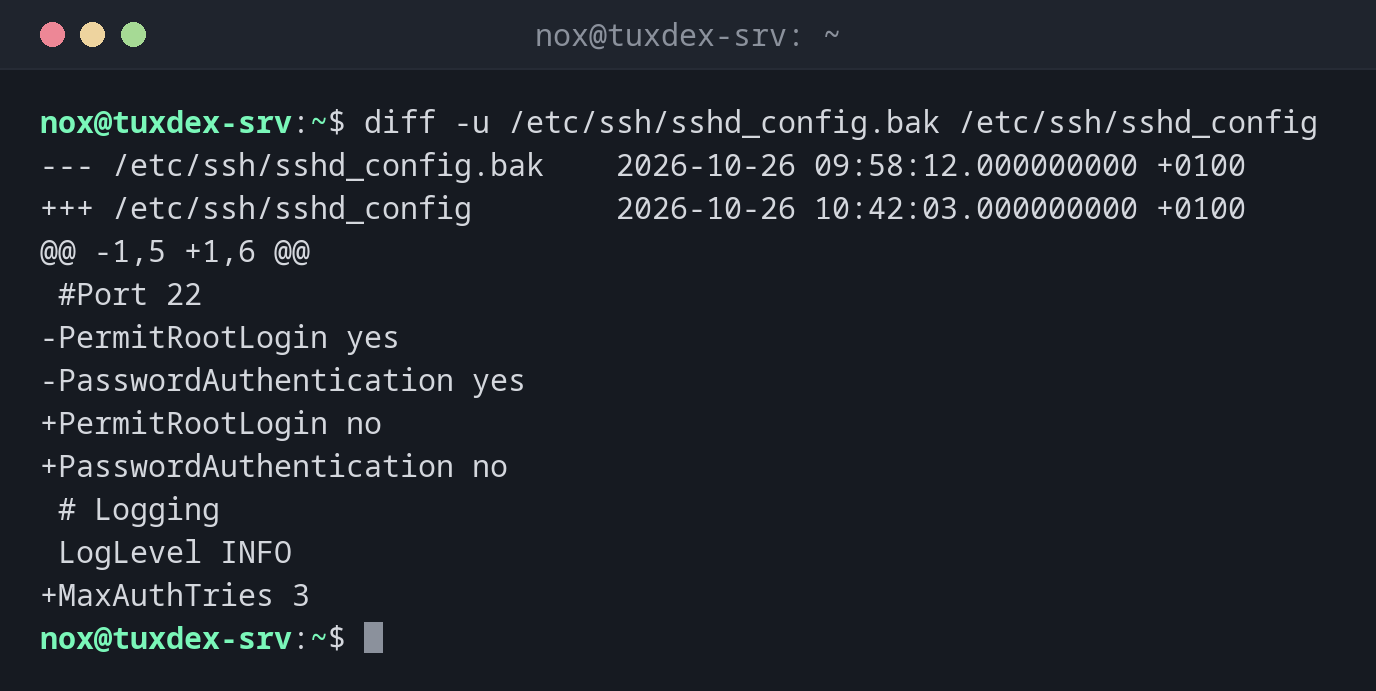
Compare a configuration with its backup:
diff -u /etc/ssh/sshd_config.bak /etc/ssh/sshd_config
--- /etc/ssh/sshd_config.bak    2026-10-26 09:58:12.000000000 +0100
+++ /etc/ssh/sshd_config        2026-10-26 10:42:03.000000000 +0100
@@ -1,5 +1,6 @@
 #Port 22
-PermitRootLogin yes
-PasswordAuthentication yes
+PermitRootLogin no
+PasswordAuthentication no
 # Logging
 LogLevel INFO
+MaxAuthTries 3
| Line | Meaning |
|---|---|
--- / +++ |
The old and the new file |
@@ -1,5 +1,6 @@ |
Lines 1 to 5 of the old file correspond to lines 1 to 6 of the new one |
- |
Line was removed |
+ |
Line was added |
| (space) | Unchanged line for context |
The short default format:
diff /etc/ssh/sshd_config.bak /etc/ssh/sshd_config
2,3c2,3
< PermitRootLogin yes
< PasswordAuthentication yes
---
> PermitRootLogin no
> PasswordAuthentication no
5a6
> MaxAuthTries 3
2,3c2,3 means: lines 2 to 3 were changed. 5a6: after line 5, line 6 was added.
Show both versions side by side:
diff -y -W 60 /etc/ssh/sshd_config.bak /etc/ssh/sshd_config
#Port 22                        #Port 22
PermitRootLogin yes          |  PermitRootLogin no
PasswordAuthentication yes   |  PasswordAuthentication no
# Logging                       # Logging
LogLevel INFO                   LogLevel INFO
                             >  MaxAuthTries 3
Only check whether two files differ:
diff -q /etc/ssh/sshd_config.bak /etc/ssh/sshd_config
Files /etc/ssh/sshd_config.bak and /etc/ssh/sshd_config differ
Compare two directories:
diff -rq /etc/app /srv/backup/etc/app
Files /etc/app/conf.d/app.conf and /srv/backup/etc/app/conf.d/app.conf differ
Only in /srv/backup/etc/app/conf.d: new.conf
Compare the output of two commands:
diff <(ssh web1 dpkg-query -W -f='${Package}\n') <(ssh web2 dpkg-query -W -f='${Package}\n')
2d1
< git
3a3
> rsync
git is only installed on web1, rsync only on web2. <( ) passes the output of a
command to diff as if it were a file.
When do I need it?
- To check what you (or a package update) changed in a configuration file
- To compare a configuration between two servers, or with a backup
- To find out which files in a directory differ from a backup
- To create patches that someone else can apply with
patch
Exit status for scripts
diff returns 0 if the files are identical, 1 if they differ and 2 on an
error. Scripts can use this: diff -q a b > /dev/null || echo "changed".
New configuration files after updates
If you changed a configuration and a package update brings a new version, the package
manager keeps the new file next to yours (see the table below). Compare it with
diff -u to see what the update would have changed.
Distribution differences
| Debian | Ubuntu | RHEL | Arch | |
|---|---|---|---|---|
| New version of a changed config | FILE.dpkg-dist, FILE.ucf-dist |
FILE.dpkg-dist, FILE.ucf-dist |
FILE.rpmnew |
FILE.pacnew |
| Your old version after replacing | FILE.dpkg-old |
FILE.dpkg-old |
FILE.rpmsave |
FILE.pacsave |