chage
Sets how long passwords are valid and when an account expires, and shows these settings.
Syntax
chage [OPTION]... USER
Options
| Option | Description |
|---|---|
-l, --list |
Show the password and account ageing of the user |
-M DAYS, --maxdays |
The password must be changed after DAYS days |
-m DAYS, --mindays |
The password can be changed again after DAYS days at the earliest |
-W DAYS, --warndays |
Warn DAYS days before the password expires |
-E DATE, --expiredate |
The account expires on DATE (YYYY-MM-DD, -1 = never) |
-I DAYS, --inactive |
Lock the account DAYS days after the password expired |
-d 0, --lastday 0 |
Force a password change at the next login |
Examples
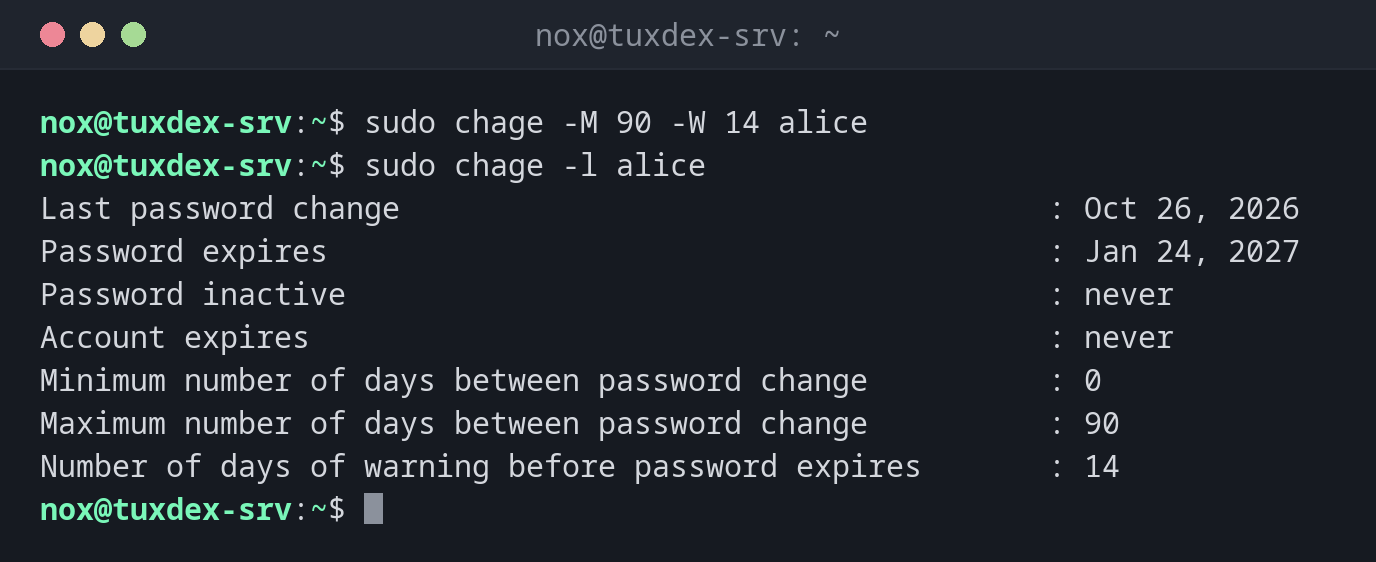
Let passwords expire after 90 days, with a warning 14 days before:
sudo chage -M 90 -W 14 alice
sudo chage -l alice
Last password change                                    : Oct 26, 2026
Password expires                                        : Jan 24, 2027
Password inactive                                       : never
Account expires                                         : never
Minimum number of days between password change          : 0
Maximum number of days between password change          : 90
Number of days of warning before password expires       : 14
Let an account expire on a fixed date:
sudo chage -E 2026-12-31 bob
sudo chage -l bob | grep 'Account expires'
Account expires : Dec 31, 2026
From January 1st, bob can't log in any more, not even with an SSH key.
Force a new password at the next login:
sudo chage -d 0 alice
sudo chage -l alice | head -n 3
Last password change                                    : password must be changed
Password expires                                        : password must be changed
Password inactive                                       : password must be changed
Remove the expiry date of an account again:
sudo chage -E -1 bob
sudo chage -l bob | grep 'Account expires'
Account expires : never
When do I need it?
- For temporary accounts of freelancers, trainees or external support, which should end automatically
- To implement a password policy that requires regular changes
- To find out why a user suddenly can't log in: an expired account or password is a common reason
Expiry date also stops SSH keys
Unlike passwd -l, an expired account (chage -E) also blocks logins with SSH
keys. That makes it the right tool to switch off an account at a fixed date.
Defaults for new users
chage only changes existing users. The defaults for new users (PASS_MAX_DAYS,
PASS_WARN_AGE) are in /etc/login.defs.