pgrep
Finds the PIDs of processes by name, user or command line.
Syntax
pgrep [OPTION]... PATTERN
Options
| Option | Description |
|---|---|
-l |
Show the process name next to the PID |
-a |
Show the full command line next to the PID |
-f |
Search the whole command line, not only the process name |
-x |
The name must match exactly |
-u USER |
Only processes of USER |
-c |
Only print the number of matching processes |
-n / -o |
Only the newest / oldest matching process |
Examples
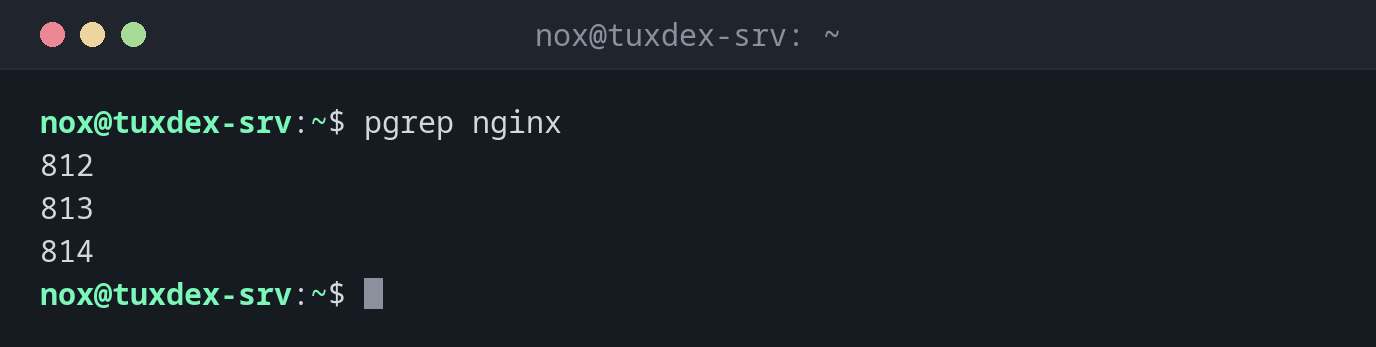
Find the PIDs of a program:
pgrep nginx
812
813
814
Show the PIDs with their command line:
pgrep -a nginx
812 nginx: master process /usr/sbin/nginx -g daemon on; master_process on;
813 nginx: worker process
814 nginx: worker process
Find all processes of a user:
pgrep -l -u www-data
813 nginx
814 nginx
1310 php-fpm8.4
Find a script by its command line:
pgrep -af backup.sh
4410 /bin/bash /home/nox/scripts/backup.sh
For scripts, the process name is bash. Only -f finds the script name.
Count the processes of a program:
pgrep -c php-fpm
6
Check in a script whether a program is running:
pgrep -x nginx > /dev/null && echo "nginx is running"
nginx is running
When do I need it?
- To find the PID of a process before you end it, change its priority or look at it
- To check in scripts and monitoring whether a program is running
- To find all processes of a user, for example before deleting the account
Better than ps | grep
pgrep never finds itself, and it prints only the PIDs, which is easy to use in
scripts: kill $(pgrep -x myapp).
Patterns match parts of names
pgrep php also finds php-fpm8.4 and every other name containing php. Use -x
when you mean exactly one name.